RSS Enterprise: norden.social/…
An RSS browser by mprove design 2026
 Chrono Matthias: #experimental
Public posts from @chronohh@norden.social
Tue, 07 Apr 2026 06:45:12 +0000
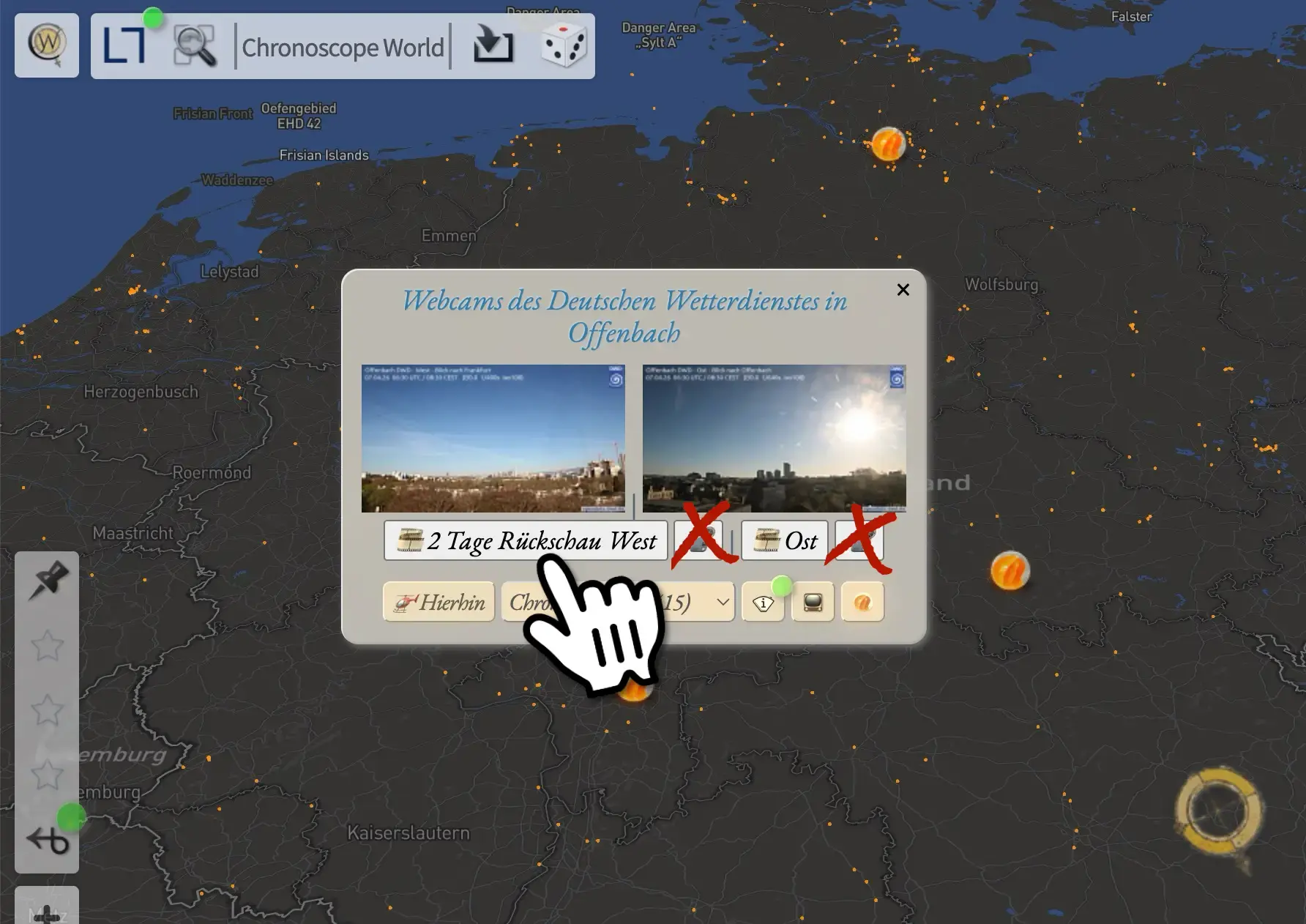
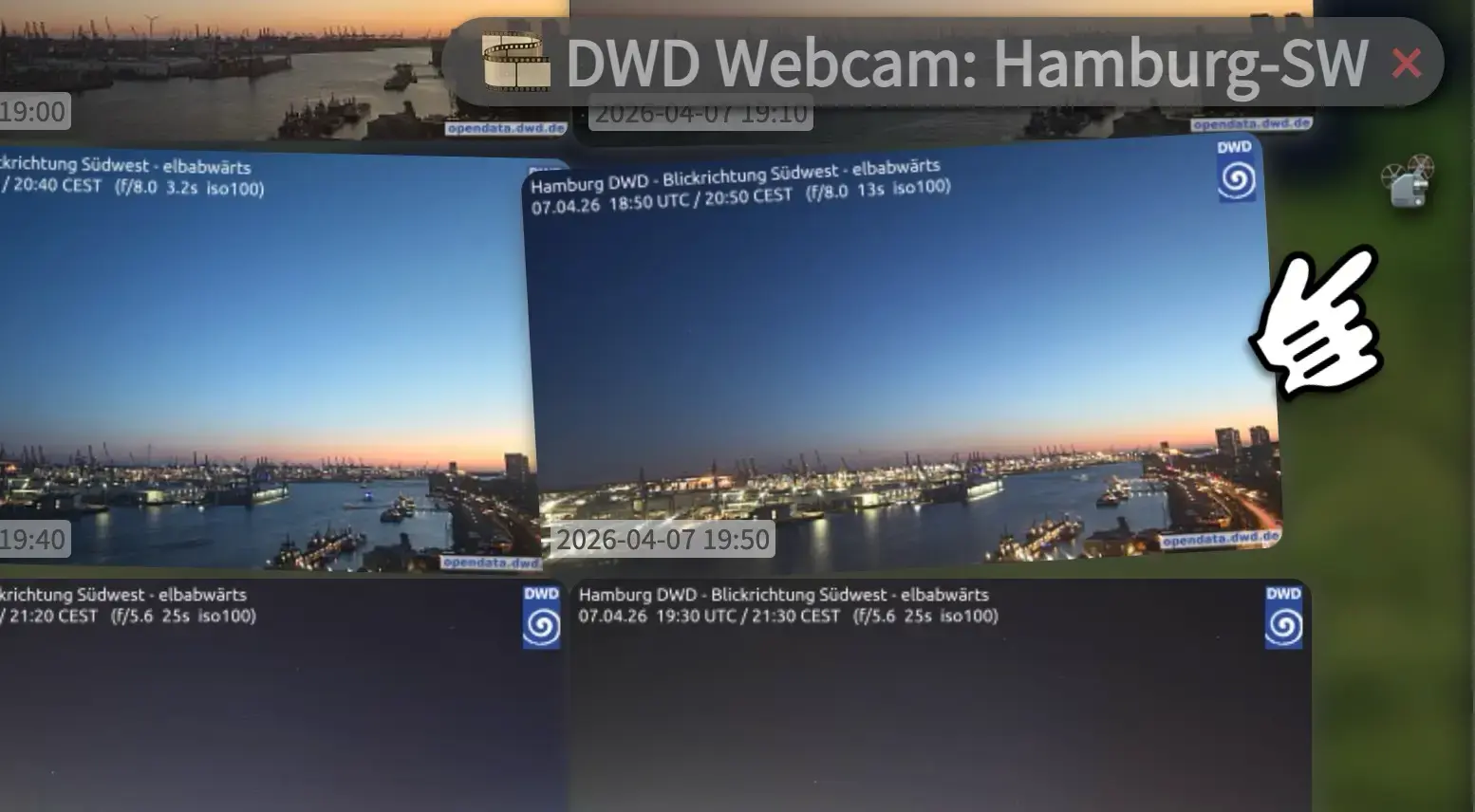
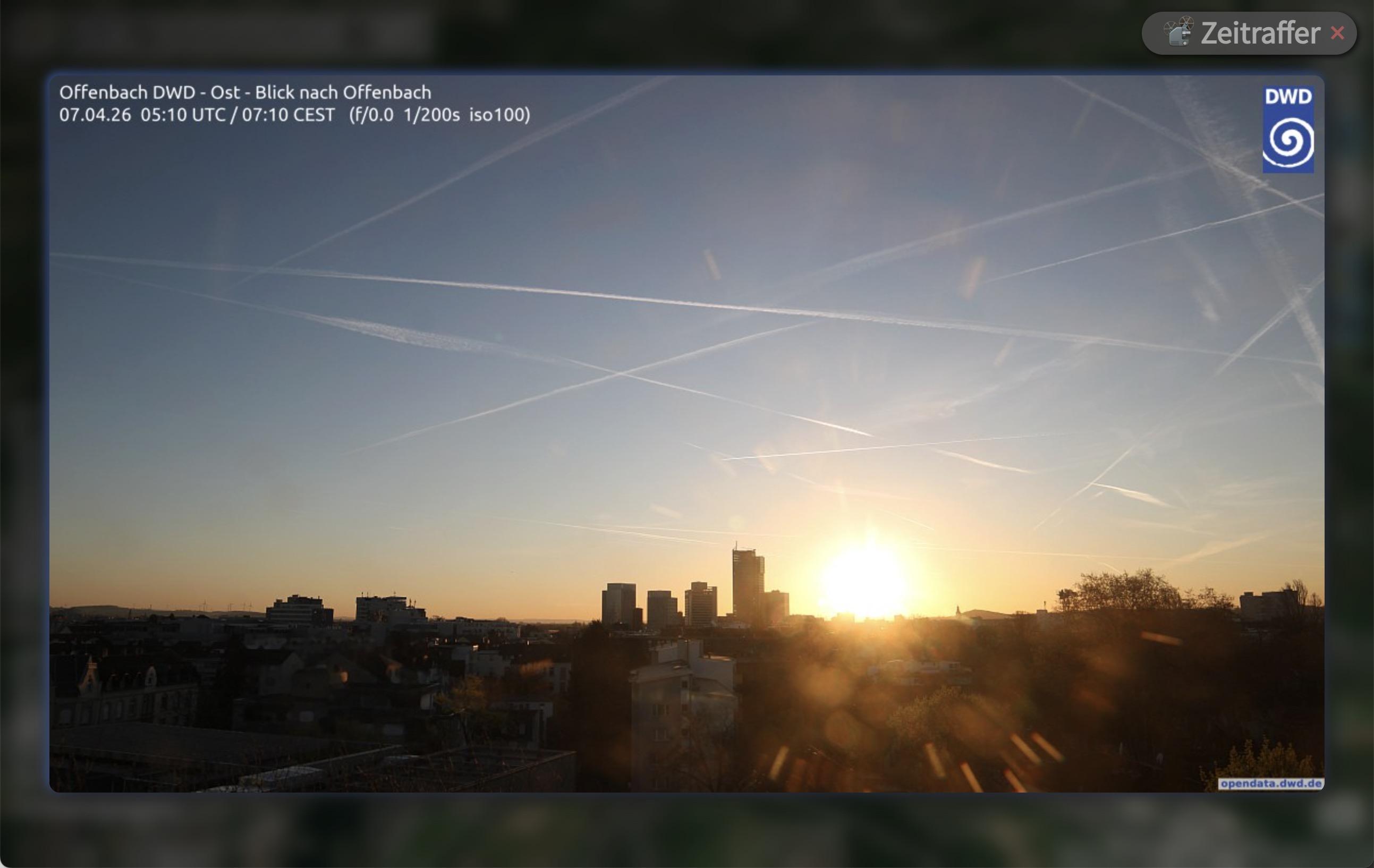
Hab da noch ein paar Easter-Eggs im Chronoscope versteckt, und zwar die Webcams des @DeutscherWetterdienst als adhoc Zeitraffer. 📽️ https://mprove.de/chrono?ll=50.40944,10.53479&q=49.53066,11.75432&z=6.42&t=46&i=1/dwd
Update: Der Zeitraffer ist nun beim Filmstreifen. (Bild 2)
Tue, 24 Feb 2026 07:26:40 +0000
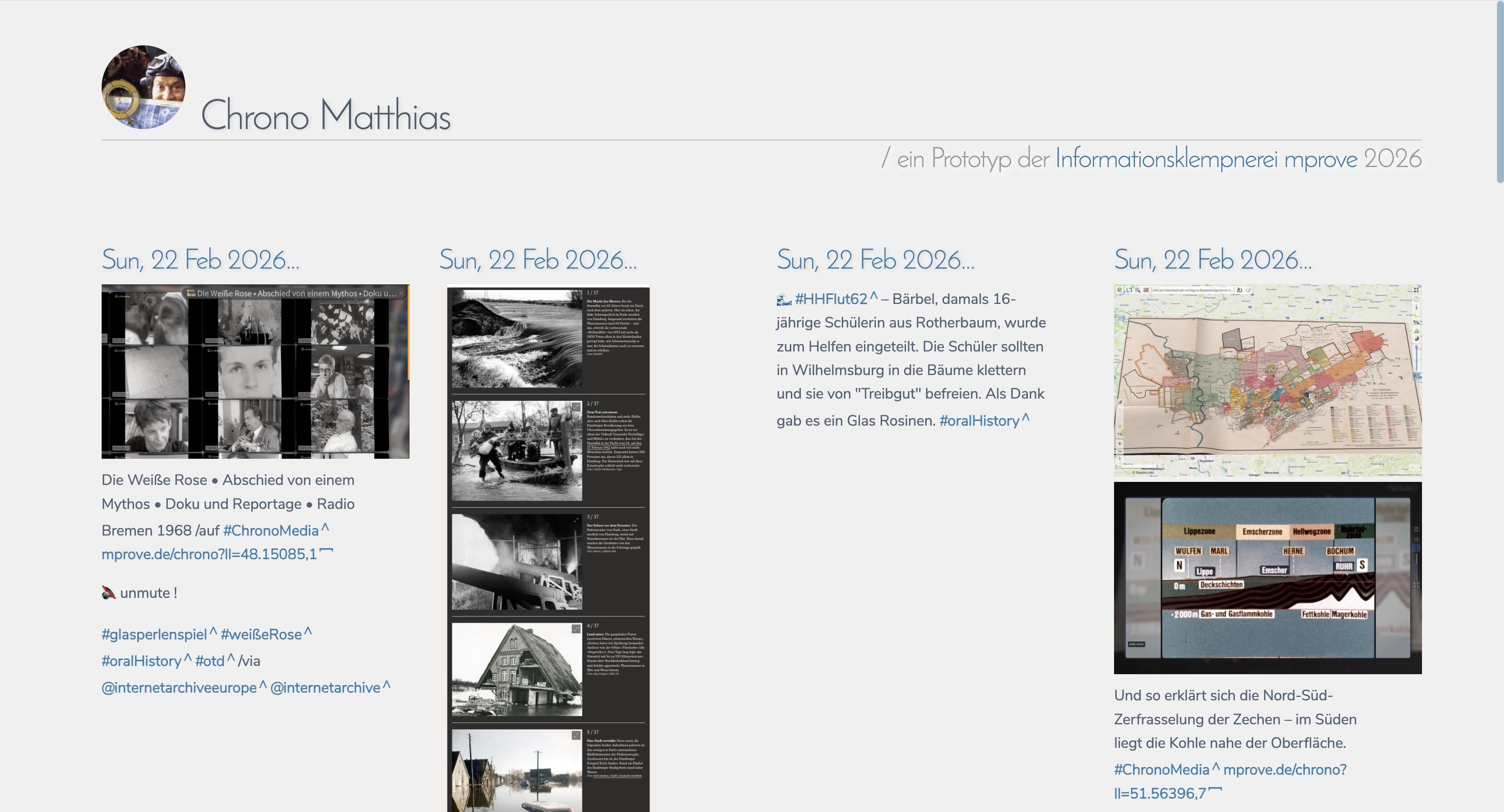
Ein #Mastodon #RSS Feed >> PHP >> XSLT >> xHTML
#experimental #rssenterprise :: https://mprove.de/temp/rss/
Update — mehr Einsatzmöglichkeiten dank URL-Parameter >> https://mprove.de/blogs/rss/index.php?rss=norden.social/@chronohh.rss
🖖 @davew
Mon, 08 Dec 2025 08:54:30 +0000
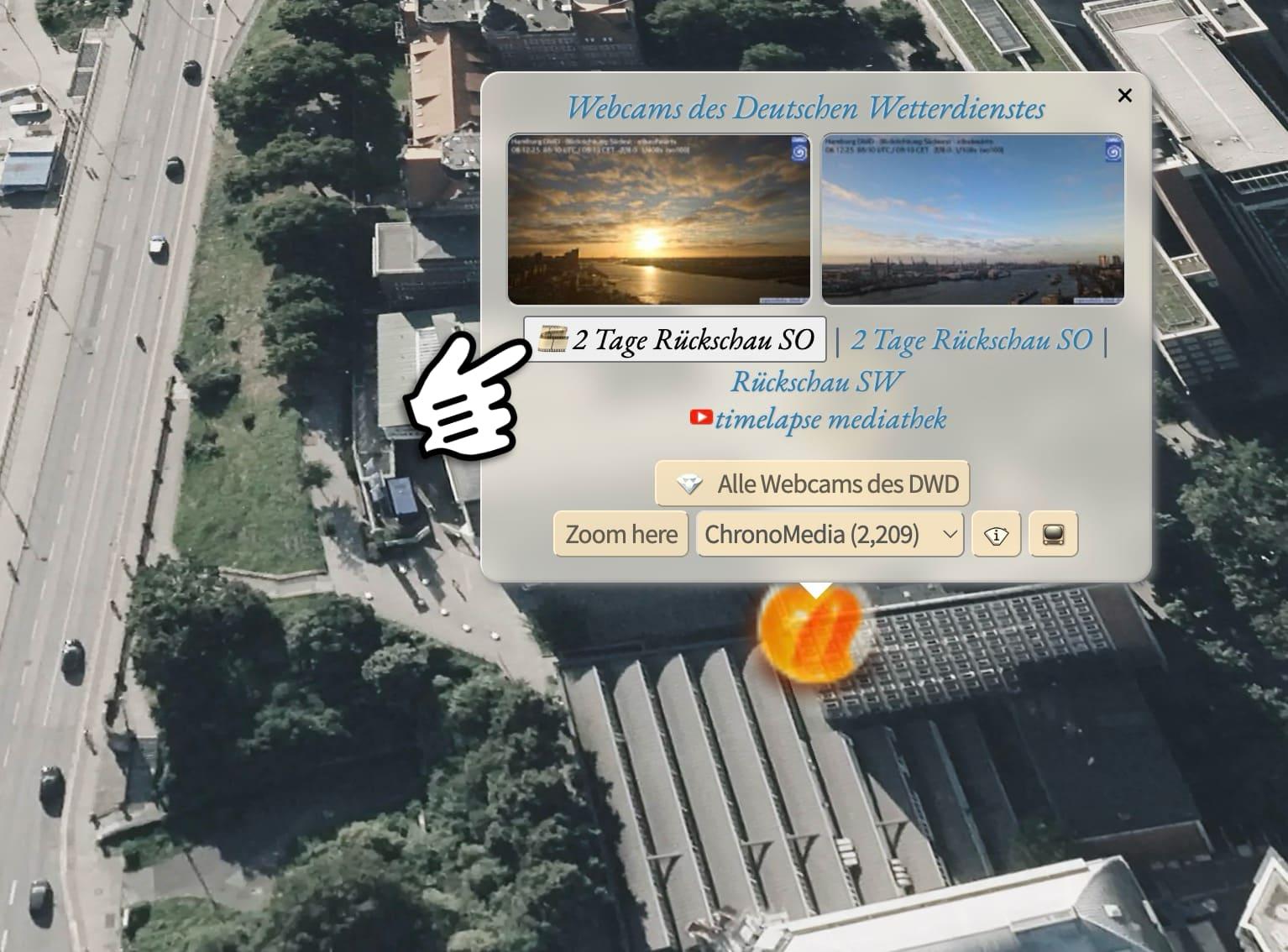
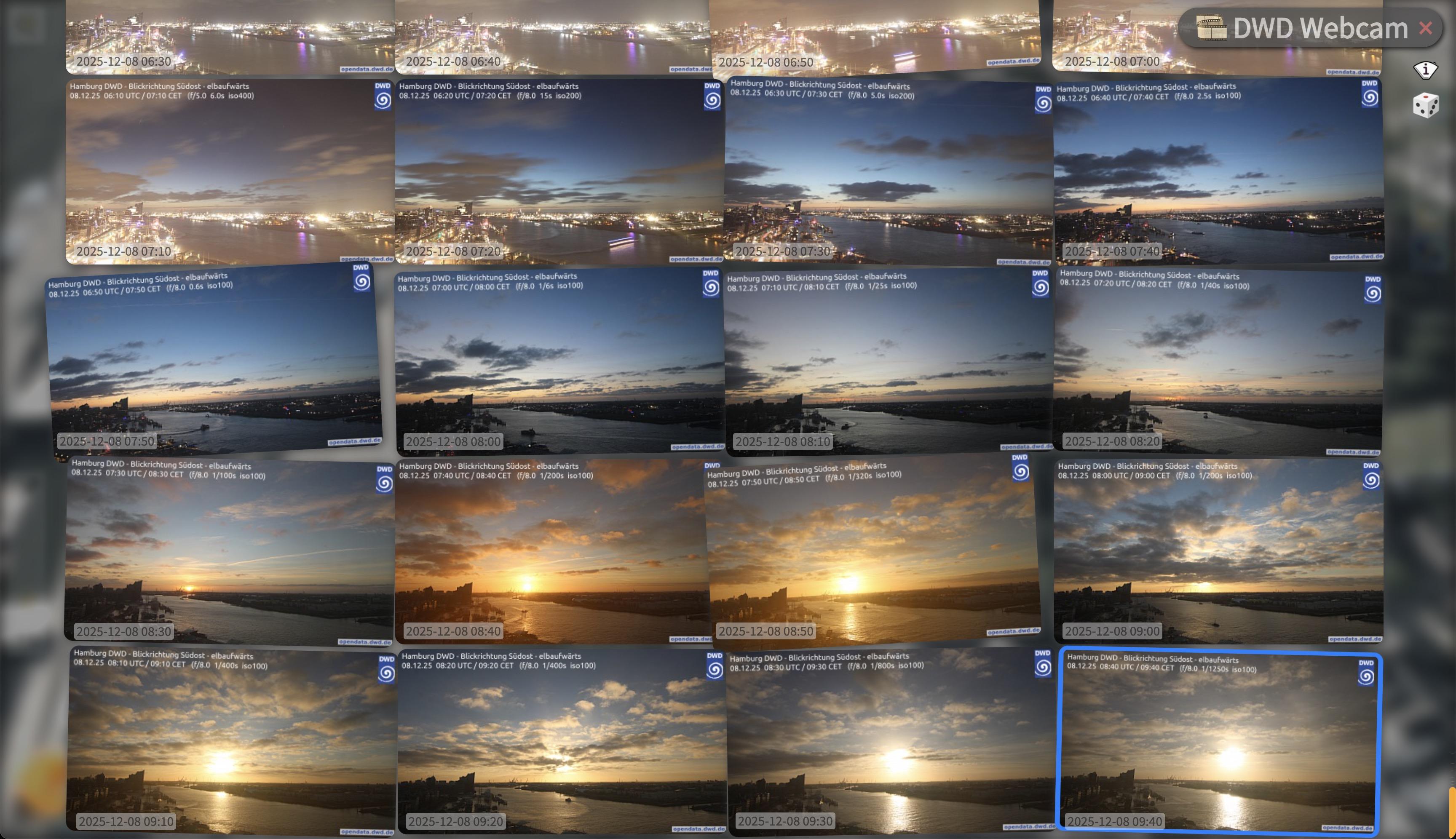
Die DWD Webcam in Hamburg als Filmstreifen.
#experimental #DIY: https://mprove.de/chrono?q=53.54699,9.96765&z=17.82&r=-77&t=48&d=0&s=1&i=1
Mon, 08 Dec 2025 06:34:03 +0000
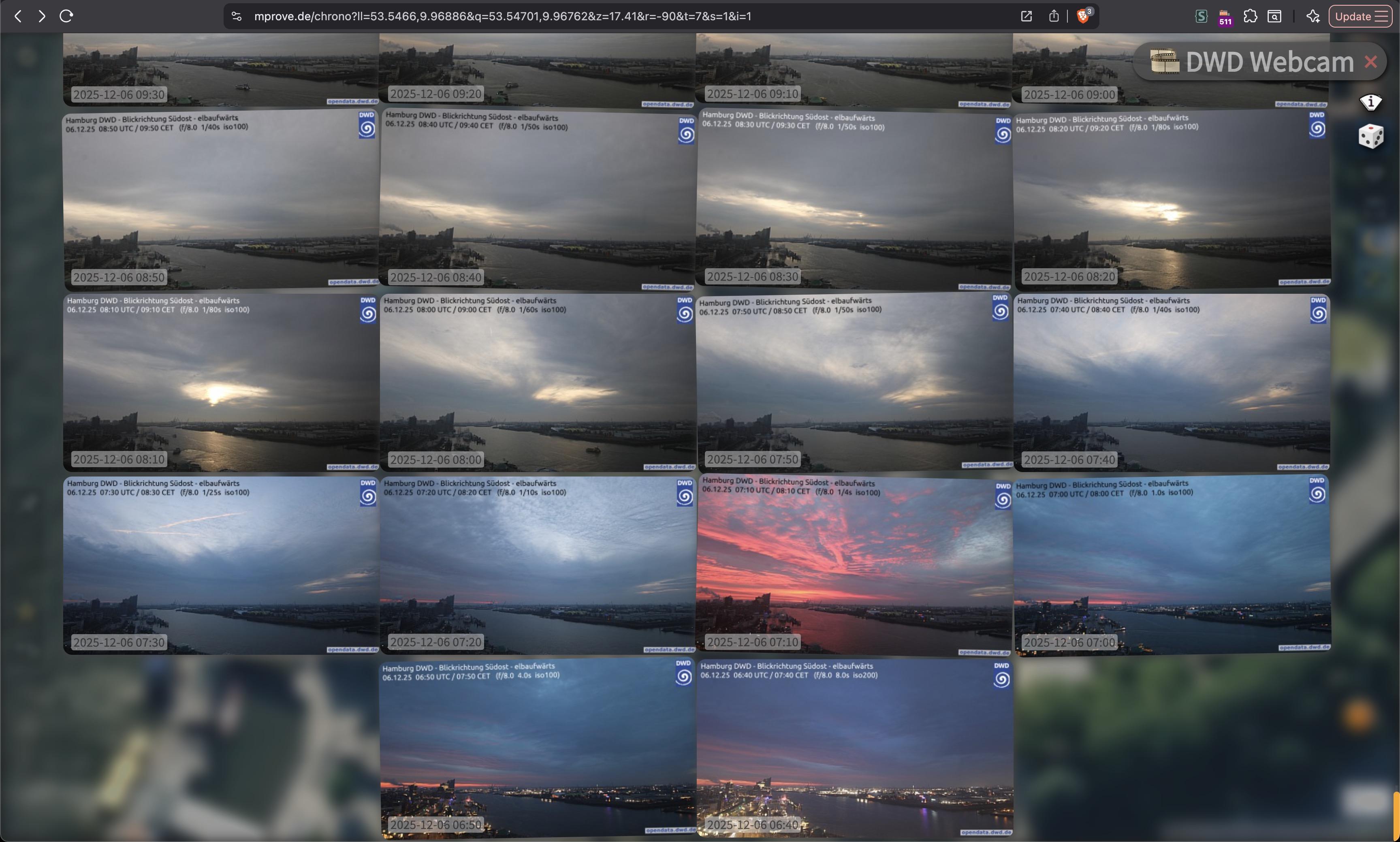
Proof of Concept / #experimental :: Ein Filmstreifen zur Webcam des @DeutscherWetterdienst
For thrill seekers: https://mprove.de/chrono?ll=53.54665,9.9678&q=53.54671,9.96804&z=18.27&r=-90&t=7&s=1&i=1
Sat, 29 Nov 2025 16:18:01 +0000
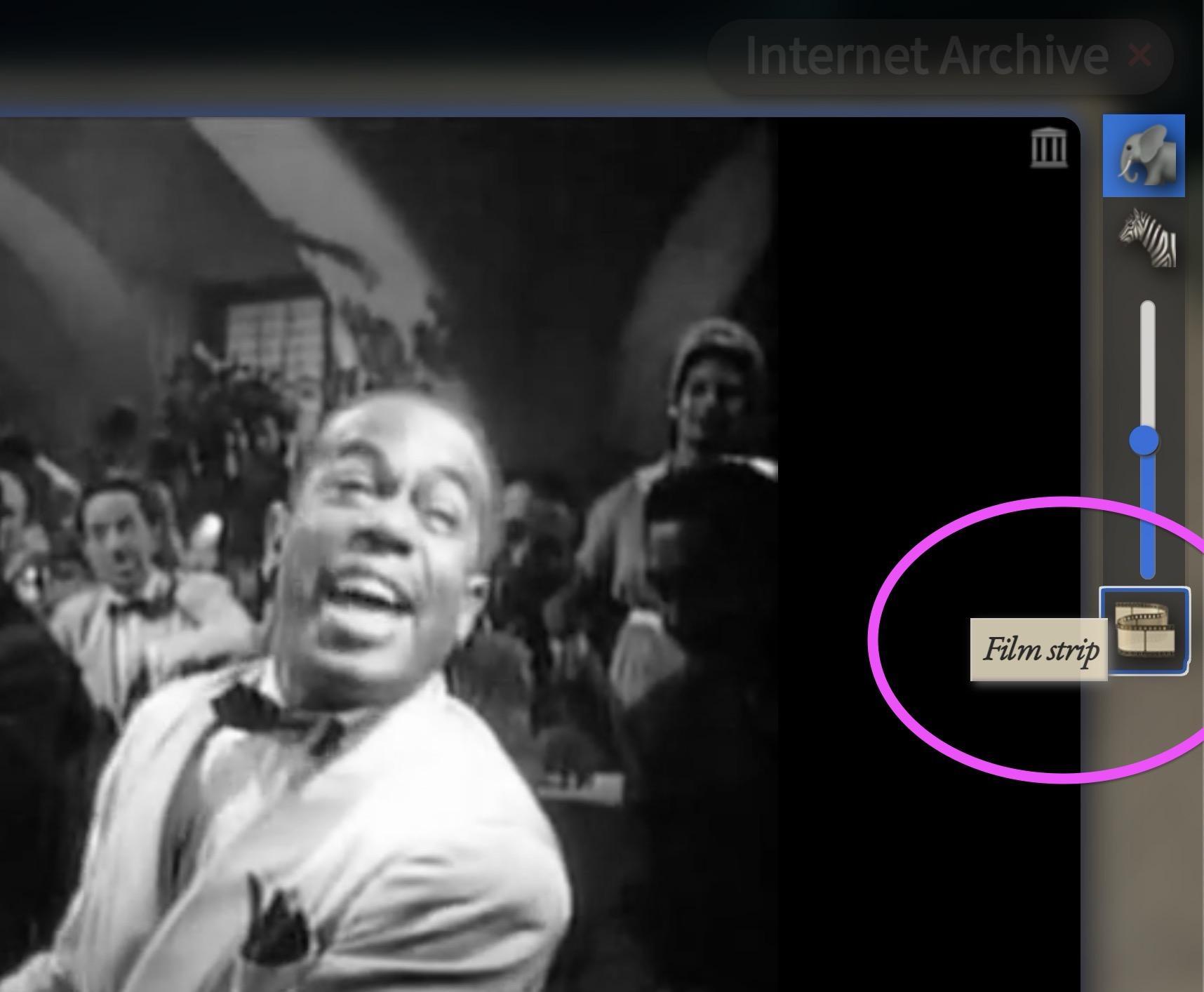
#ChronoFilmstrip UI for @internetarchive ’s movies – looks promising 🫠
DIY Open movie and click the film strip https://mprove.de/chrono?ll=33.59959,-7.60743&q=33.58772,-7.61772&z=12.63&r=12&t=37&m=SUtx857fd5052&o=0.9&s=1&i=1/archive.org
#ChronoNews #experimental @enigma @kid37 @yala @JensB #chronomedia #Casablanca
Thu, 27 Nov 2025 10:25:29 +0000
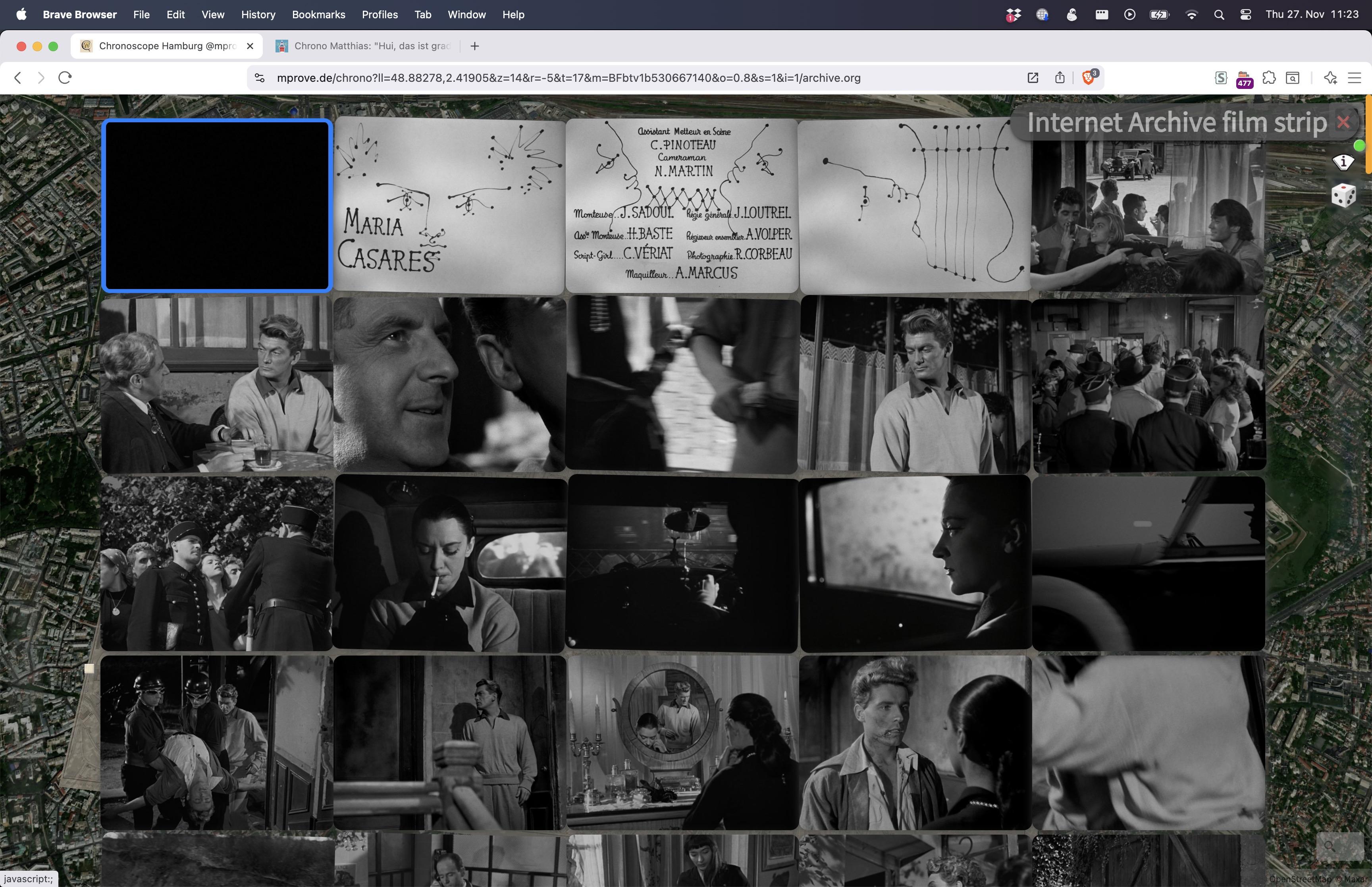
Orphée (1950)
#ChronoMedia https://mprove.de/chrono?ll=48.88362,2.42045&q=48.88255,2.42107&z=15.99&t=17&m=BFbtv1b530667140&o=0.95&s=1&i=1/archive.org
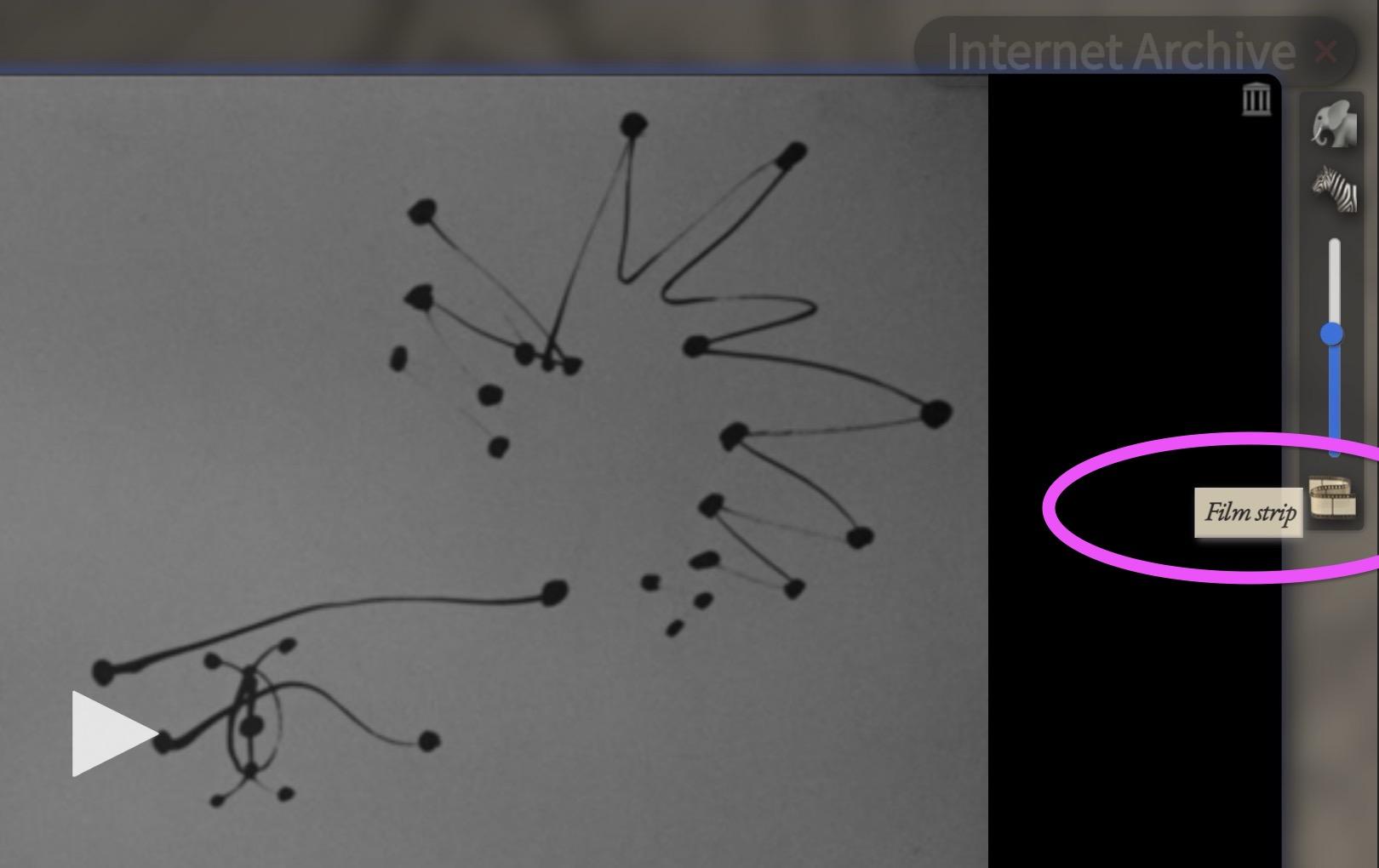
#ChronoFilmstrip still #experimental – not yet accessible from the interface.
Update: Now it is. There on the right_
Thu, 27 Nov 2025 10:13:24 +0000
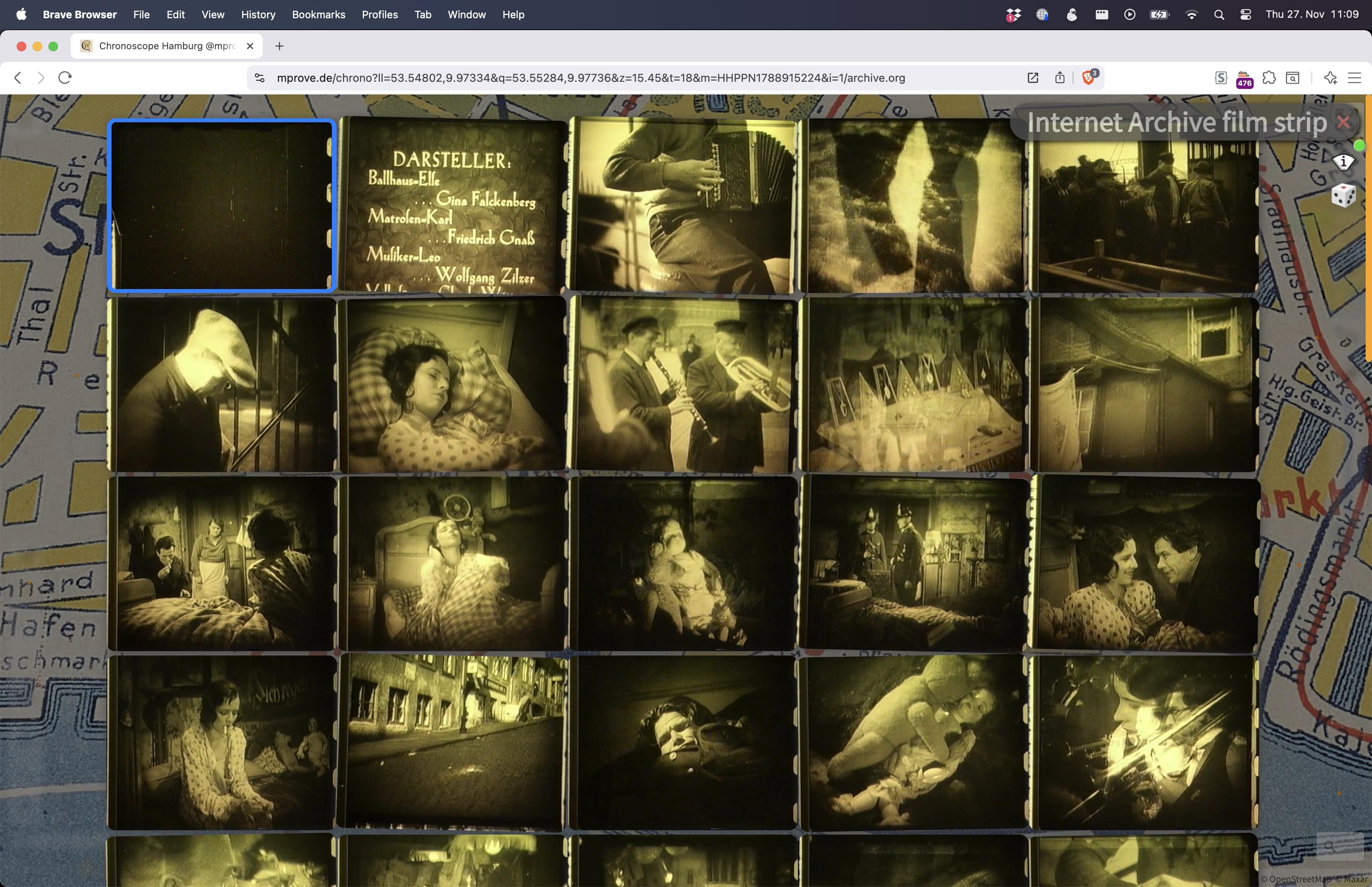
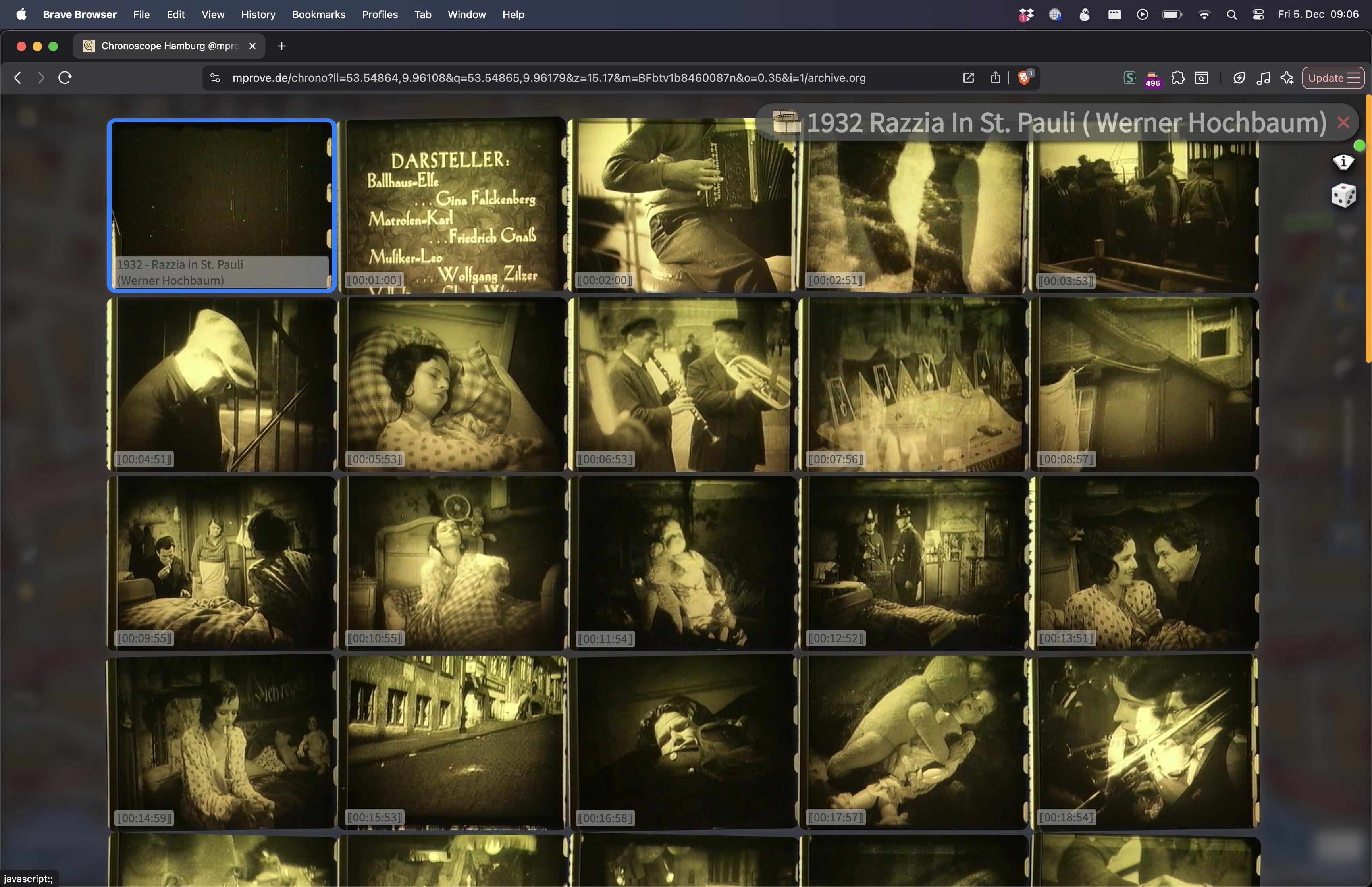
Hui, das ist grad neu :: Ein Filmstreifen aus dem Internet Archive dargestellt im Chronoscope. 
Update Dec-5: Fun to see how the feature evolves. #ChronoFilmstrip
#experimental #chronofilmstrip #ChronoLab #ChronoLink @internetarchiveeurope @internetarchive
Mon, 06 Oct 2025 15:58:01 +0000
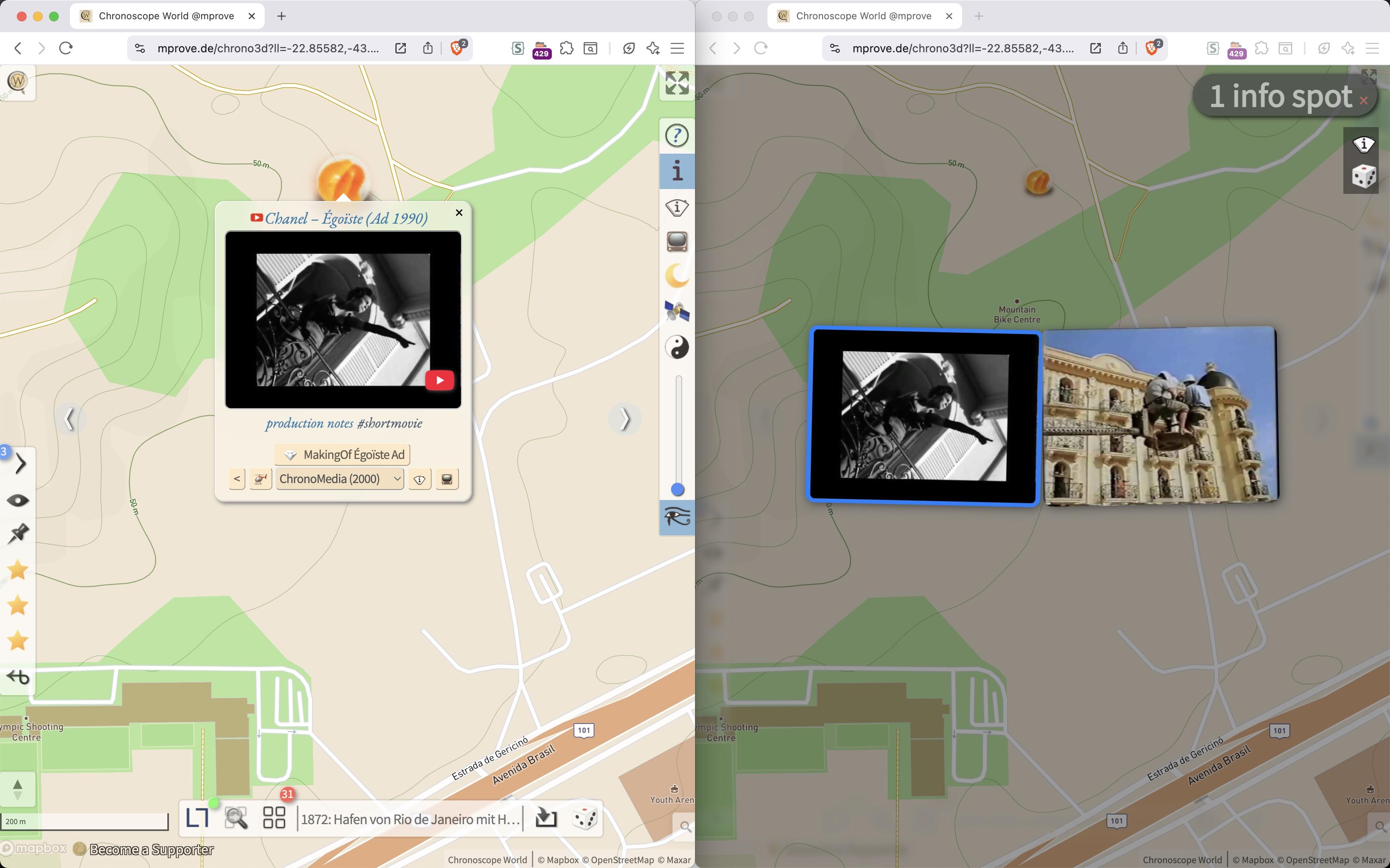
#ChronoNews (#experimental – klappt schon ganz ok) :: Wie sag ich’s? Ein #ChronoMedia Spot mit nem 💎- Button taucht nun im 📺 Infor-Spot-Browser doppelt auf.
Mon, 29 Sep 2025 08:38:49 +0000
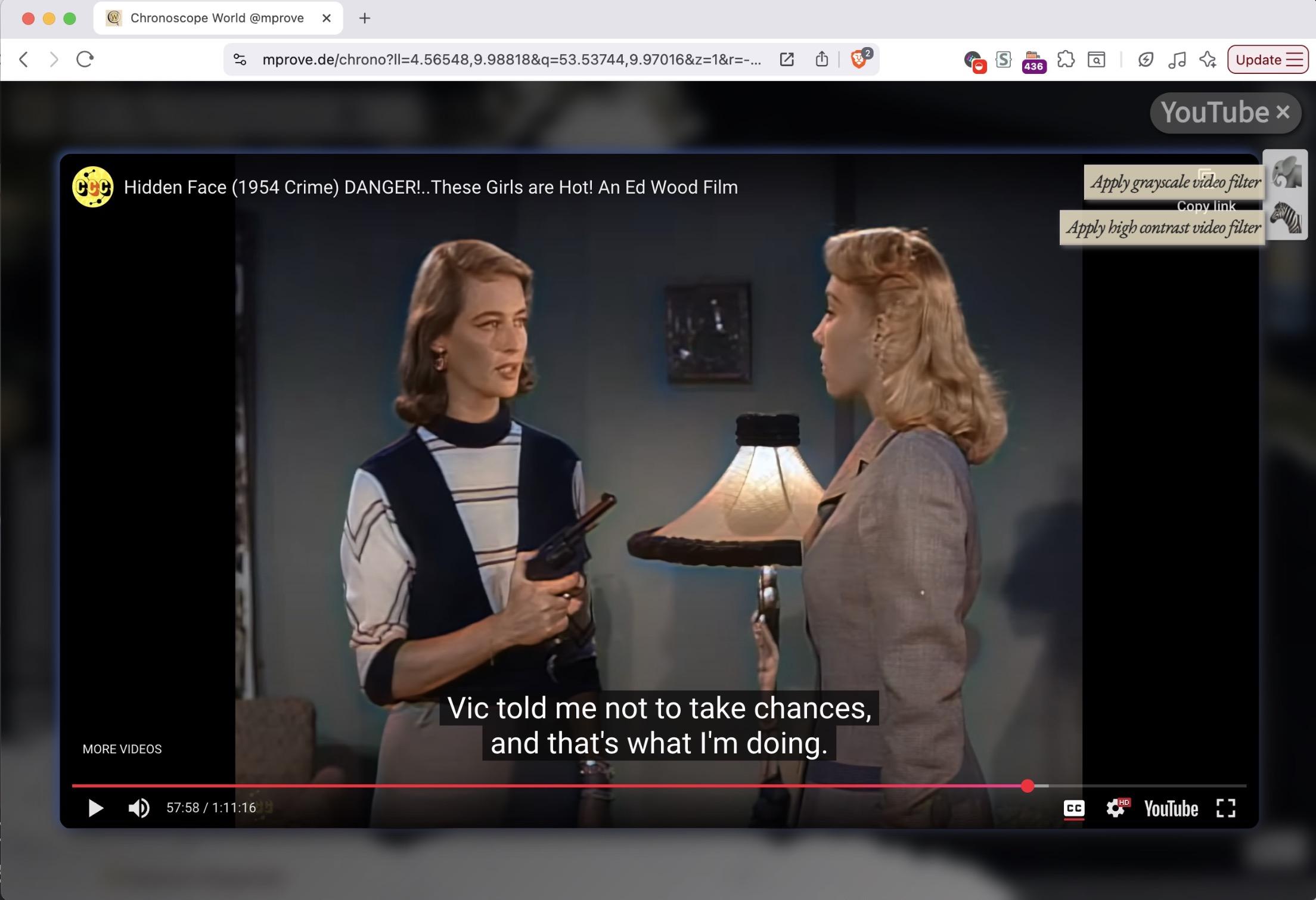
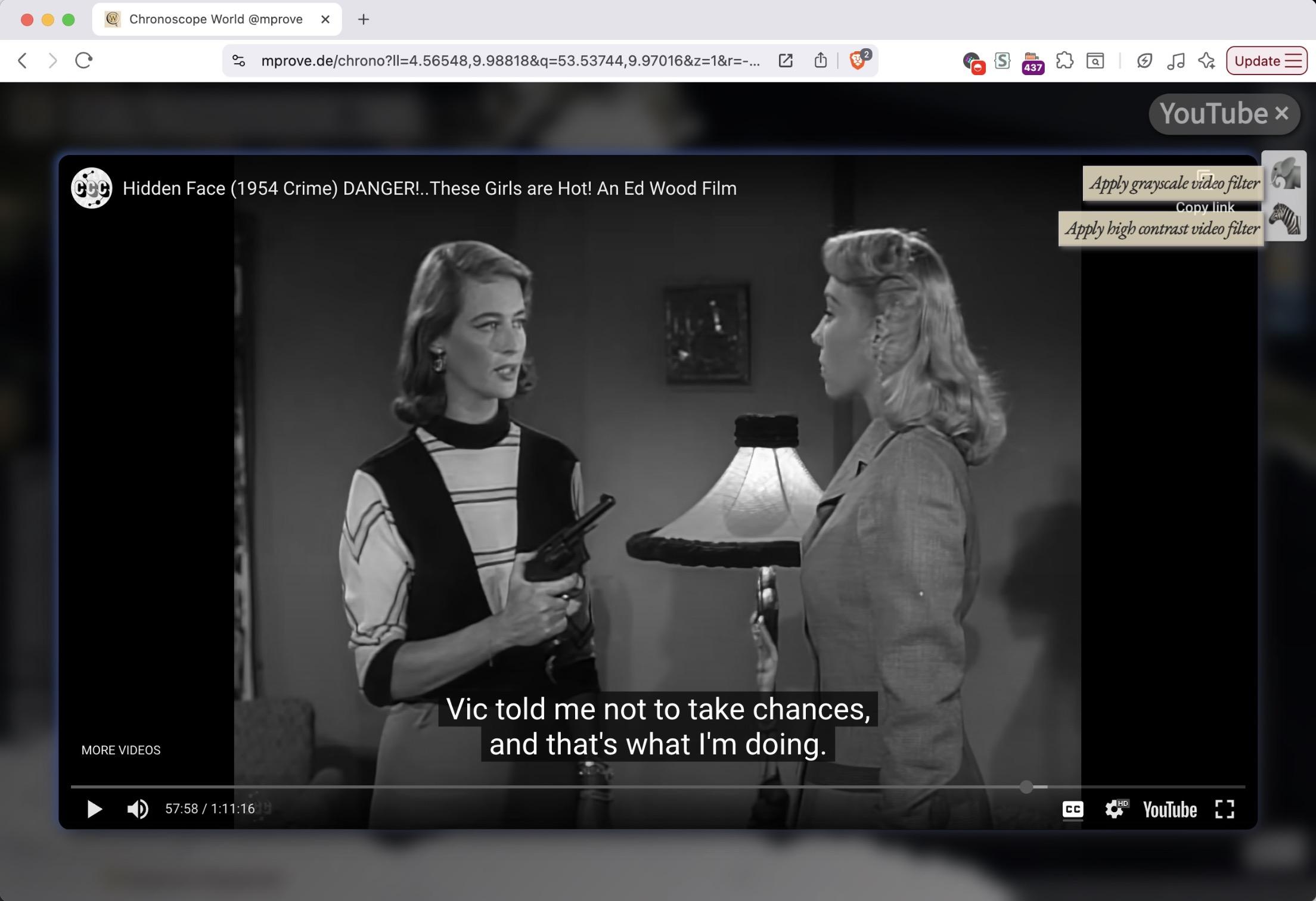
Warum nur werden diese dämlichen KI-Farbfilter über alte Filmschätze gegossen?
Hier ein #experimental Chronoscope feature zum Entfärben von utubes.
/Noch ist es intern. Vorher will ich noch das Bildformat anpassbar machen.
Tue, 05 Aug 2025 17:57:29 +0000
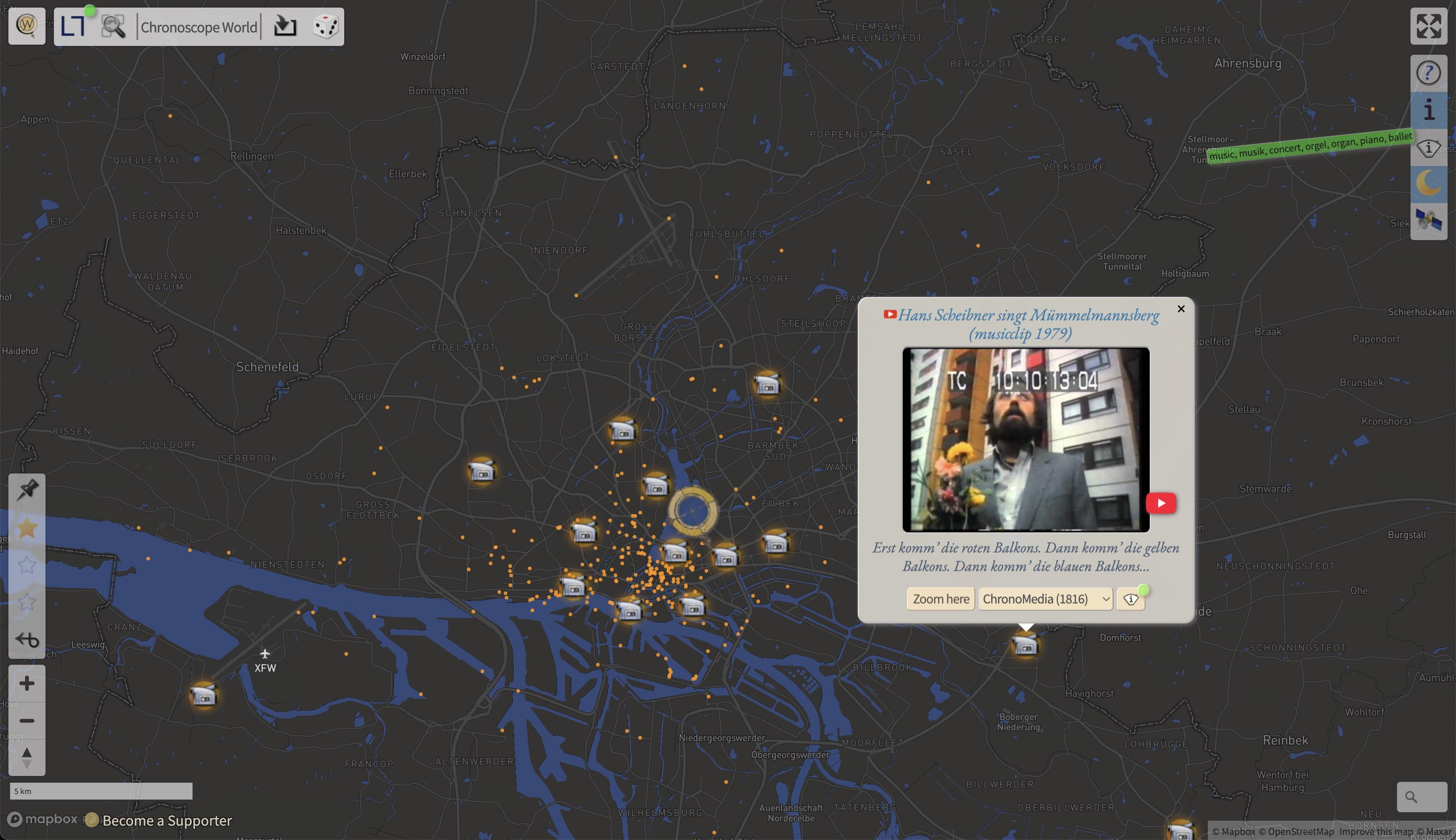
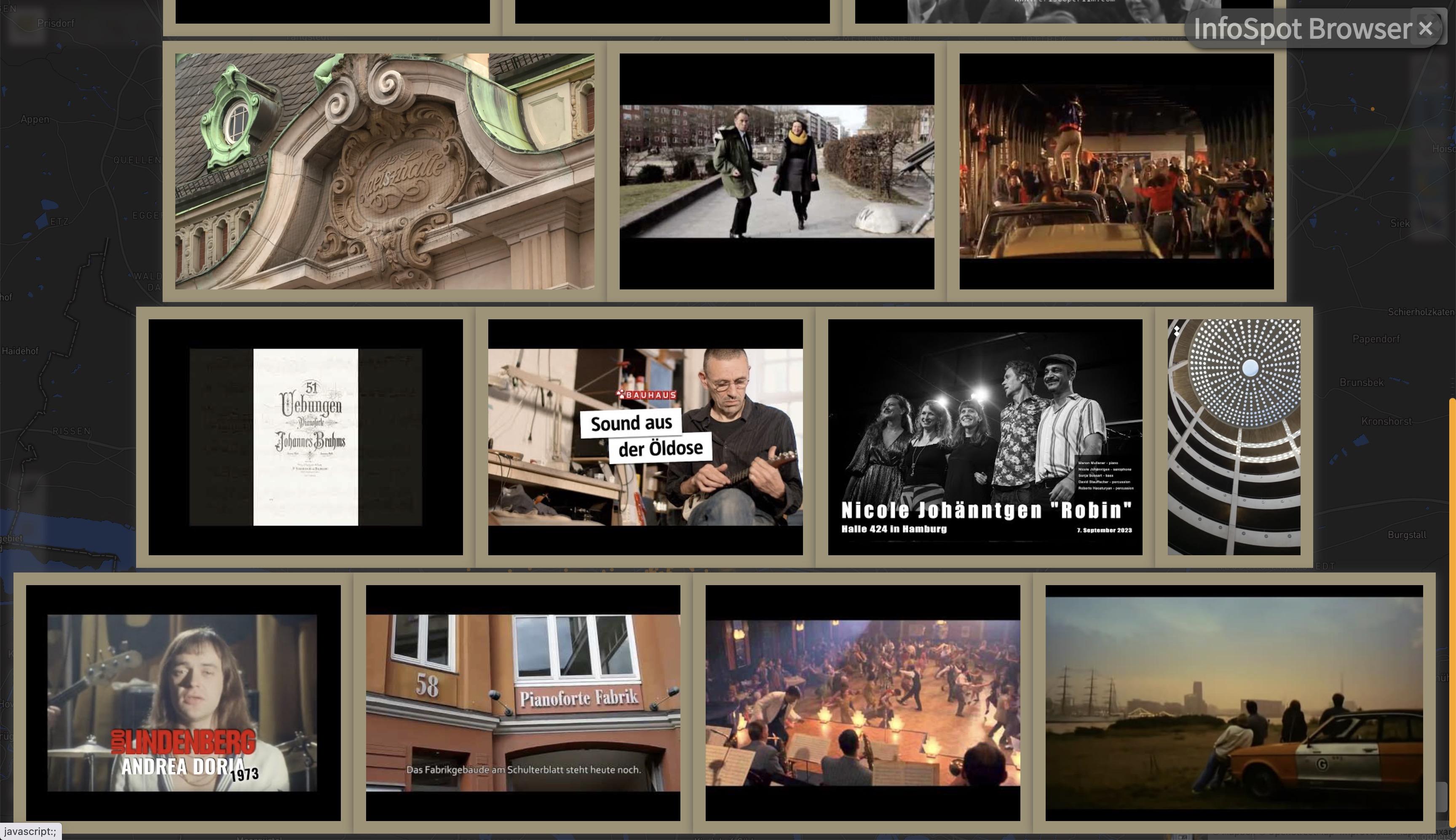
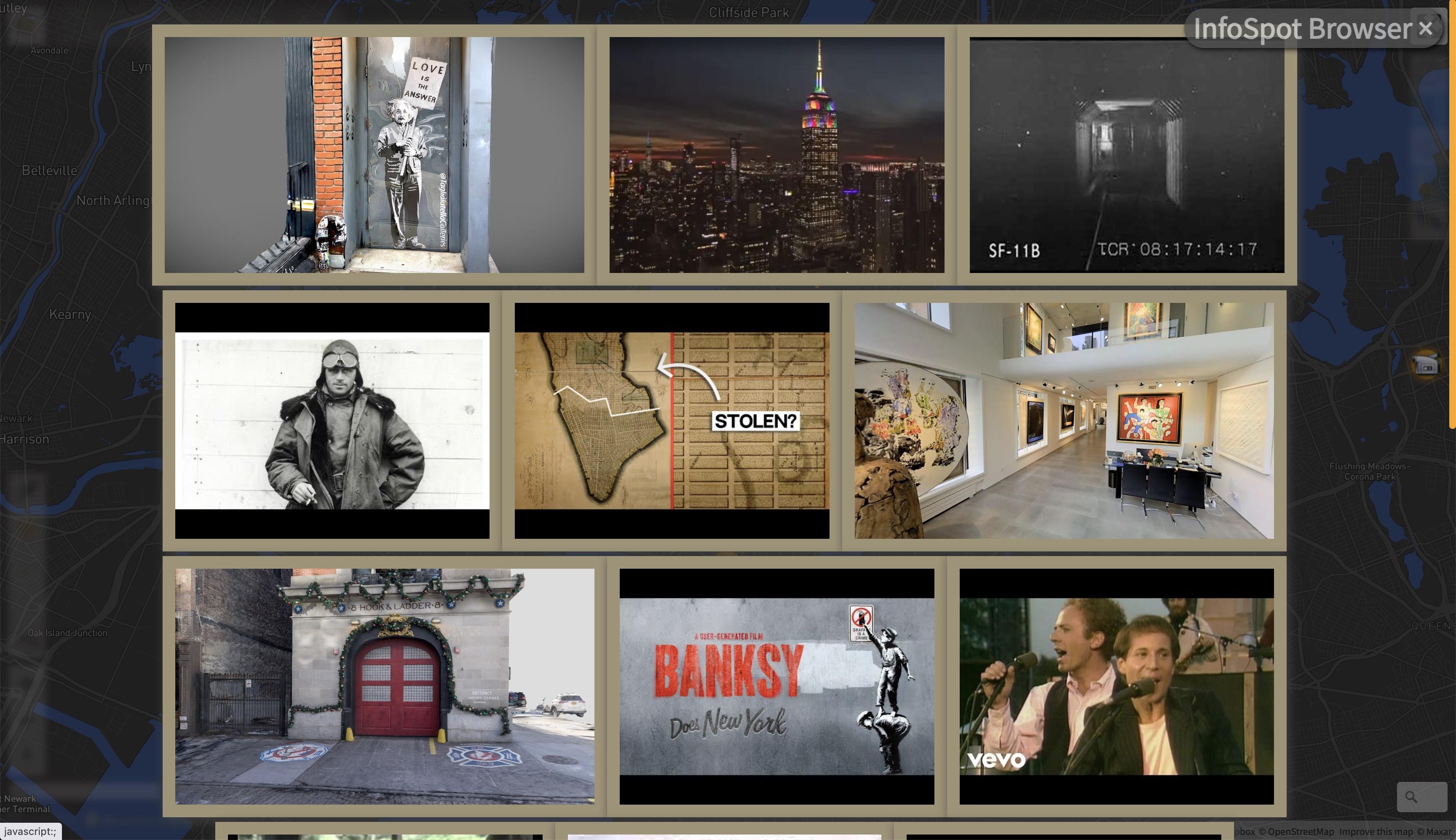
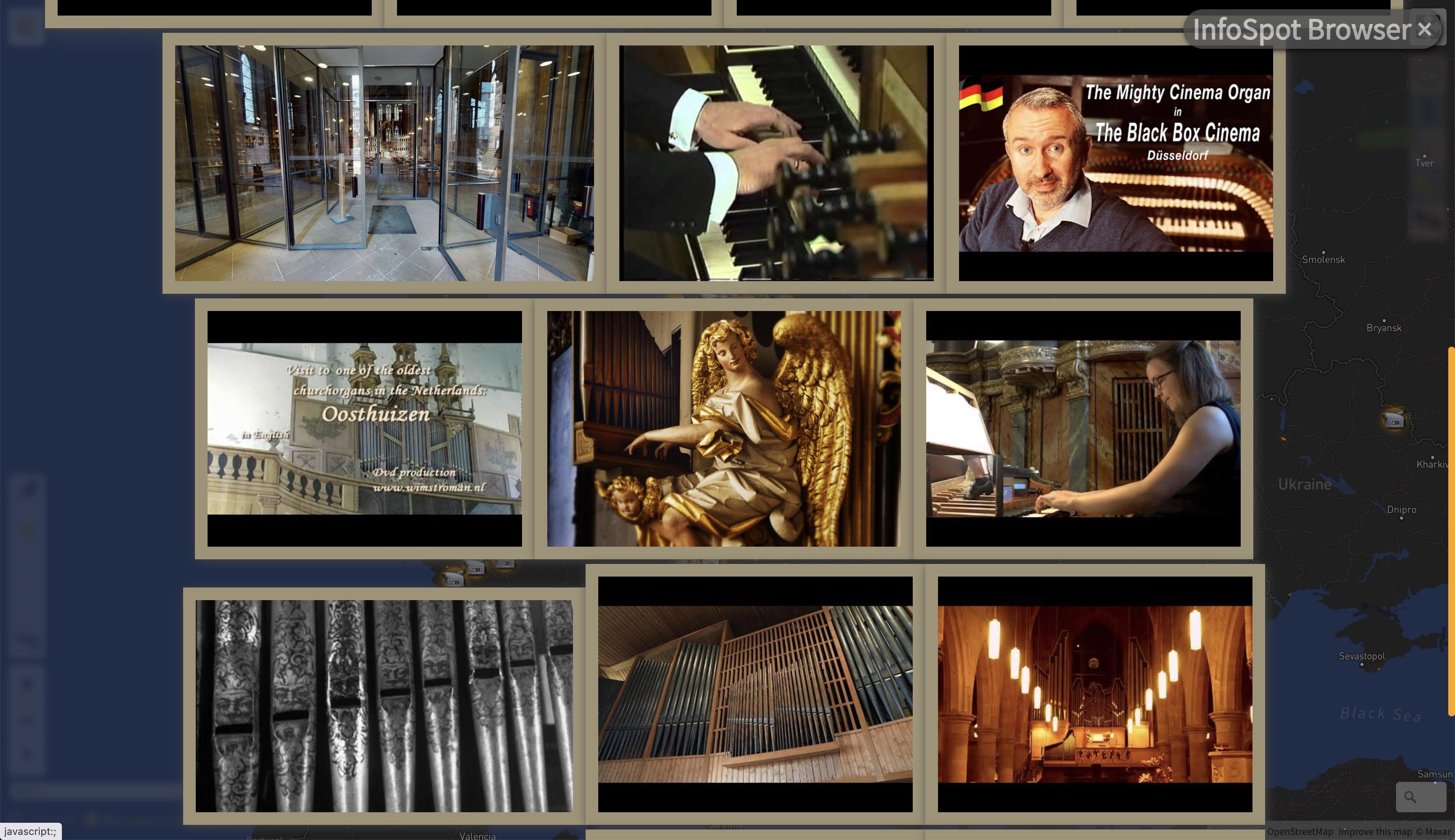
Vom User Pain Point zur Idee.
Von einem Hack zum aller ersten funktionalen Prototypen. 🥁🥁🥁🥁🥁
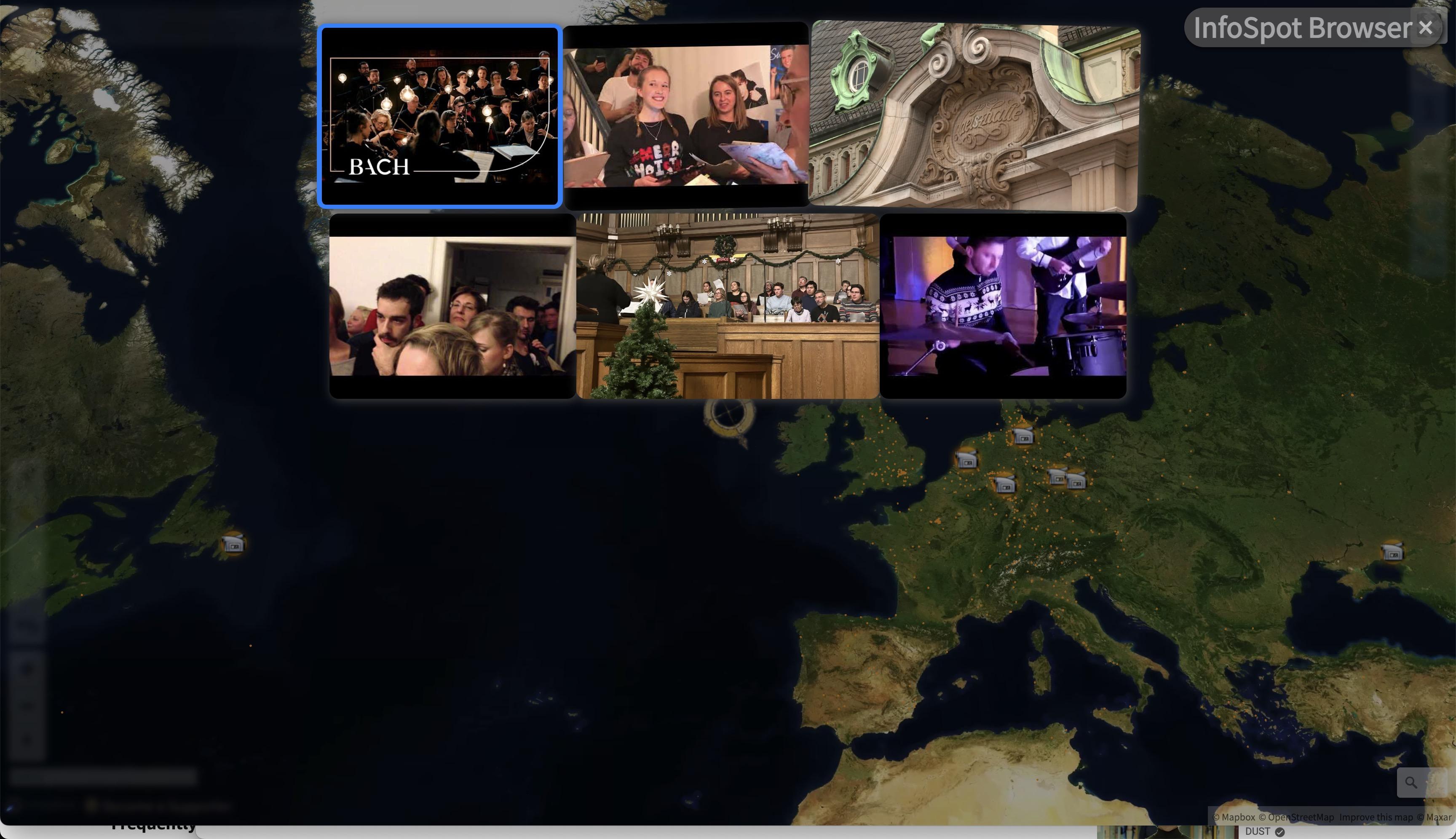
#experimental #ChronoMedia Browser https://mprove.de/chrono?ll=53.55519,9.98077&q=53.55512,9.99554&z=13.7&i=1 und dann <strike>Alt-I oder Rechts-Shift-I</strike> J or 📺
🫣 Click auf Media-Preview geht noch nicht => nun schon
Sat, 19 Apr 2025 12:47:27 +0000
[ 🎞️ ]#experimental :: Highlighting der #ChronoMedia InfoSpots im Chronoscope per Shift I
Jetzt zB auch hier ganz ohne Taste :: https://mprove.de/chrono?q=38.86636,-77.05169&z=12.9&r=-13&t=54&m=IAdrwashington-dc-10195081&d=0&s=1&i=1
Mon, 24 Mar 2025 14:59:29 +0000
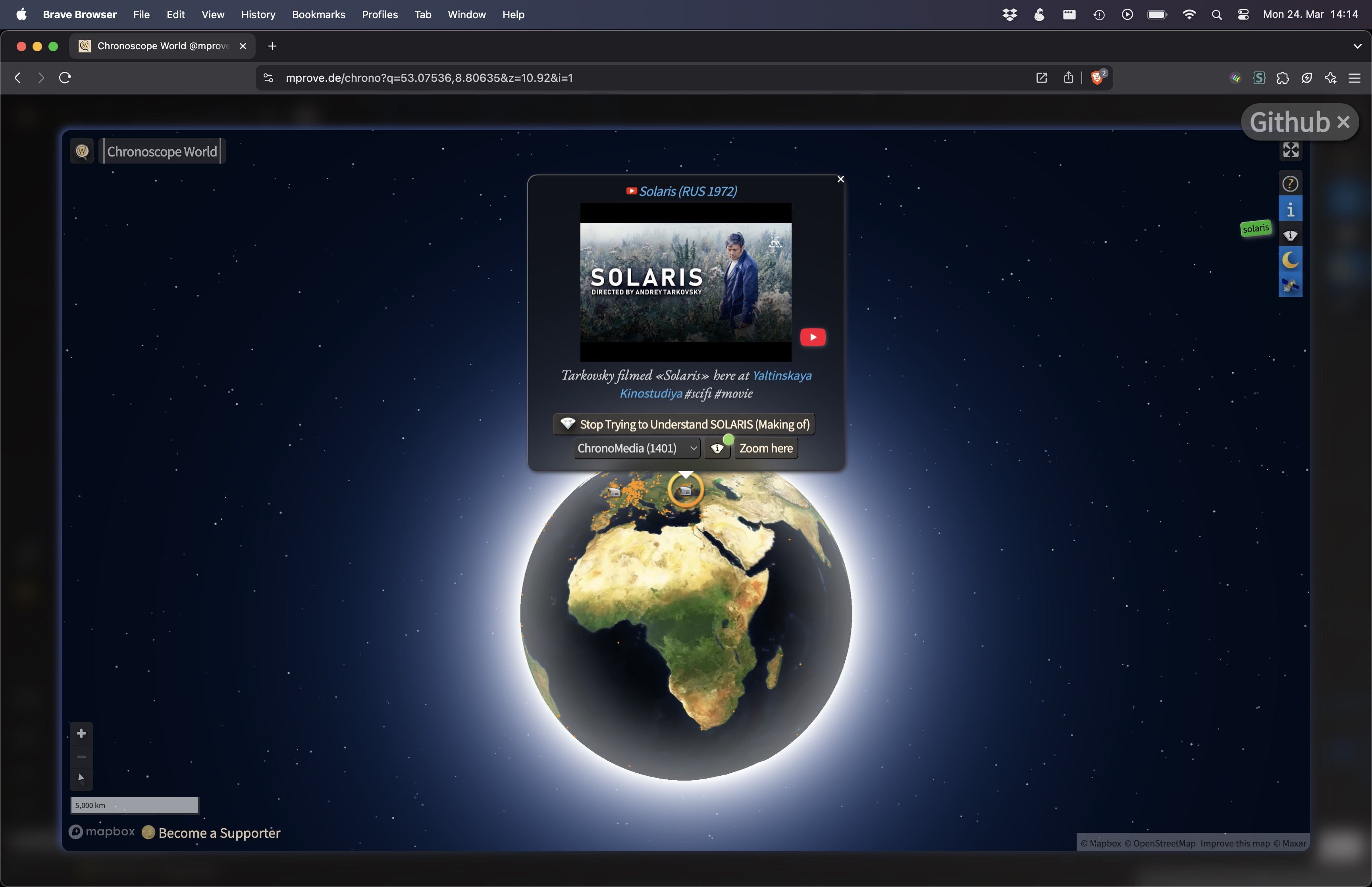
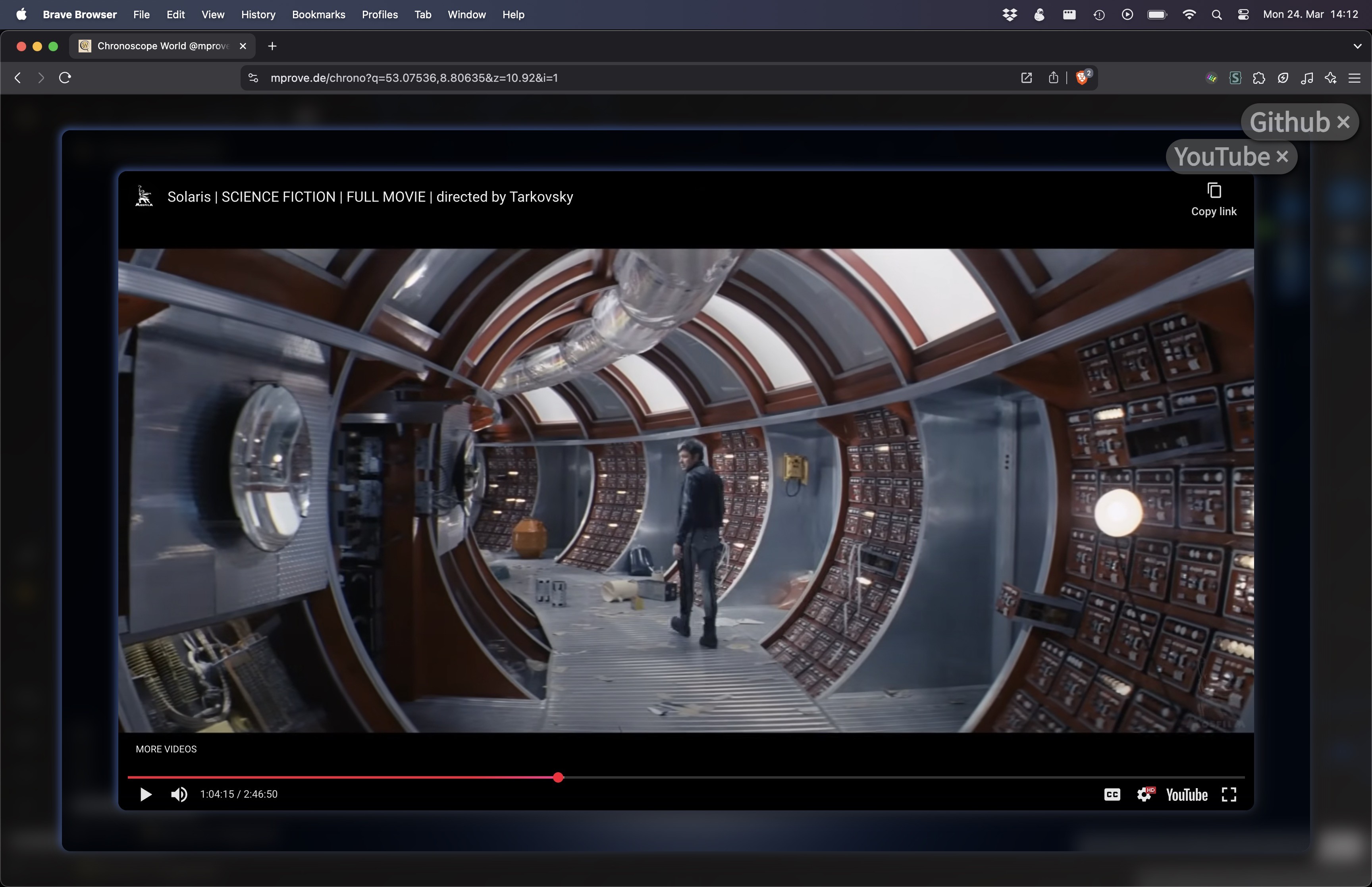
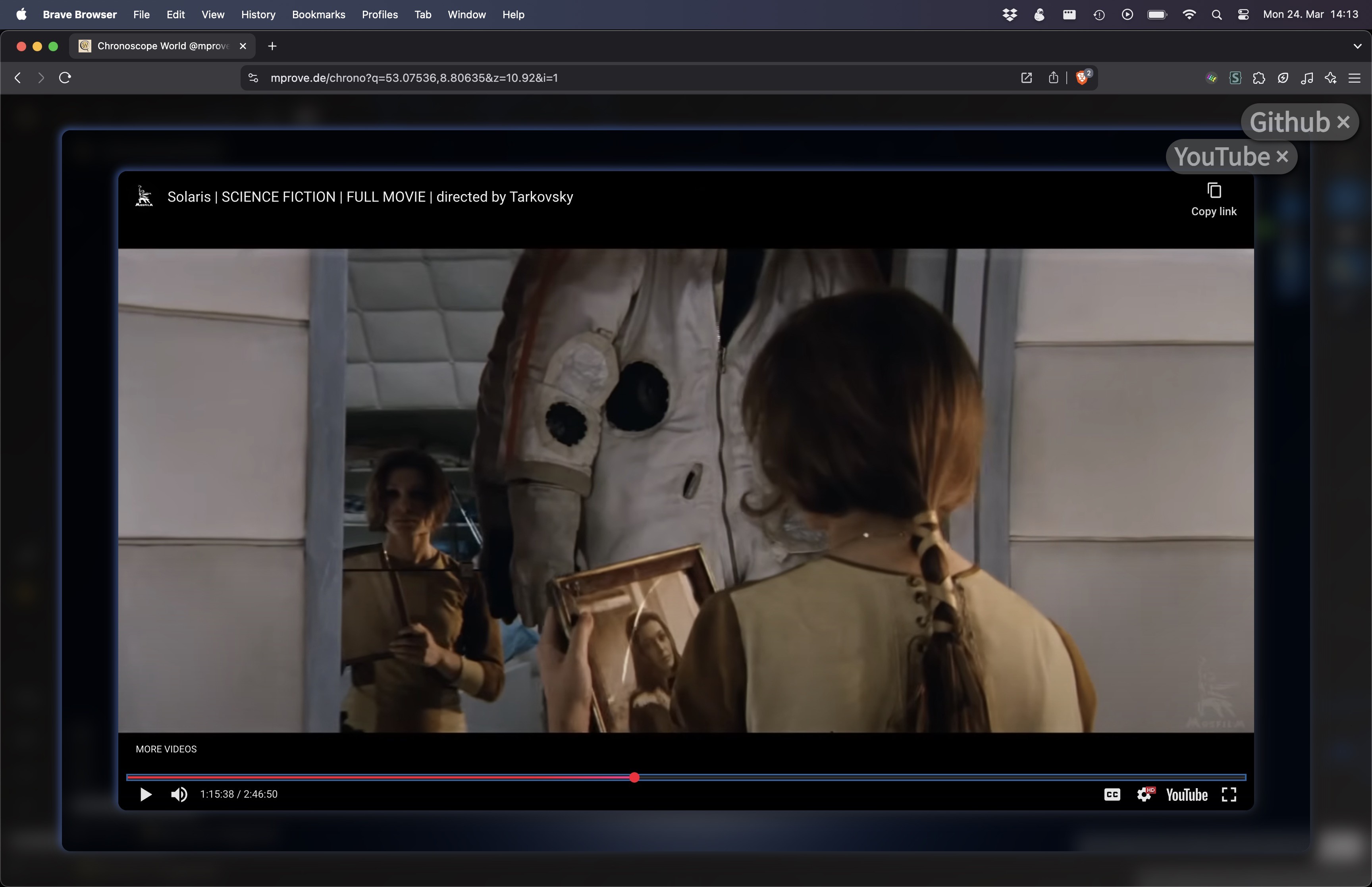
Three clicks further down the #rabbithole u get_
How many levels do you count in these #Solaris screenshots?
Mon, 24 Mar 2025 14:21:32 +0000
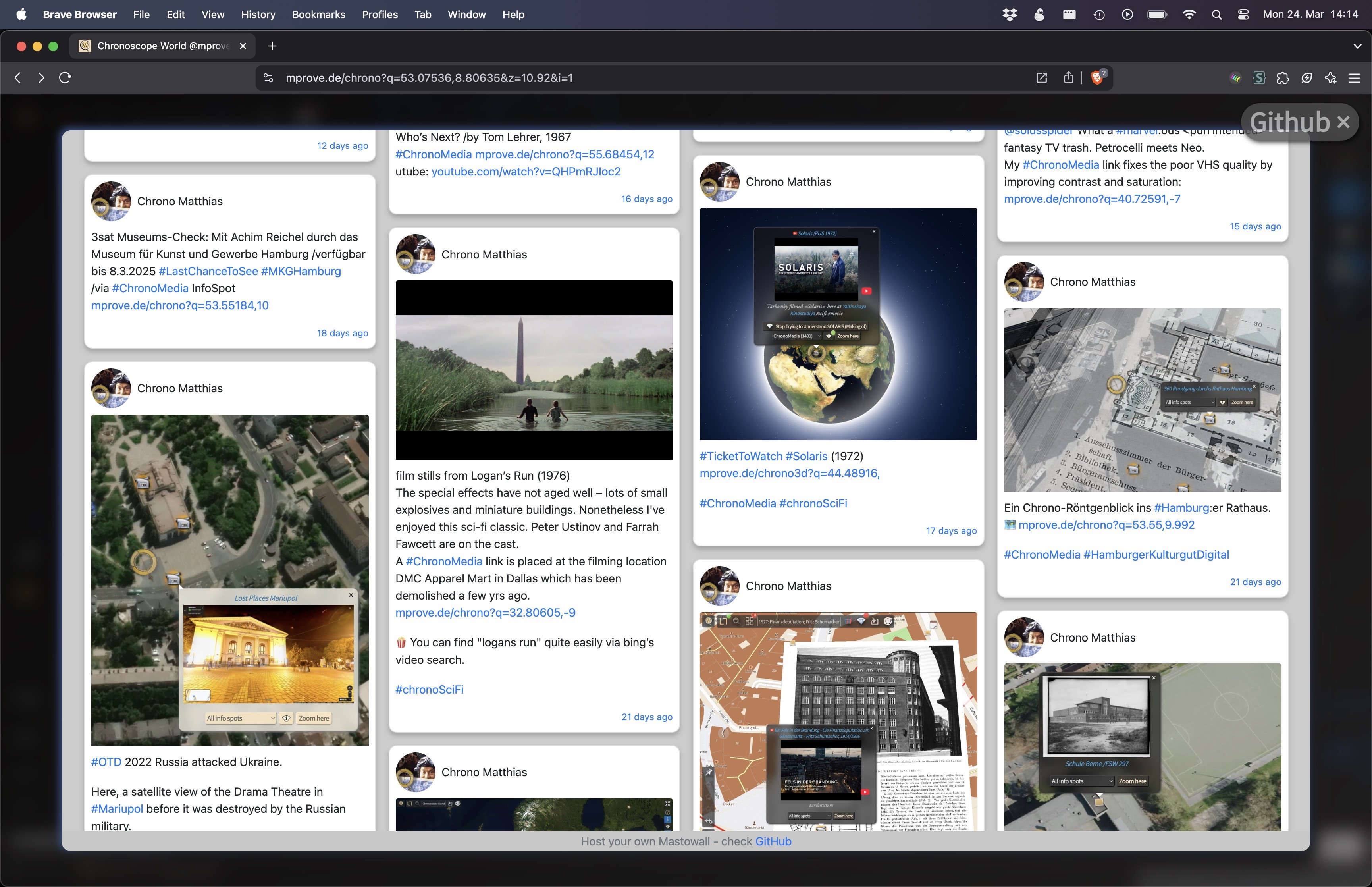
#experimental: A ChronoLink
1) opens Chronoscope
2) open #Mastowall inline with hash #chronoMedia
#ChronoRFE Link from iframe to target=_top
/Matowall by @rstockm
Sat, 15 Mar 2025 17:55:03 +0000
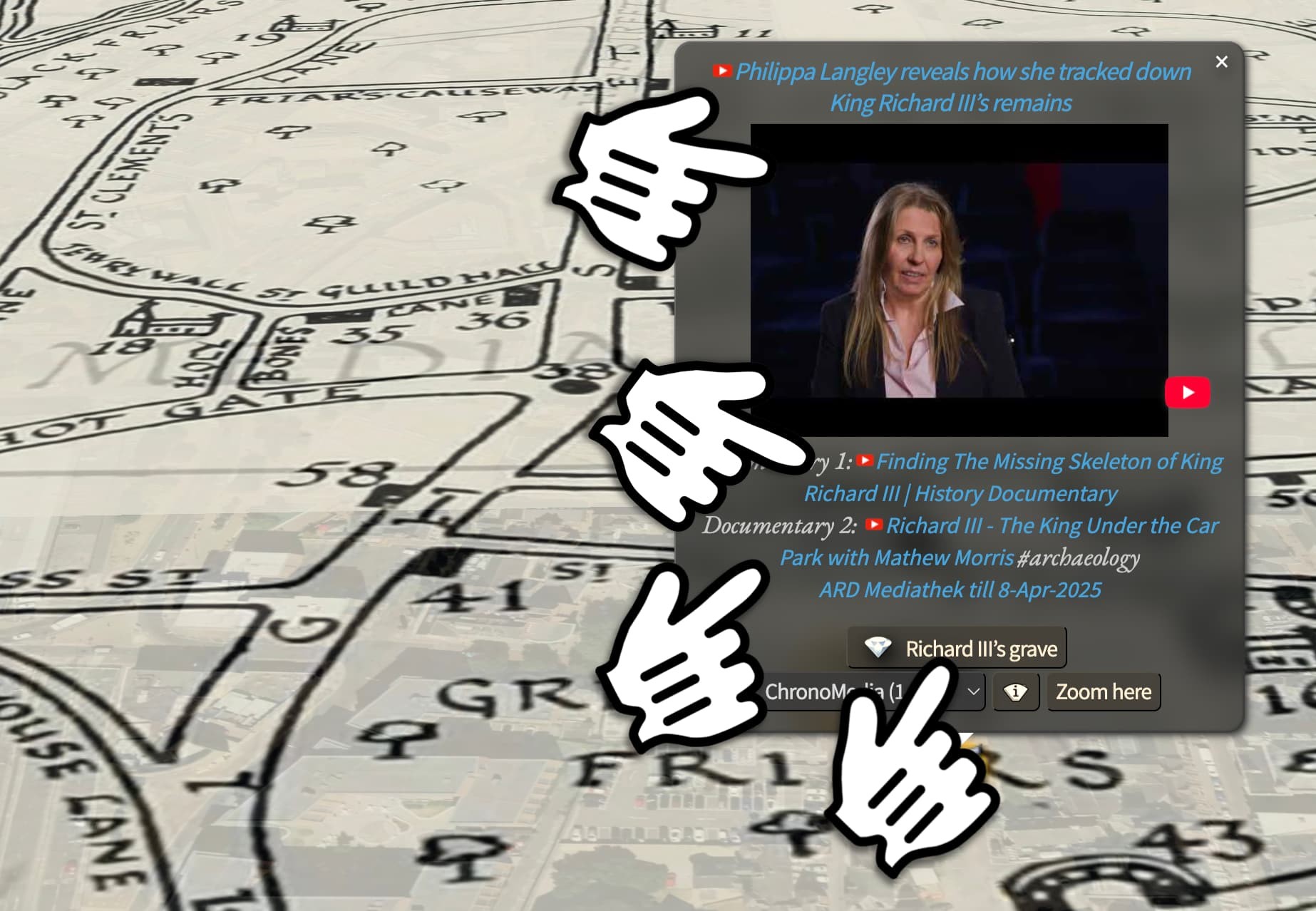
#chronoNews Now all #ChronoMedia links open inline.
Let me know if not. 🍿 #experimental
Wed, 12 Mar 2025 18:51:19 +0000
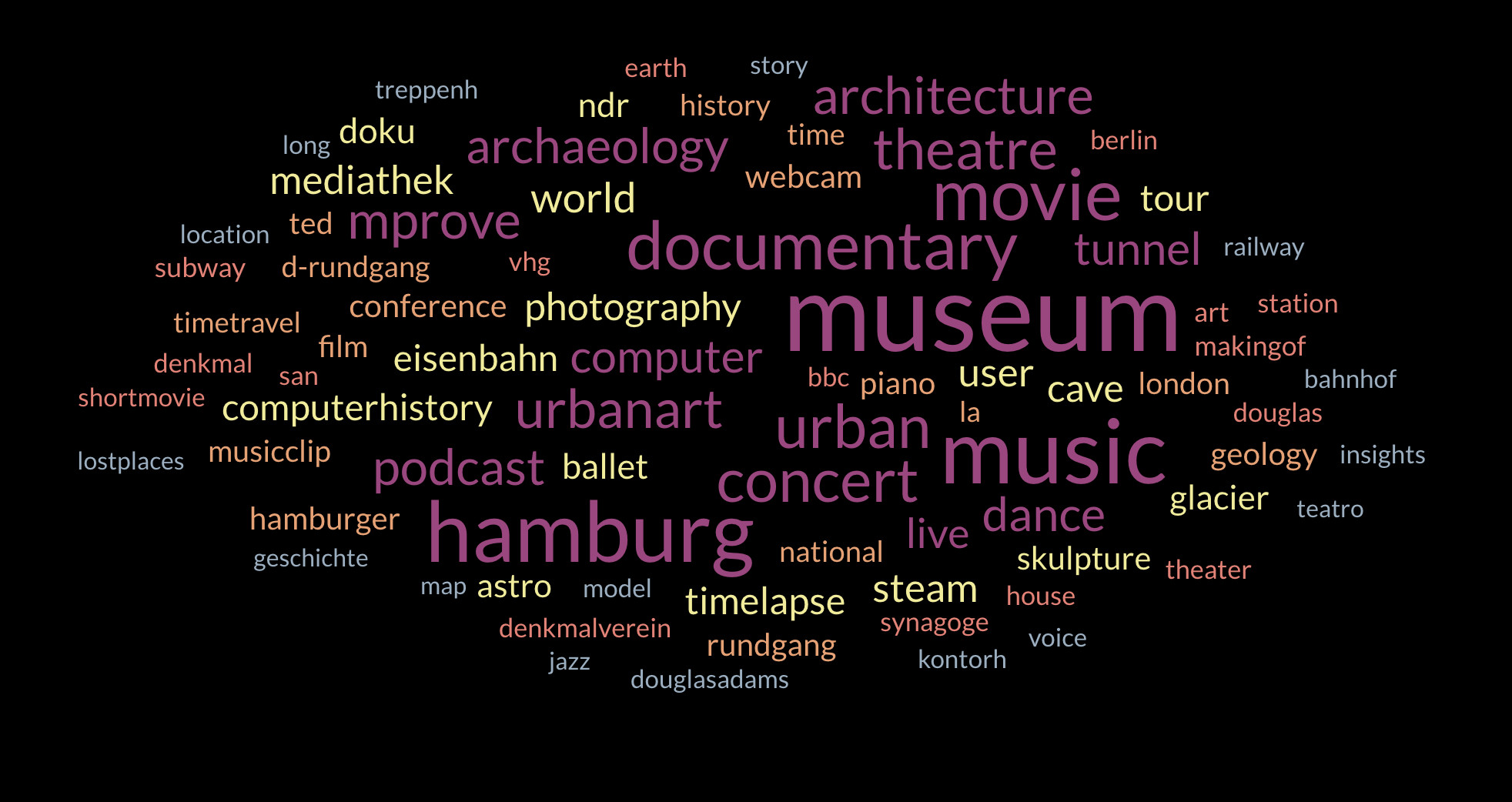
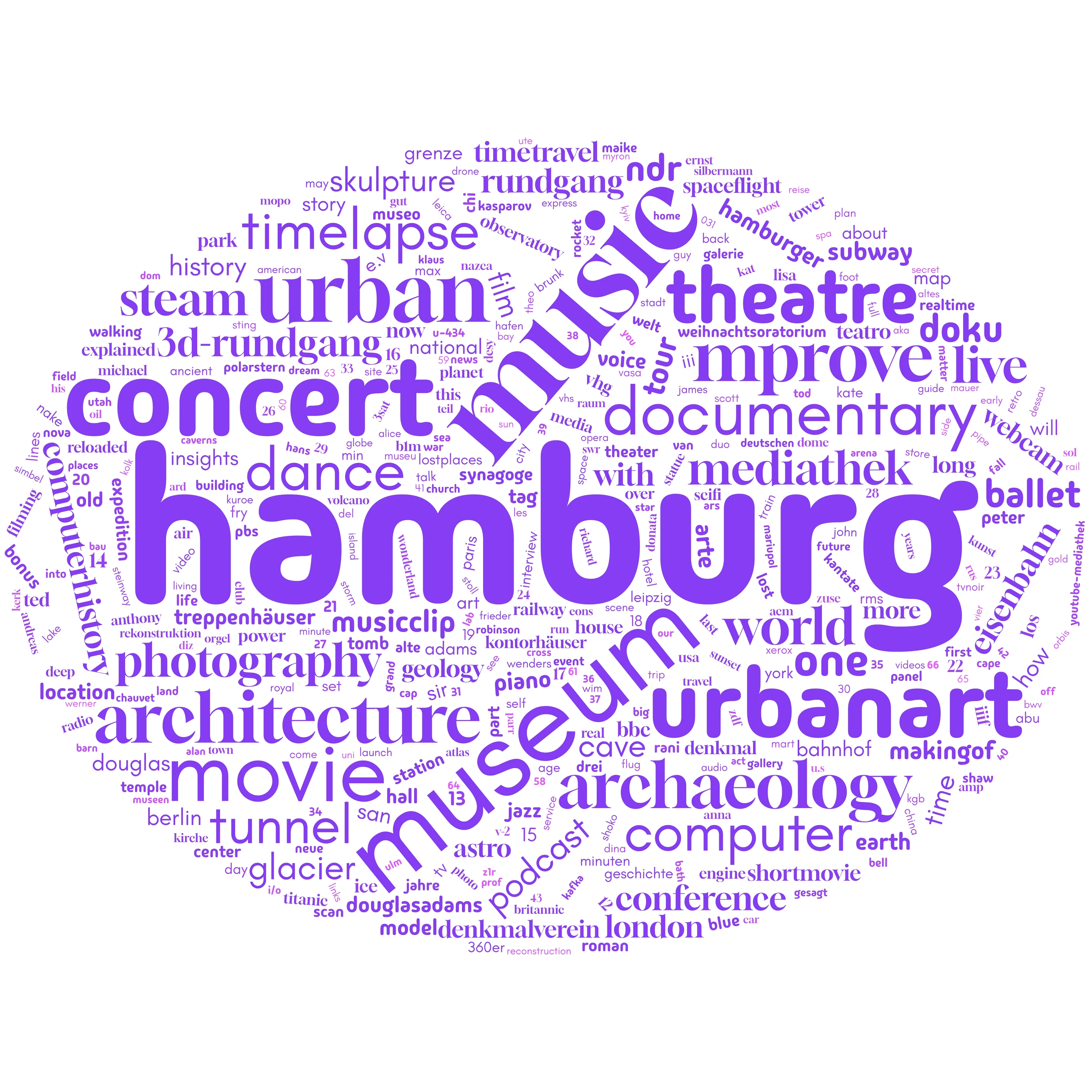
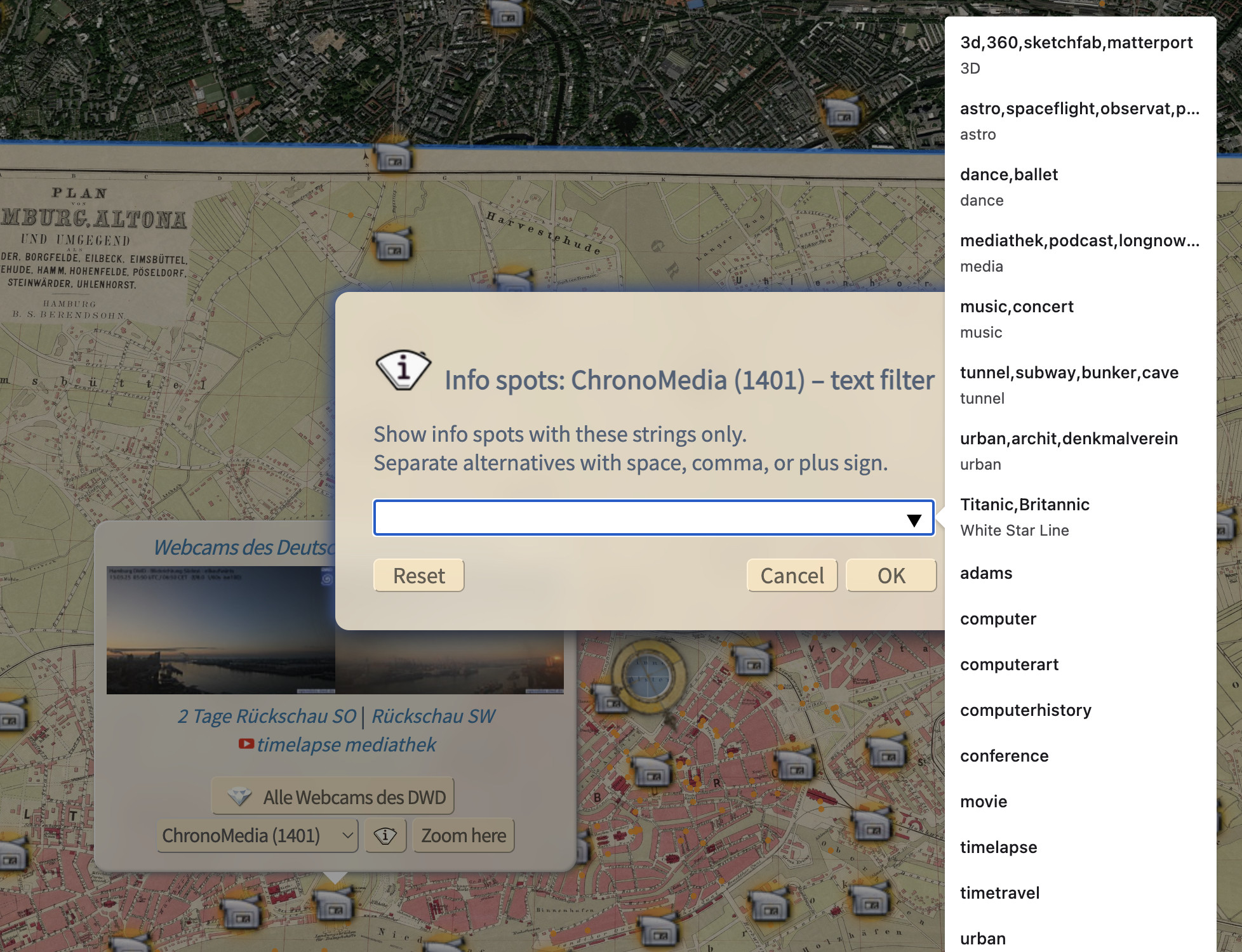
#experimental word cloud der #ChronoMedia-Begriffe im Chronoscope.
Die konzeptuelle Design-Frage, die es zu klären gilt, lautet: Wie kann man die unterschiedlichsten Themen in den 1500 InfoSpots im UI anbieten? Und kann man dieses Combo-Control sinnvoll dynamisch füllen?
Alle Spots auf der Karte :: https://mprove.de/chrono?q=25.16469,-42.31768&z=2.67&t=18&i=1&c=/
Tue, 04 Mar 2025 15:40:31 +0000
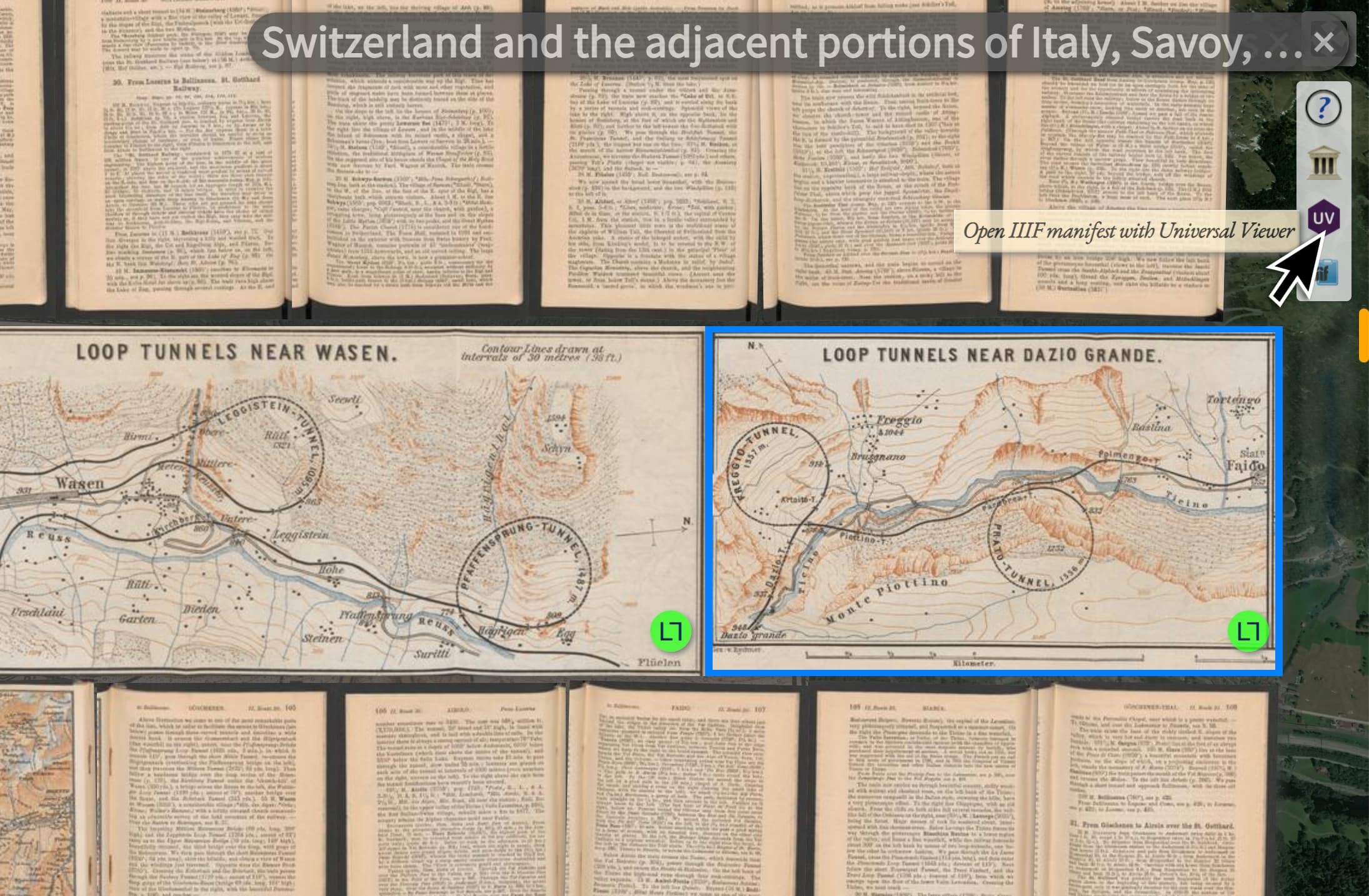
@universalviewer is now used by Chronoscope World to display more meta data for the current #IIIF book.
Click the UV button here on the right edge of the screen: https://mprove.de/chrono?q=46.48612,8.77009&z=13.61&r=24&t=15&m=EZ54043-153b&s=1&c=B
Wed, 12 Feb 2025 11:03:46 +0000
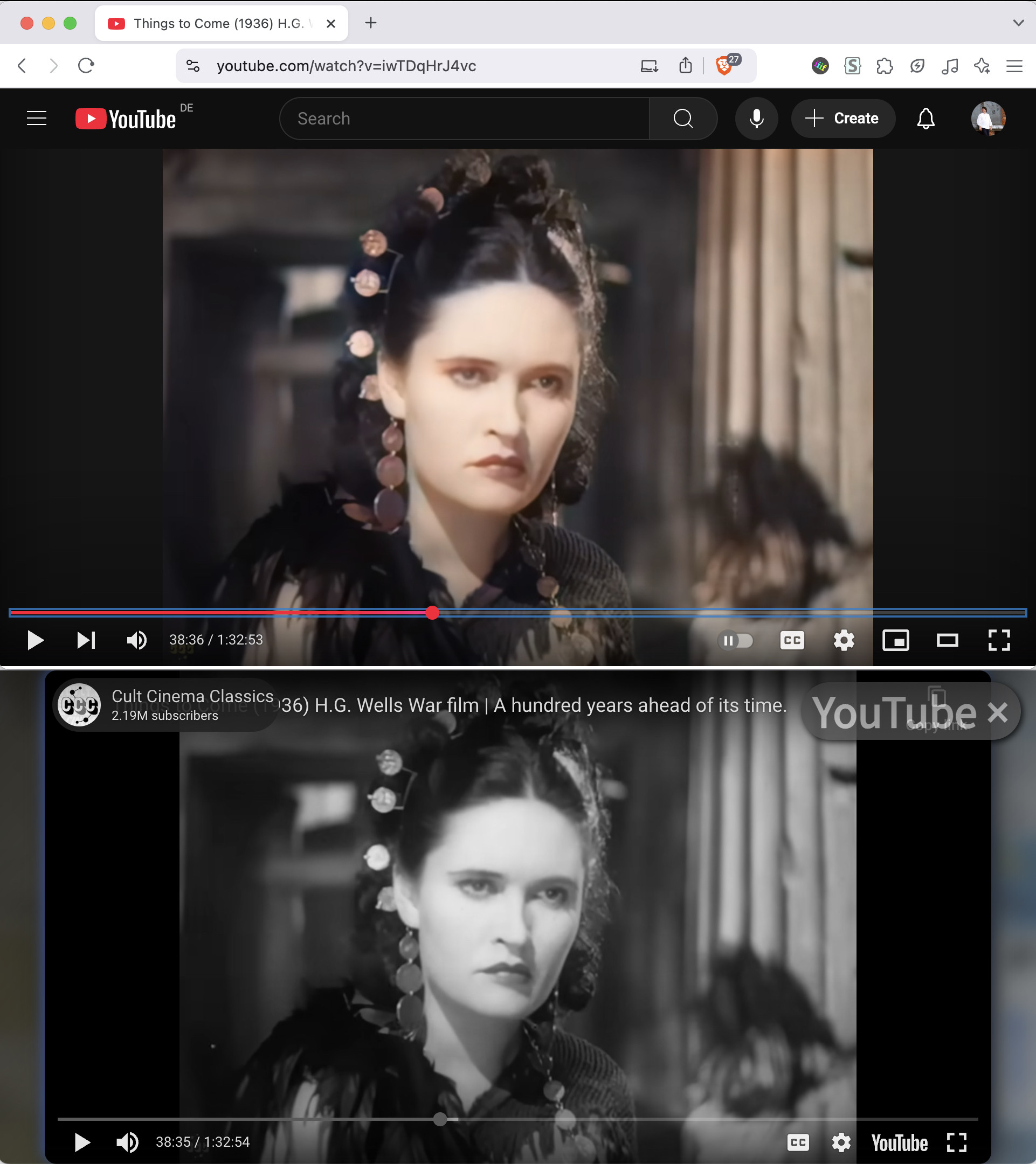
Don’t know about you. But I find AI-colorized old movies quite irritating.
Hence here comes an #experimental Chronoscope feature to get back to the original b/w version.
Top: https://www.youtube.com/watch?v=iwTDqHrJ4vc
Bottom: https://mprove.de/chrono?q=24.80641,-93.63416&z=5.67&t=8&s=1&c=vhttps://www.youtube.com/watch?v=iwTDqHrJ4vc%26color=0
Tue, 04 Feb 2025 04:12:41 +0000
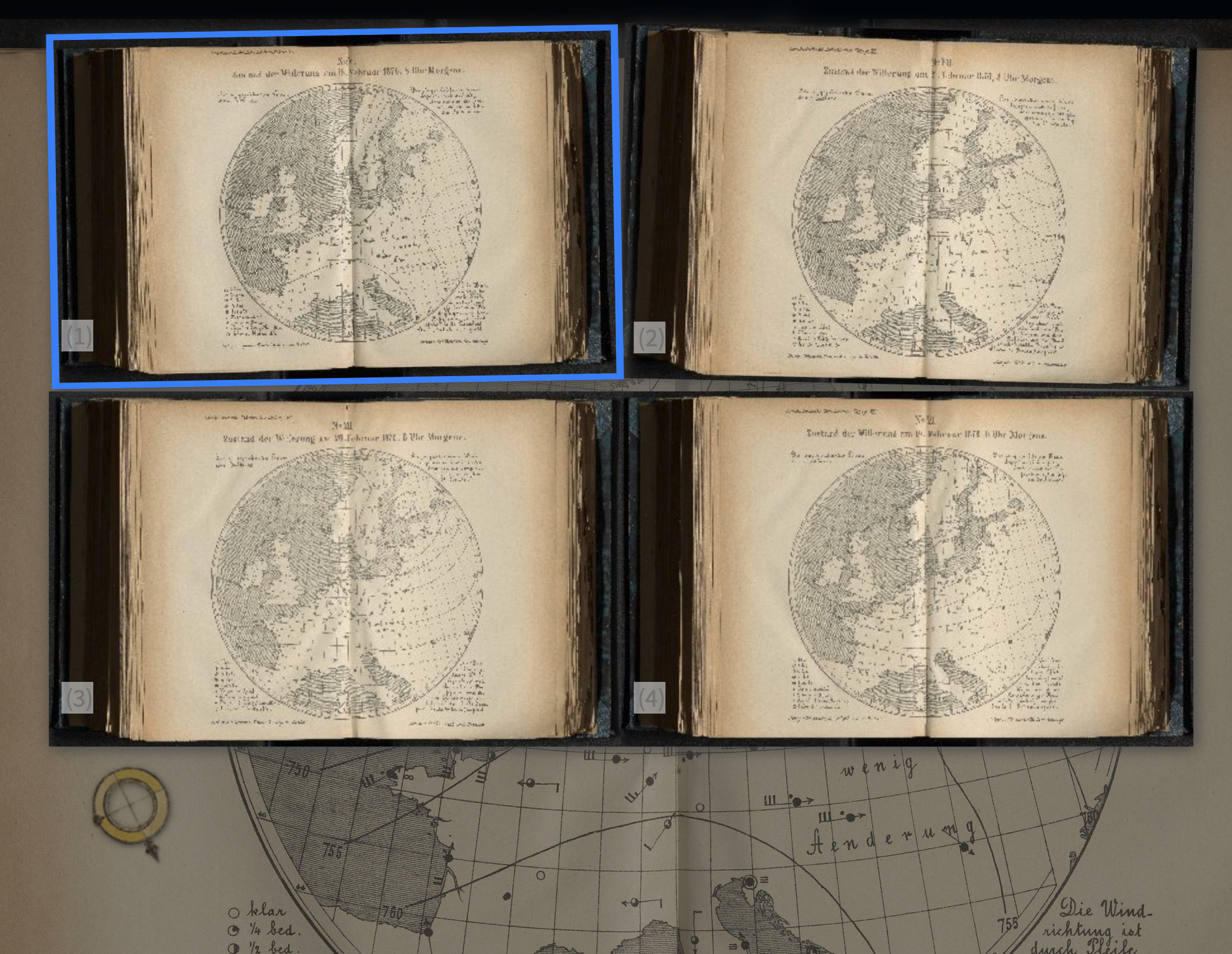
#experimental #chronoAPI :: A chronolink animation to flip through the weather charts of 18-21 Feb 1876 :: https://mprove.de/chrono?q=-0.18575,-0.50334&z=9.08&m=IFPPN10475817521877-1122&s=1&iiif-content=https://iiif.sub.uni-hamburg.de/object/PPN1047581752_1877/manifest&c=h,3*www,qqqqqqqqq,,3*www,qqqqqqqqq,,a
""3*www" means to move forward by 3 pages, 3 times.
"qqqqqqqqq" flip back back by 9 pages.
Intead of "qqqqqqqqq" you can also use "b,4" to choose the 4th last visited page ::
https://mprove.de/chrono?q=-0.18575,-0.50334&z=9.08&m=IFPPN10475817521877-1122&s=1&iiif-content=https://iiif.sub.uni-hamburg.de/object/PPN1047581752_1877/manifest&c=h,3*www,,b,4,,3*www,,b,4,a
Scan via #HamburgerKulturgutDigital @stabihh
Sun, 29 Dec 2024 17:59:34 +0000
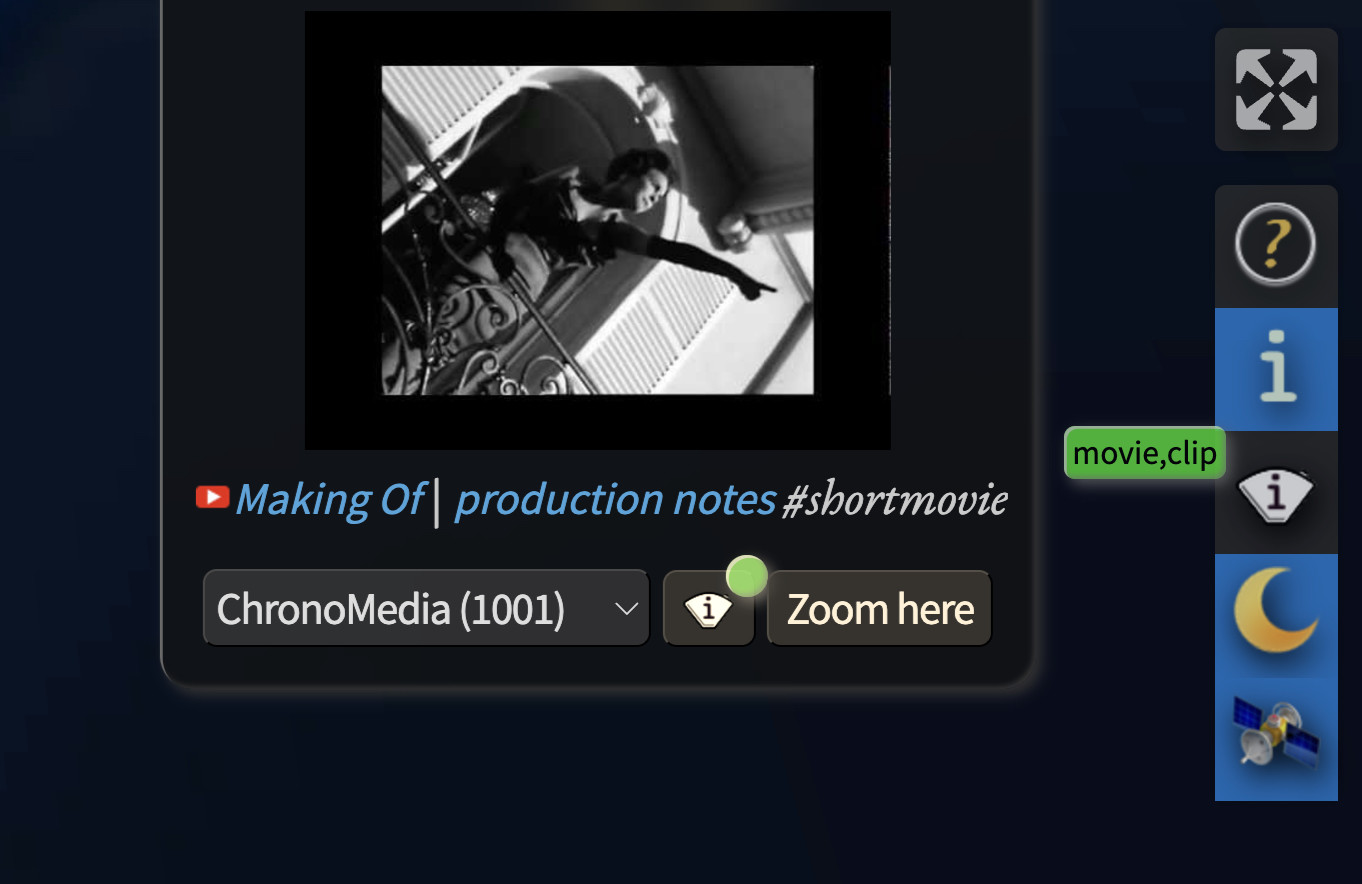
#ChronoNews #experimental – InfoSpot textfilter provides its status
DIY https://mprove.de/chrono?q=-25.81159,-45.88643&z=7.2&t=34&s=1&i=1/movie+clip

About RSS Enterprise
Before (a)social media, the web used to be social. Each and every Web 2.0 site used to offer its info pebbles also as an RSS feed. RSS (really simple syndication) is a standardized XML format (extensible markup language) that an RSS reader app can import and display. Some of this information infrastructure has survived and can be revived by the web app RSS Enterprise on this page.
The primary use case is Mastodon. But as it turns out, RSS feeds provided by at least BlueSky, tumblr, WordPress, SpeakerDeck, Pinterest, and Wordpress can also be displayed here.
For Mastodon in specific, there are a few special features:
- You can click Mastodon tags to load the tag’s content. Try #SciFiEtiquette or #trendytoots
Discover more insights at the tag #RSSEnterprise itself. - You can click a Mastodon user to display her feed.
Try @mprove or @chronohh - You can drag any RSS feed URL from any web page to the cover above and drop it into the river. This does also work for Mastodon users and hash tags, as well as for blogspot, pinterest, substack, and tumblr.
The menu command Edit > Paste of an RSS address is also possible, but less exciting.
Of course, you can always fiddle around with the parameters in the browser’s address bar:
RSS Enterprise parameter info
- rss=
- The feed url or a dropable blog URL
Support for multiple Mastodon hash tags; e.g. get the combined tags #ComputerHistory #HistoryOfComputers #HistoryOfComputing #chm with this RSS Enterprise link - rss2=
- A second feed to be displayed; but no support for multiple tags
- roundrobin
- Optional parameter to flip-flop between two feeds instead of sorting them chronologically
stay curious – share the links – have fun! Matthias
Hi, I’d appreciate a little tip to keep my pages open and free of ads and pay-walls.
 Support Me on Ko-fi Tip via PayPal
Try any RSS feed:
Cover (c) Maike im Hafen