RSS Enterprise: norden.social/…
An RSS browser by mprove design 2026
#iiifbooks #iiifviewer
Public posts on Mastodon
Sat, 06 Jun 2026 08:36:11 +0000
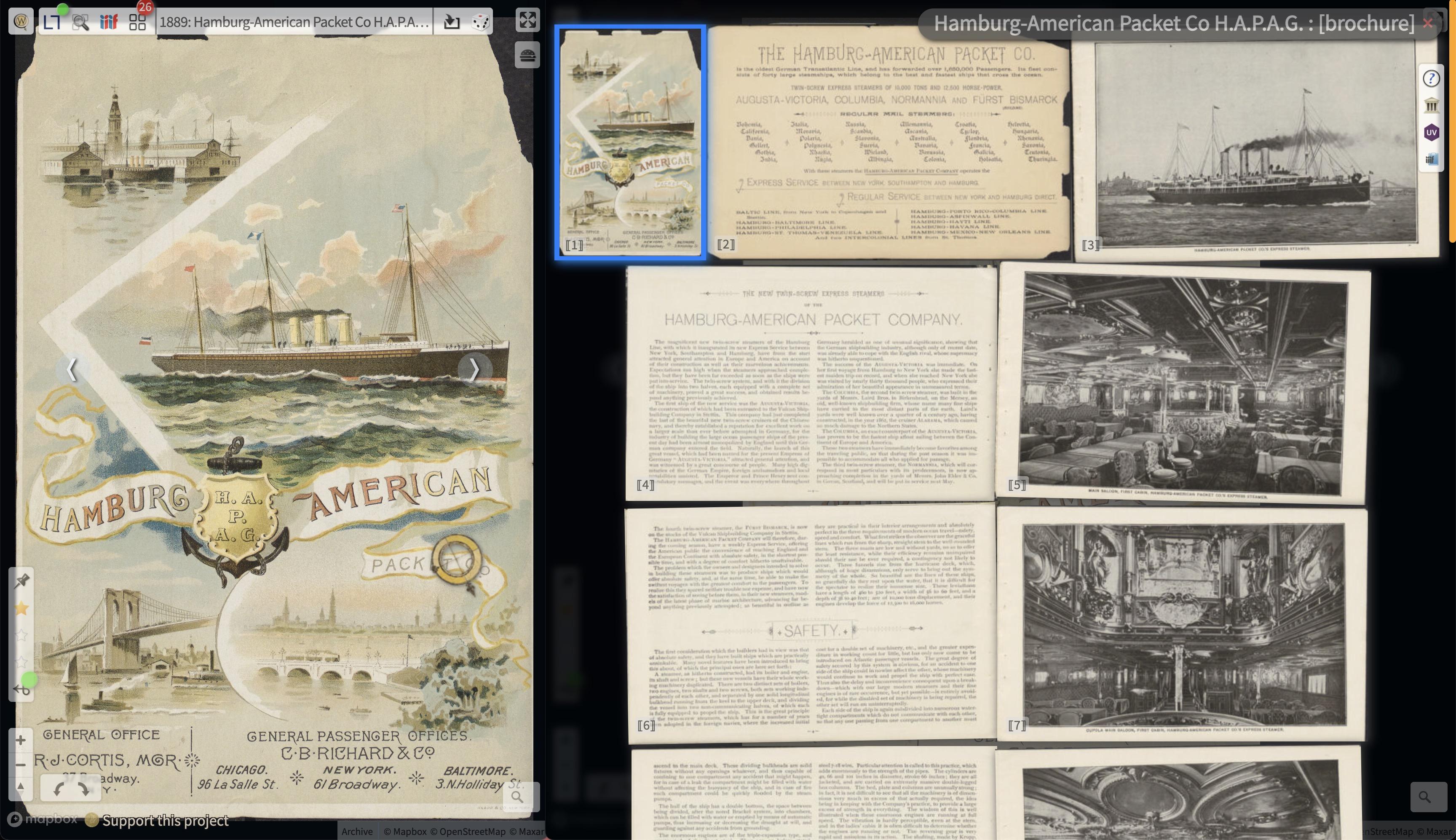
Hab dann mal den Harvard-Link zur H.A.P.A.G Broschüre von 1889 gefixt.
📙 https://mprove.de/chrono?ll=0,0&q=-0.34863,0.45274&z=8.39&m=IF006509924&s=1&iiif-content=https://nrs.lib.harvard.edu/URN-3:FHCL:893770:MANIFEST:3&c=a
/via #HAPAGAhoi! 🚢 https://mprove.de/chronolab/world/hapag/index.html
Tue, 12 May 2026 12:16:29 +0000

Zum #DrachenDienstag (hab ich mir ausgedacht) eine Abbildung von 1473 aus der @stabihh
#hamburgerkulturgutdigital #iiifbooks #oldbooks #monstermonday
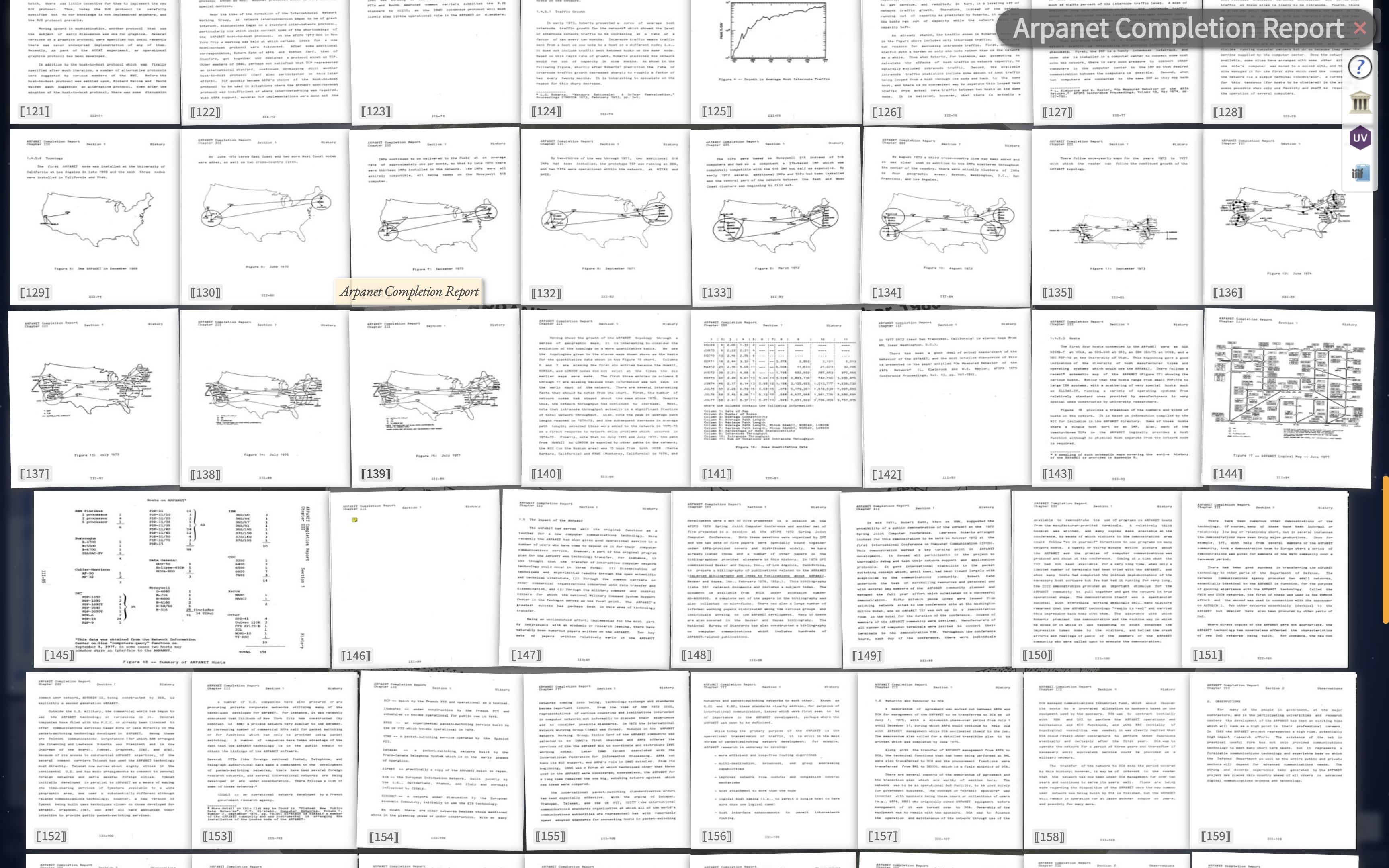
Fri, 27 Mar 2026 11:05:25 +0000
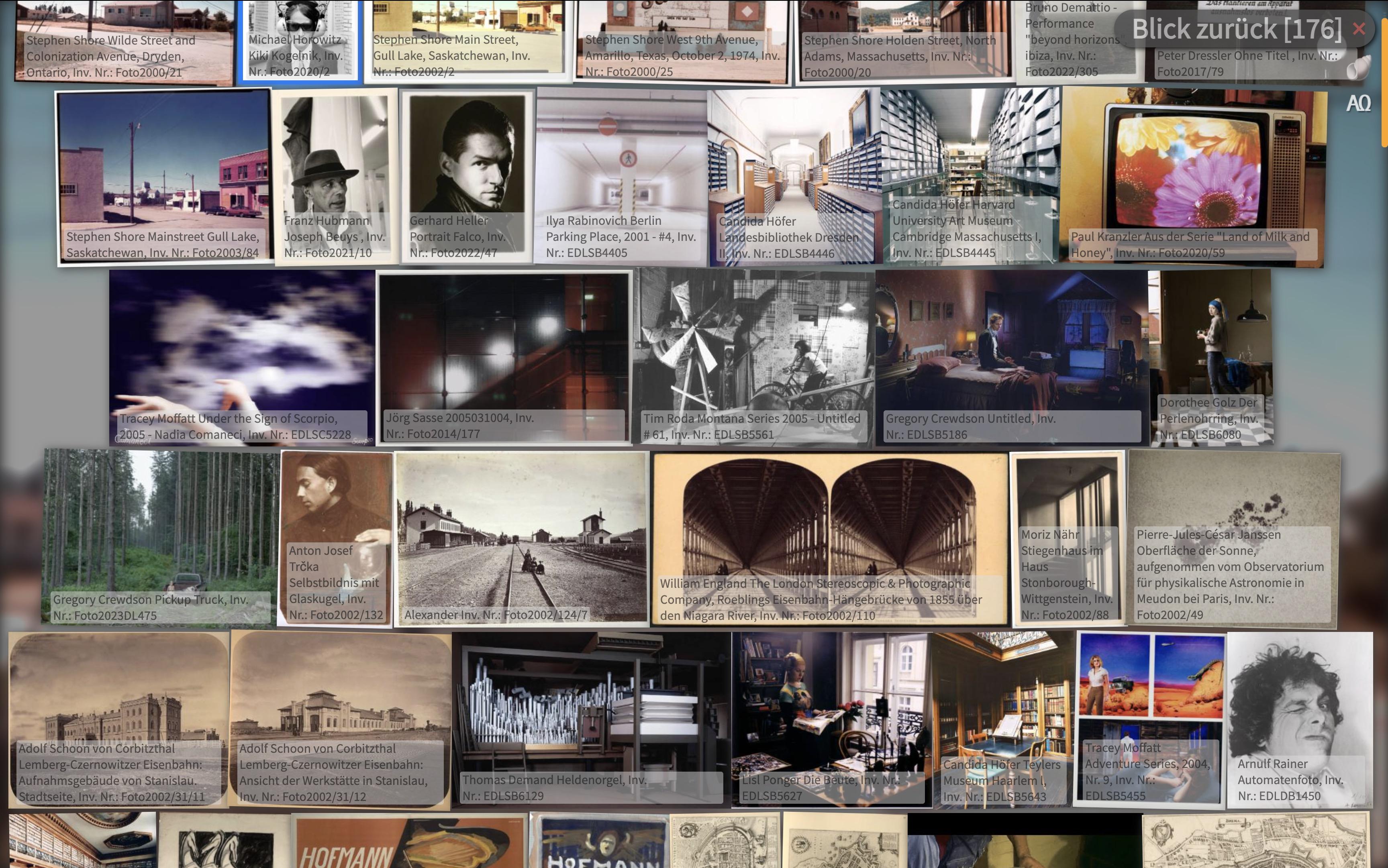
#HierSoAufDemSchirm , wenn man mit dem Chronoscope durch die #Albertina surft.
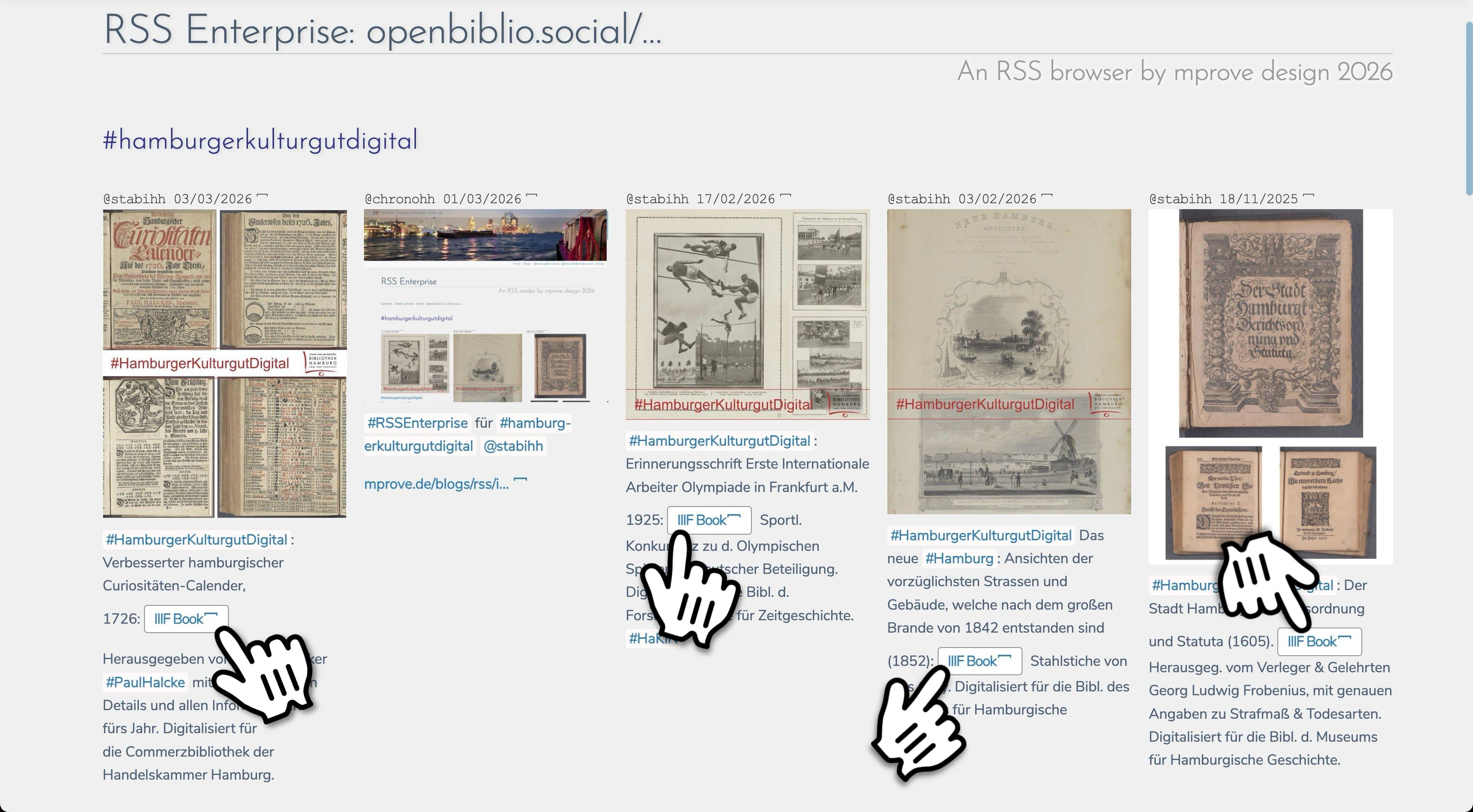
Tue, 03 Feb 2026 15:18:09 +0000
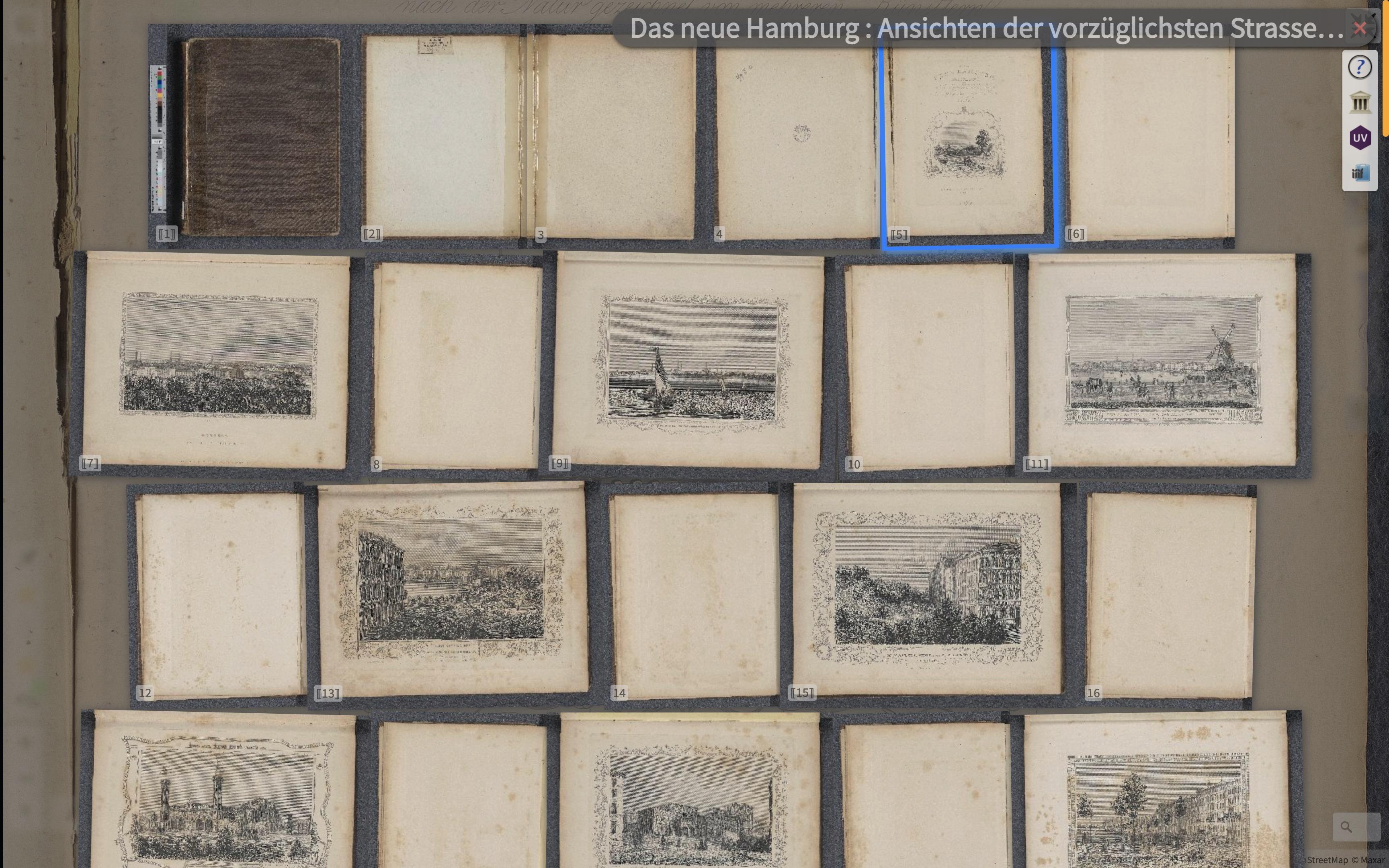
@stabihh Sehr schön. Über das Buch bin ich noch nicht gestolpert. ChronoLink https://mprove.de/chrono?s=1&iiif-content=https://iiif.sub.uni-hamburg.de/object/PPN1842481851/manifest
Fri, 30 Jan 2026 10:28:28 +0000
Hello World!
_with my ACM #sigweb interview on Cultural Computing.
📰 https://mprove.de/script/24/sigweb/index.html
@sigweb #hypertext #culturalcomputing #interfaceculture #openglam #iiif #iiifviewer @IIIF
@chronohh #AlgorithmicPhilosophy #digitalhumanities
Sun, 14 Dec 2025 11:58:59 +0000
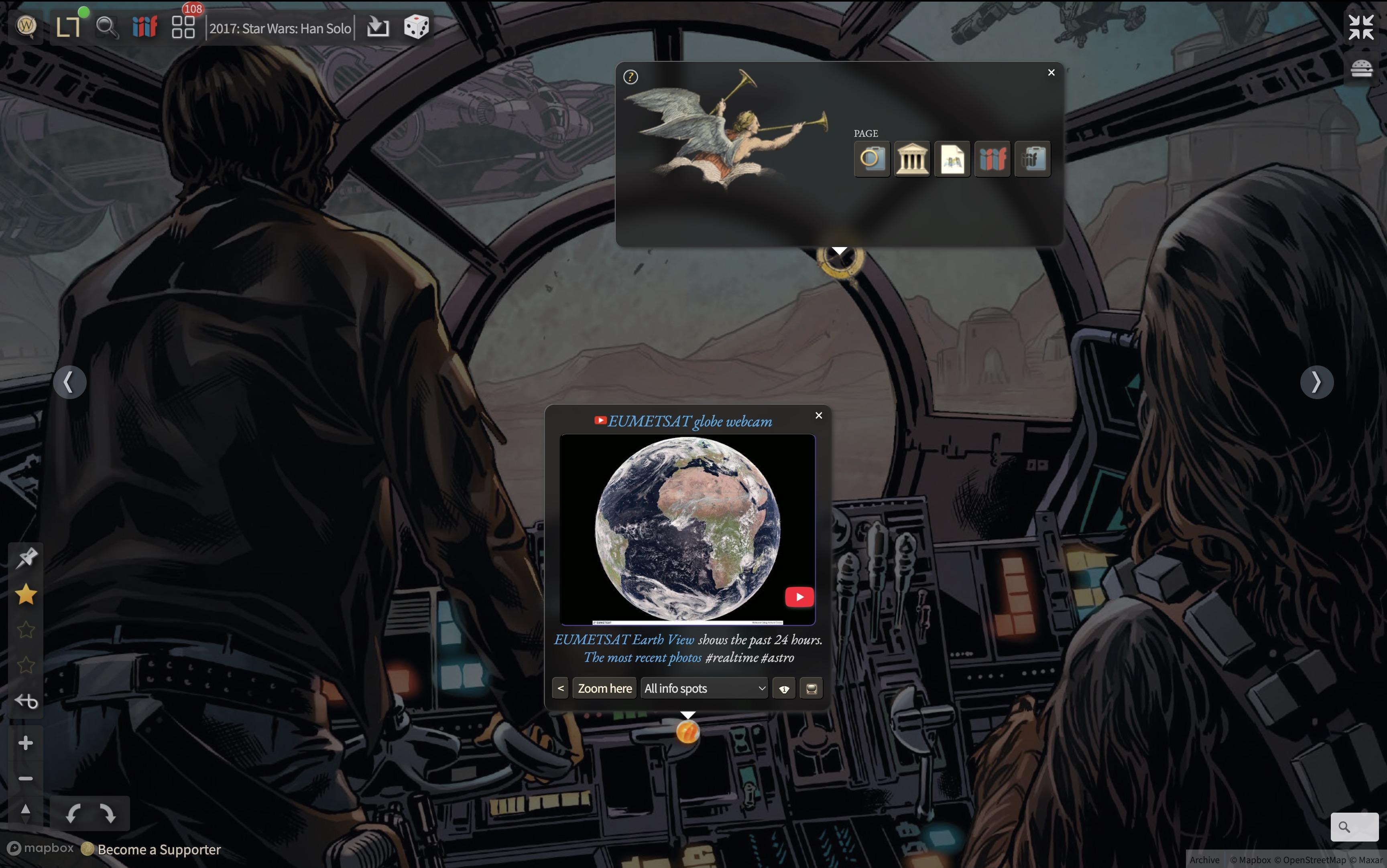
Han Solo and Chewbacca have upgraded their Millennium Falcon.
– not a mockup – #HierSoAufDemSchirm –
#iiifviewer | image via @internetarchive @internetarchiveeurope
Thu, 11 Dec 2025 23:29:38 +0000
Launching a new IIIF Image Viewer: https://d-flood.github.io/triiiceratops/demo/
Lightweight and mobile friendly
Fri, 21 Nov 2025 06:22:19 +0000
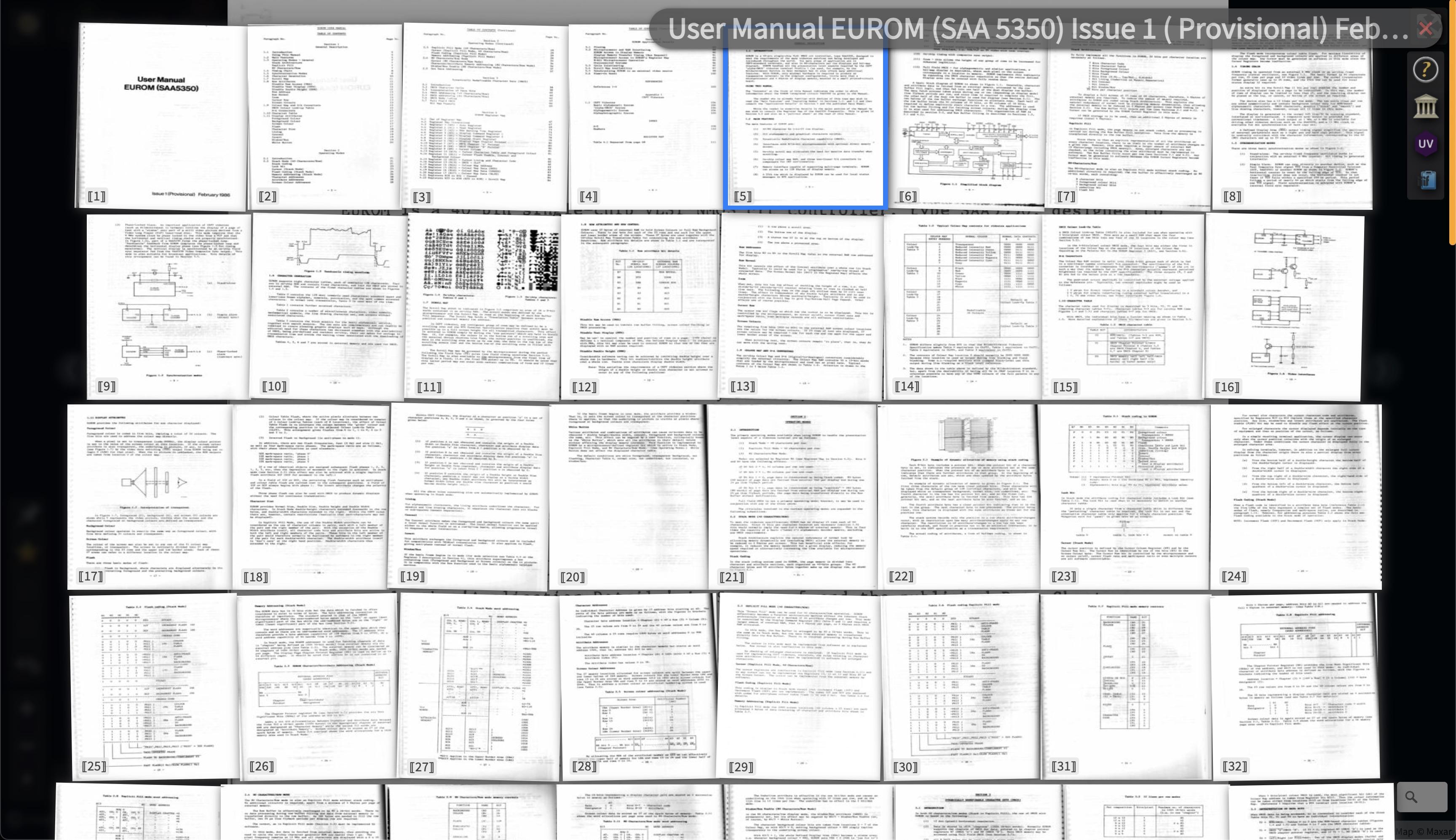
@Hammi @Andreas_SuH1912 Just one Smart Drag’n’Drop away ::
https://mprove.de/chrono?ll=0.4,0&q=0.8158,-0.62019&z=9.22&m=IFuser-manual-eurom-saa-5350-issue-1-provisional-february-1988-6-1-4&s=1&iiif-content=https://iiif.archive.org/iiif/user-manual-eurom-saa-5350-issue-1-provisional-february-1988-6-1/manifest.json&c=a
#iiifviewer Chronoscope World @chronohh
Tue, 11 Nov 2025 10:39:49 +0000
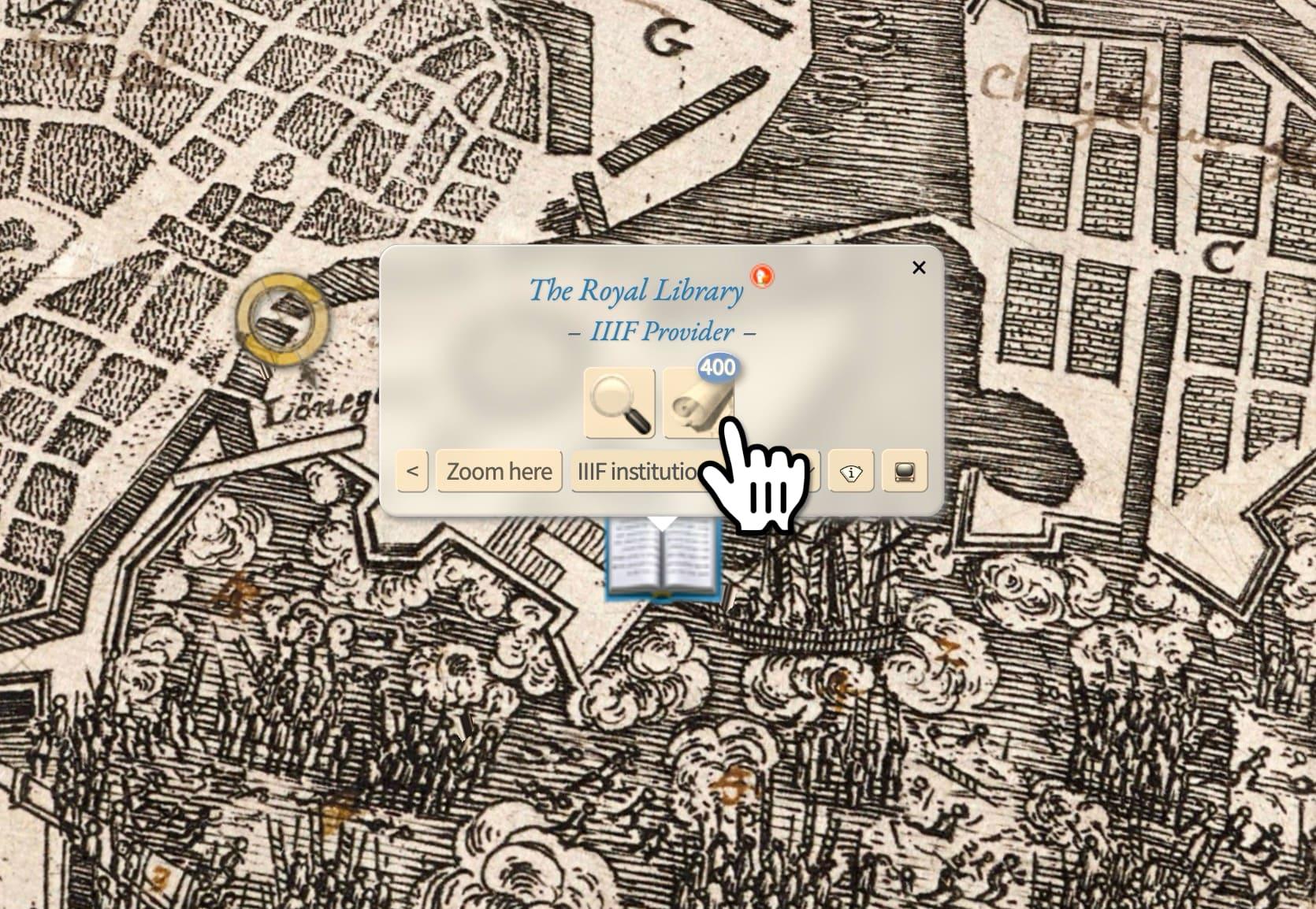
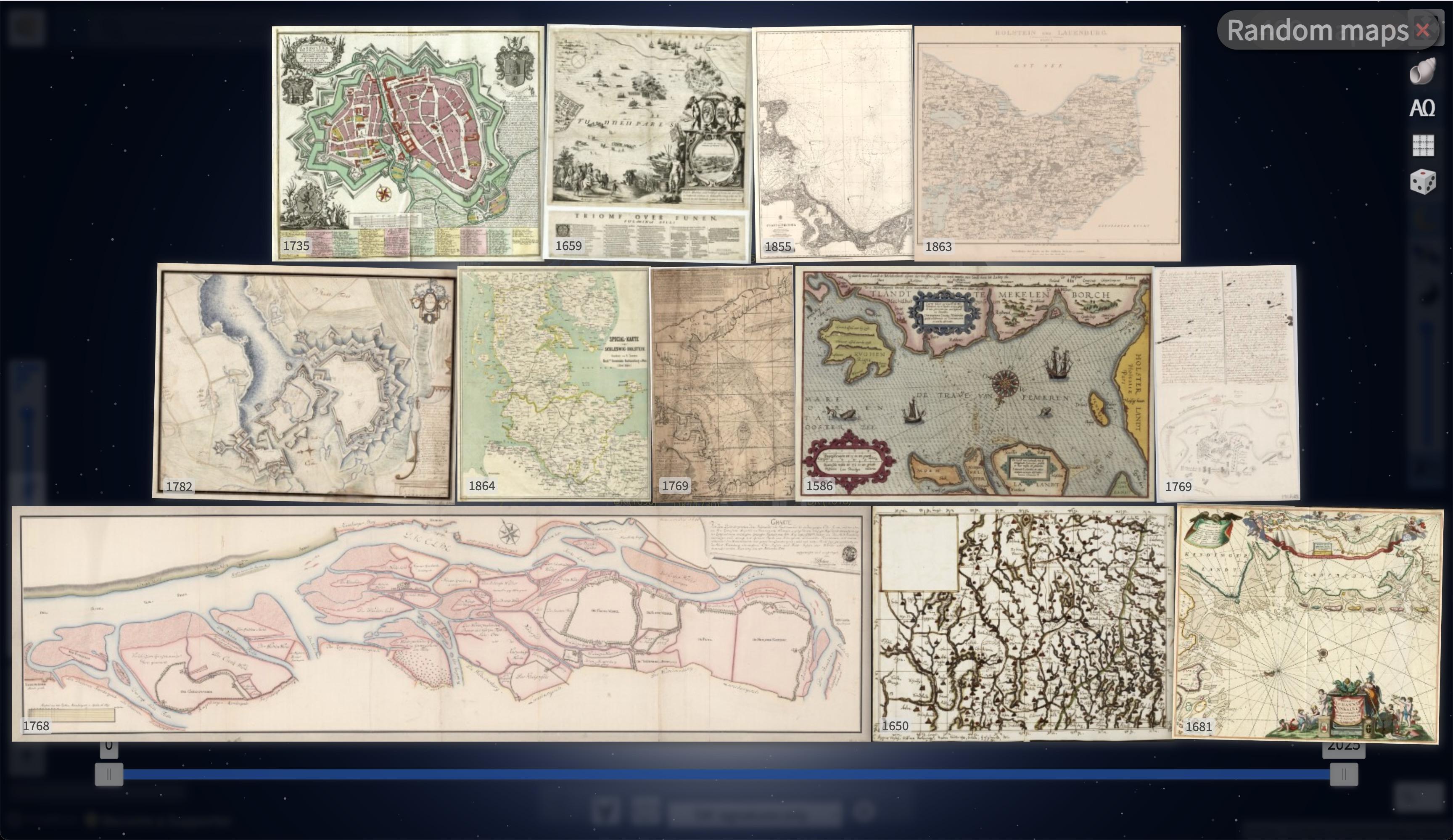
400 PermaLinks to maps of the Royal Danish Library have been fixed in Chronoscope World.
https://mprove.de/chrono3d?ll=55.67504,12.58325&q=55.67732,12.57978&z=14.72&r=35&t=18&m=DK393734&d=0&s=1&i=iiifc
#chronoBugFixed #oldmaps #openGLAM #crossGLAM #iiif #iiifmaps #iiifviewer #openGLAMlabor
Tue, 03 Jun 2025 11:06:51 +0000
@mgoetze @zlb_berlin Ebenso vielen Dank. Die IIIF Karten und Bücher kommen in meinem #IIIFViewer wieder geschwind an. 🚚 🖼️ 🗺️
Wed, 07 May 2025 04:55:11 +0000
[ 🎞️ ]Smart Drag’n’Drop #BnfGallica links from Mastodon to Chronoscope. 🤯
Left: https://piaille.fr/@teol03/114461412476068322
Right: https://mprove.de/chrono?q=48.83269,2.37262&z=13.7&r=-33&t=48&m=HK1056&o=0.85&d=0&i=all
Thu, 24 Apr 2025 16:16:07 +0000
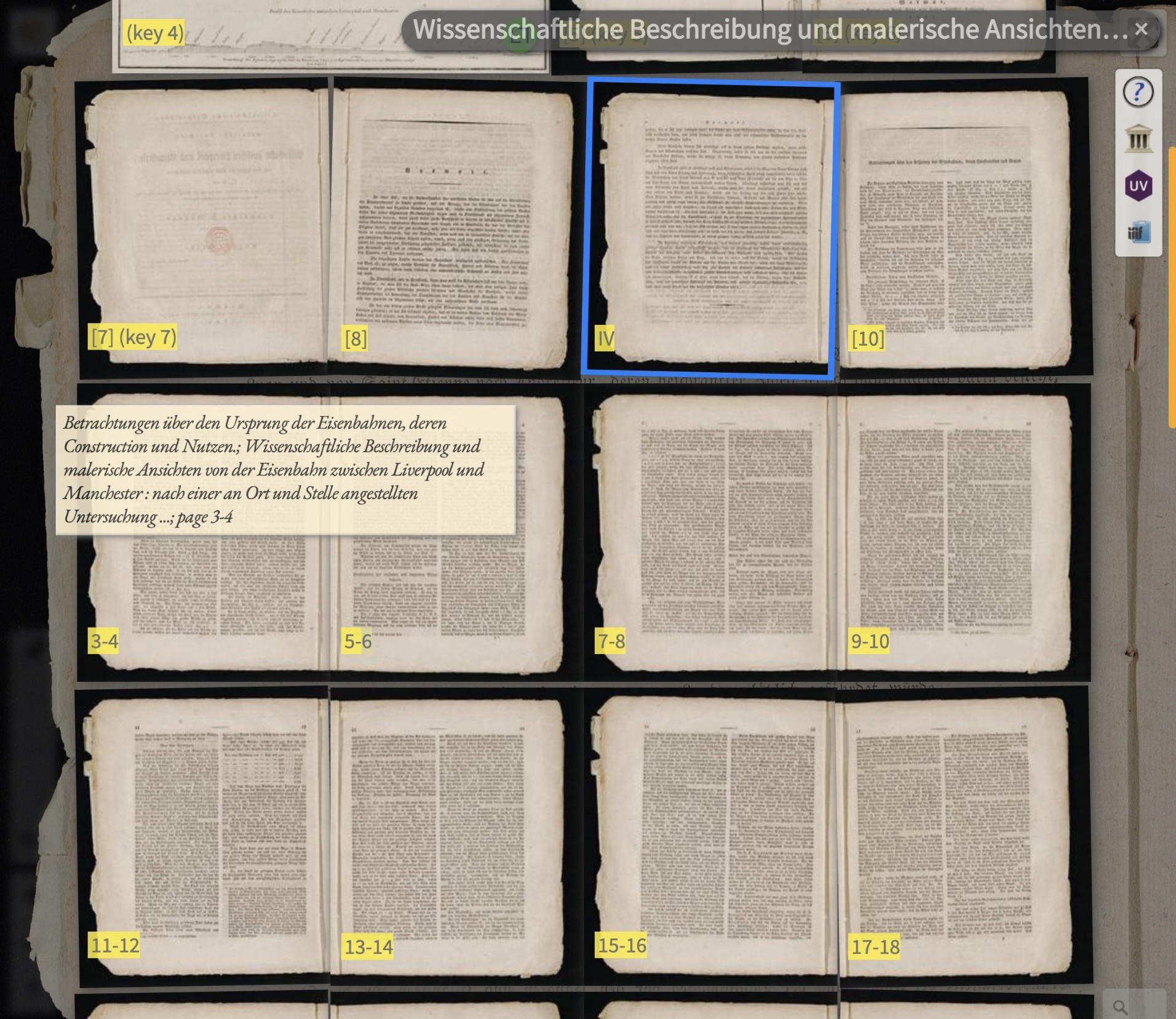
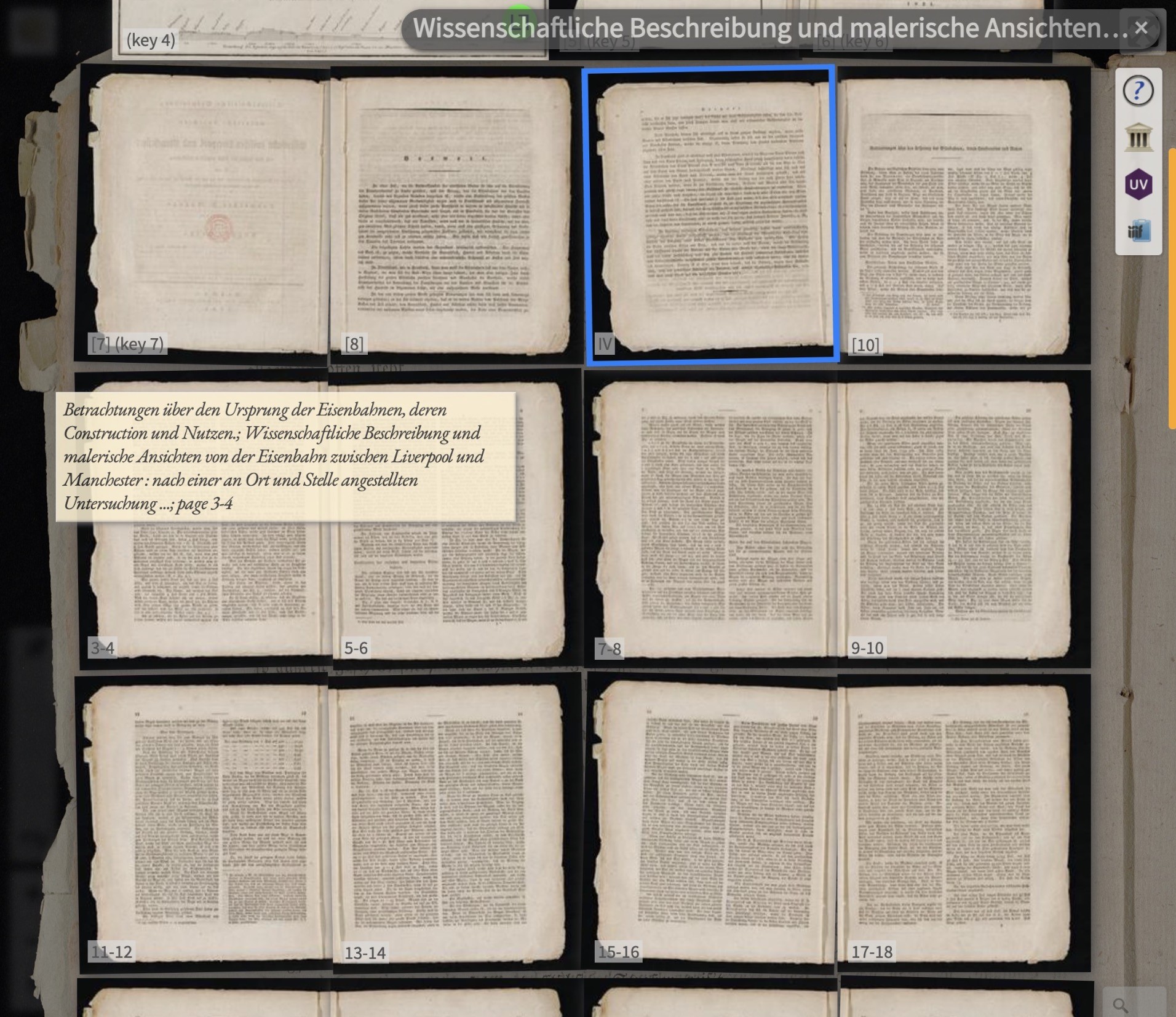
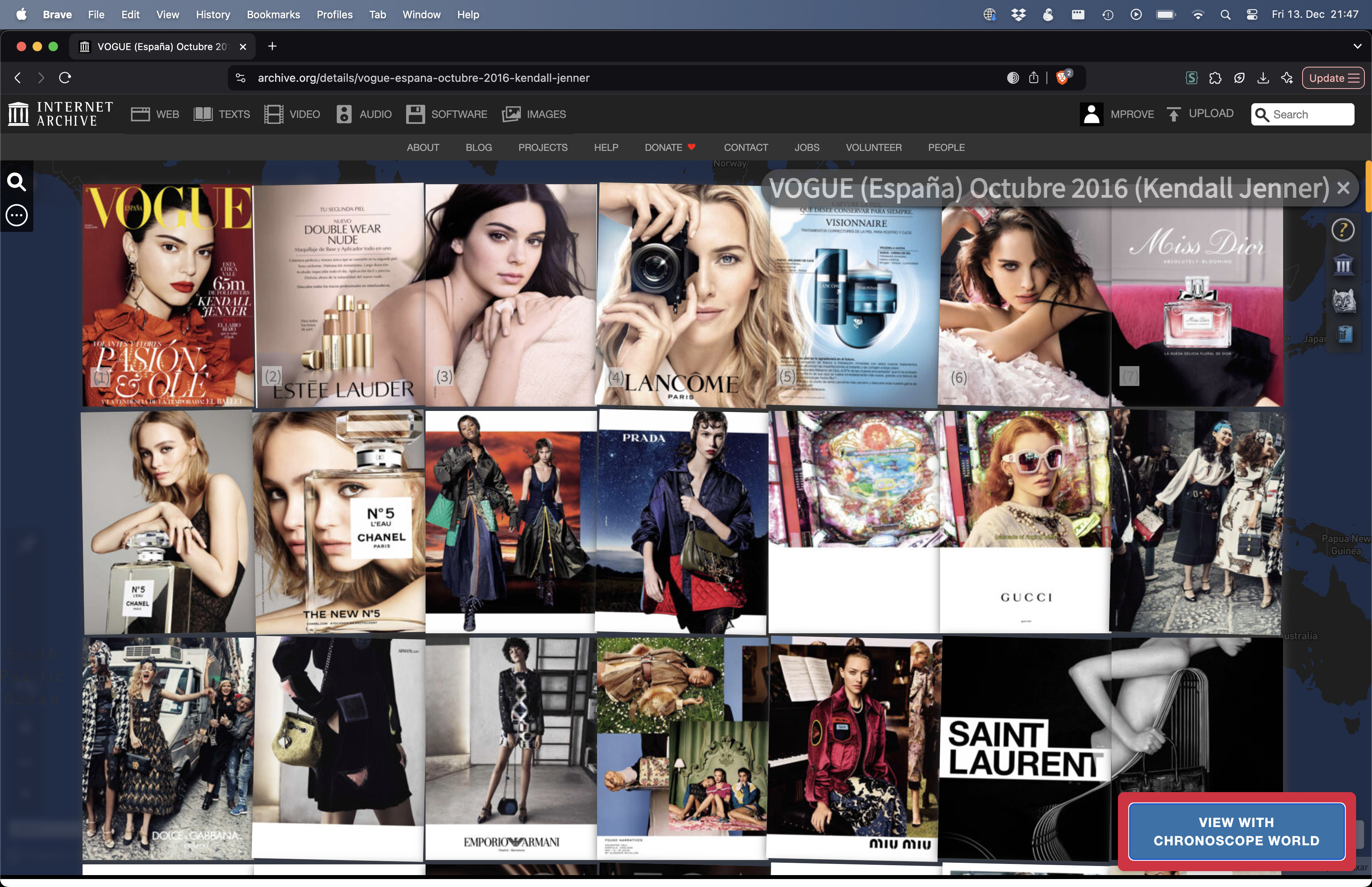
Who did ask for page numbers in iiif books? Nobody? Anyway, here you go.
Example: https://mprove.de/chrono?m=IFurnnbndehbz0611-511861-5&s=1&iiif-content=https://digital.ub.uni-duesseldorf.de/i3f/v20/9167703/manifest&c=B
left: The bright yellow is only for the sake to highlight the #ChronoNews
right: #designmatters visible but unobtrusive
Thu, 27 Mar 2025 09:02:54 +0000
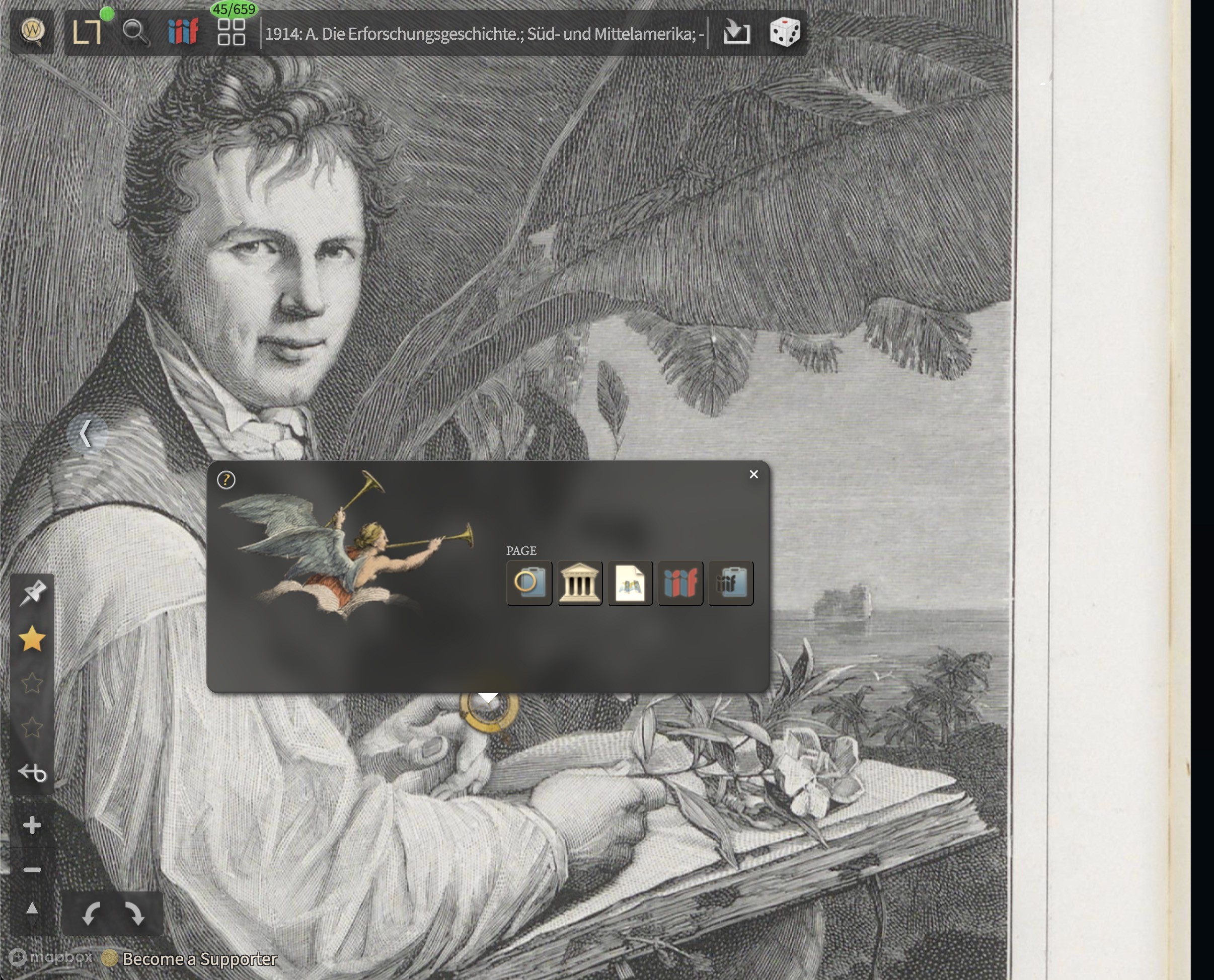
Auch Alexander von Humboldt hätte das Chronoscope World empfohlen! 😉
#ChronoLink https://mprove.de/chrono3d?q=0.03689,0.1284&z=9.28&m=IF1795641363-44&s=1&iiif-content=https://digital.iai.spk-berlin.de/viewer/api/v1/records/1795641363/manifest/
Sat, 15 Mar 2025 07:20:16 +0000
@CitizenWald@historians.social You are mixing things up. I have to say thank-you.
It fits perfectly b/c Chronoscope World is no longer just maps but also an old #iiif book browser.
#iiifviewer for arts, maps and books
Tue, 04 Mar 2025 15:40:31 +0000
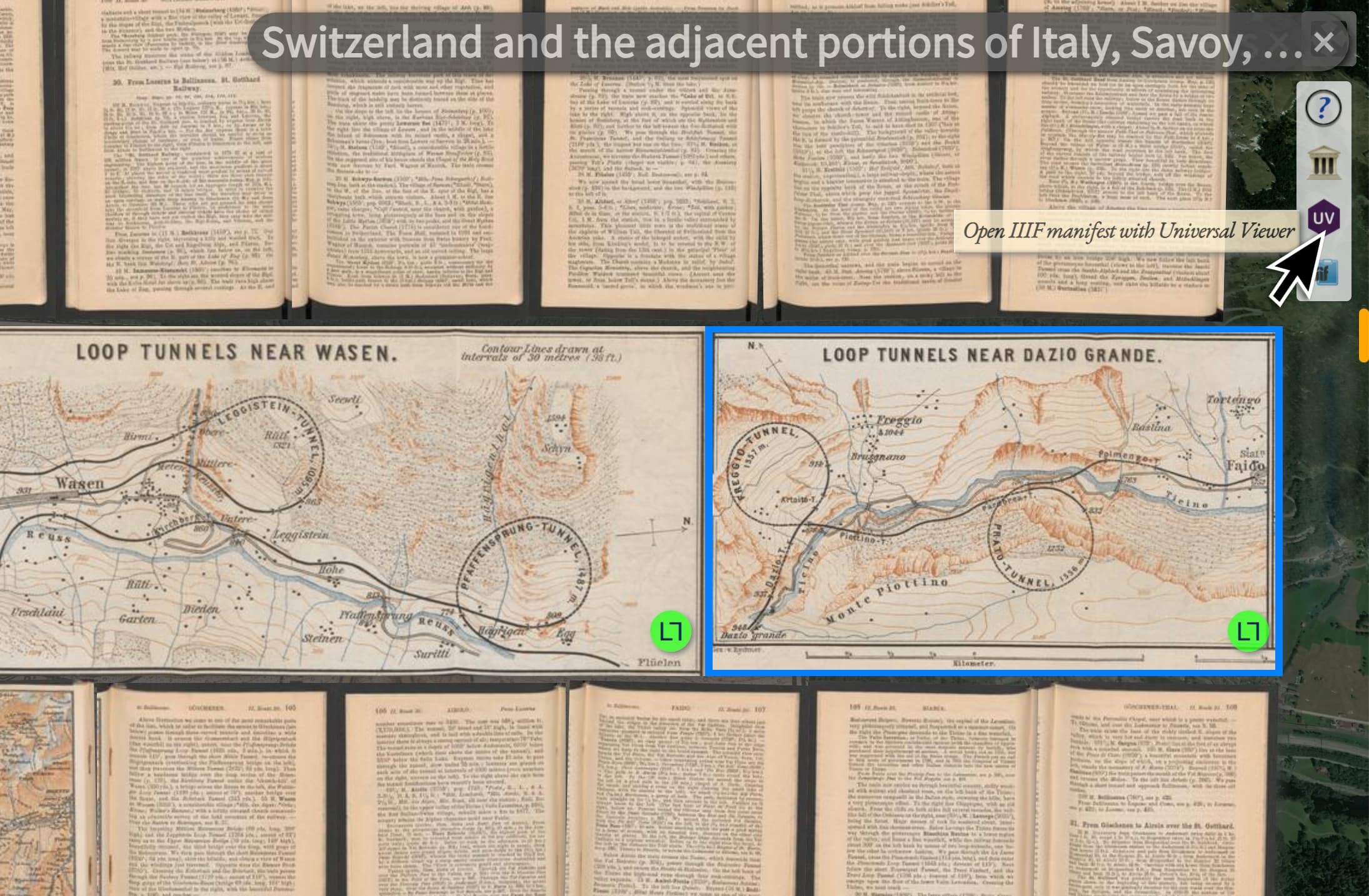
@universalviewer is now used by Chronoscope World to display more meta data for the current #IIIF book.
Click the UV button here on the right edge of the screen: https://mprove.de/chrono?q=46.48612,8.77009&z=13.61&r=24&t=15&m=EZ54043-153b&s=1&c=B

Mon, 02 Dec 2024 08:28:40 +0000
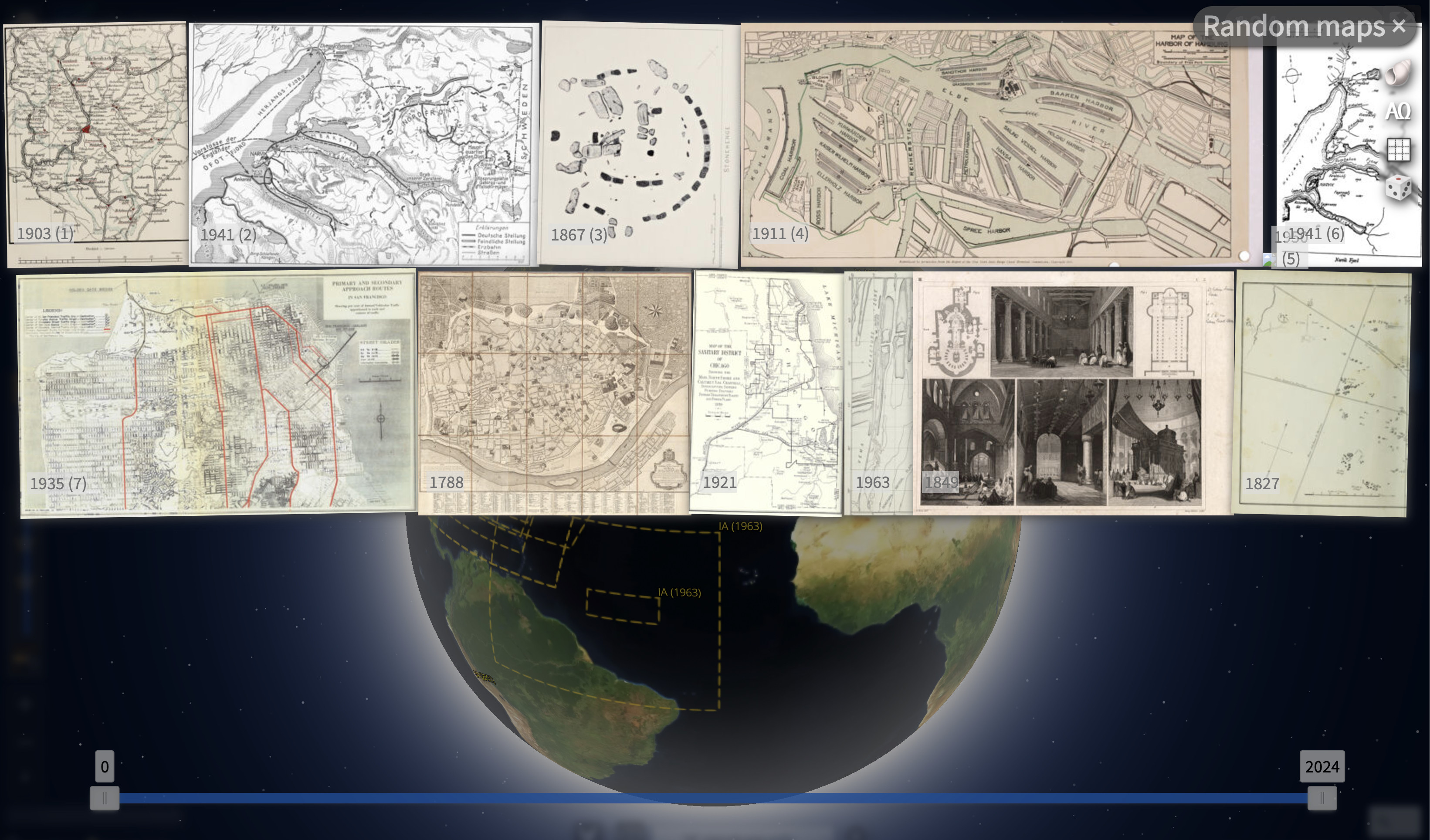
Big #ChronoNews :: @internetarchive has relaunched their #iiif servers. 104 georeferenced maps are accessible again in Chronoscope World. Use smart drag’n’drop to load millions of books as well!
https://mprove.de/chrono3d?q=37.62288,-29.39552&z=1.95&t=12&m=IA7135000&o=0.8&s=1&c=lIA,k,r
Sun, 03 Nov 2024 15:05:06 +0000
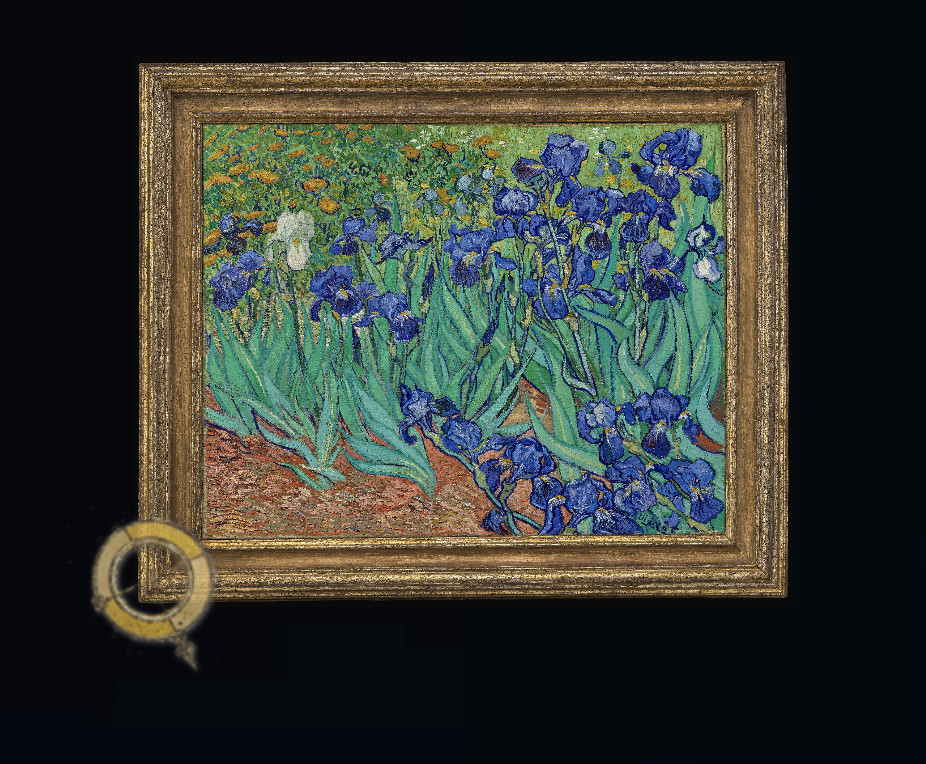
Wondering if and how to put this ChronoLink into the popup :: https://mprove.de/chrono?m=IF103JNH-2&s=1&iiif-content=https://media.getty.edu/iiif/manifest/53be857e-41e8-4198-b45d-2e0f52d3051b
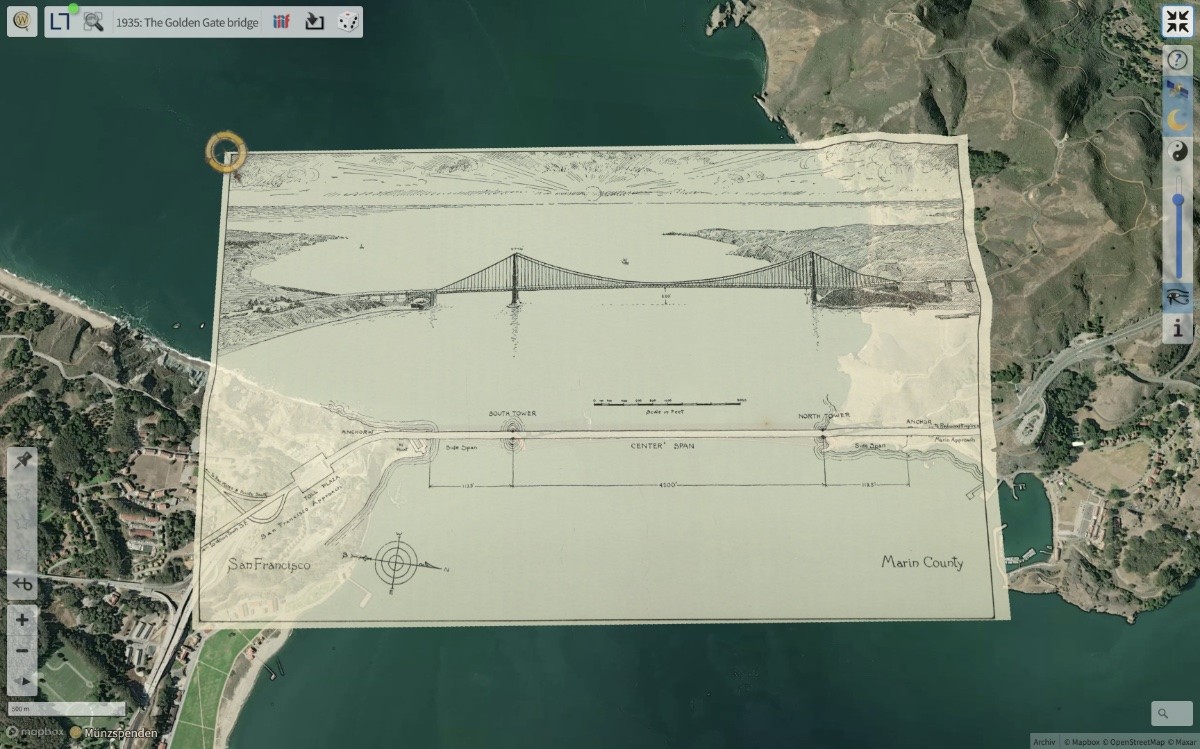
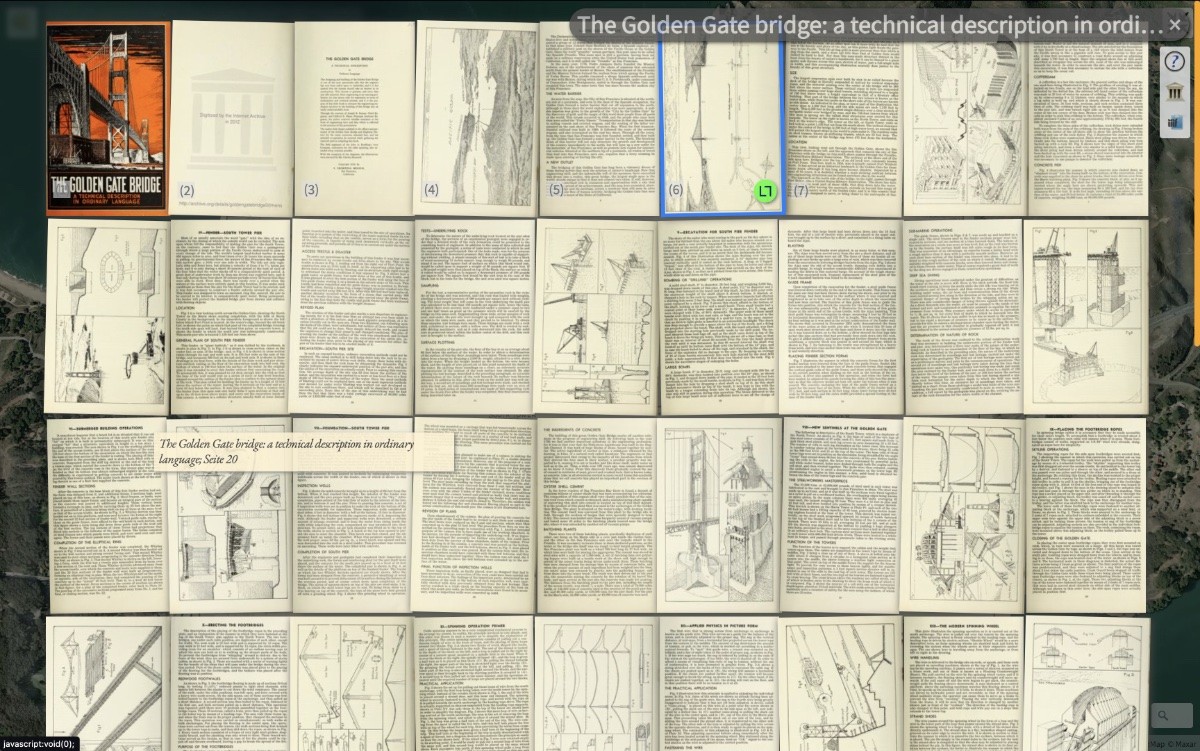
Mon, 26 Aug 2024 15:58:40 +0000
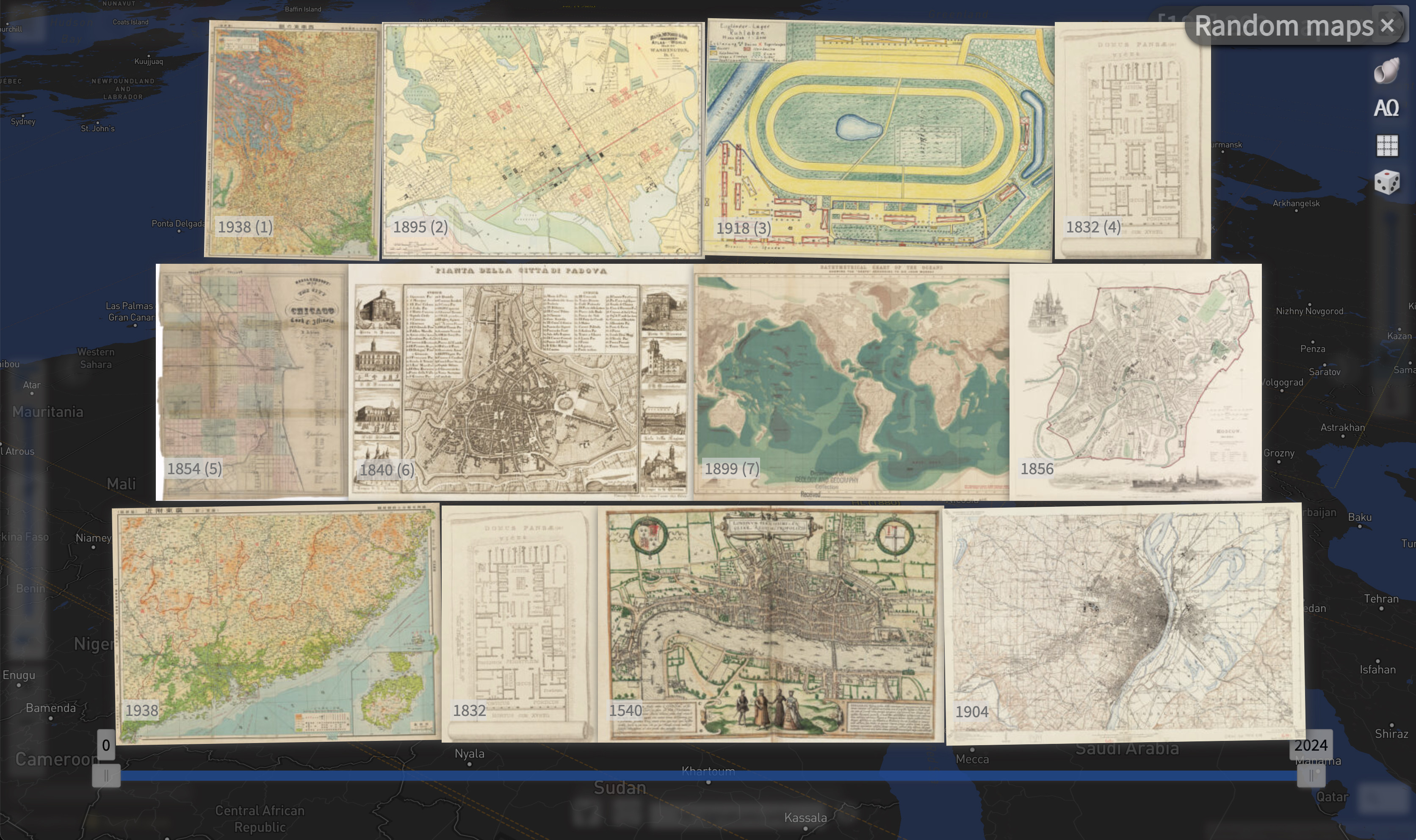
Harvard Libraries has resolved the issue with access from Germany. Hence "HL" maps and all other #iiifbooks are back ::
eg. ChronoLink to a few random maps https://mprove.de/chrono?q=34.95359,19.57804&z=4&r=-31&t=60&m=HL10653110&d=1&s=1&c=lhl,k,,,r,,,r,d
Mon, 12 Aug 2024 07:57:59 +0000
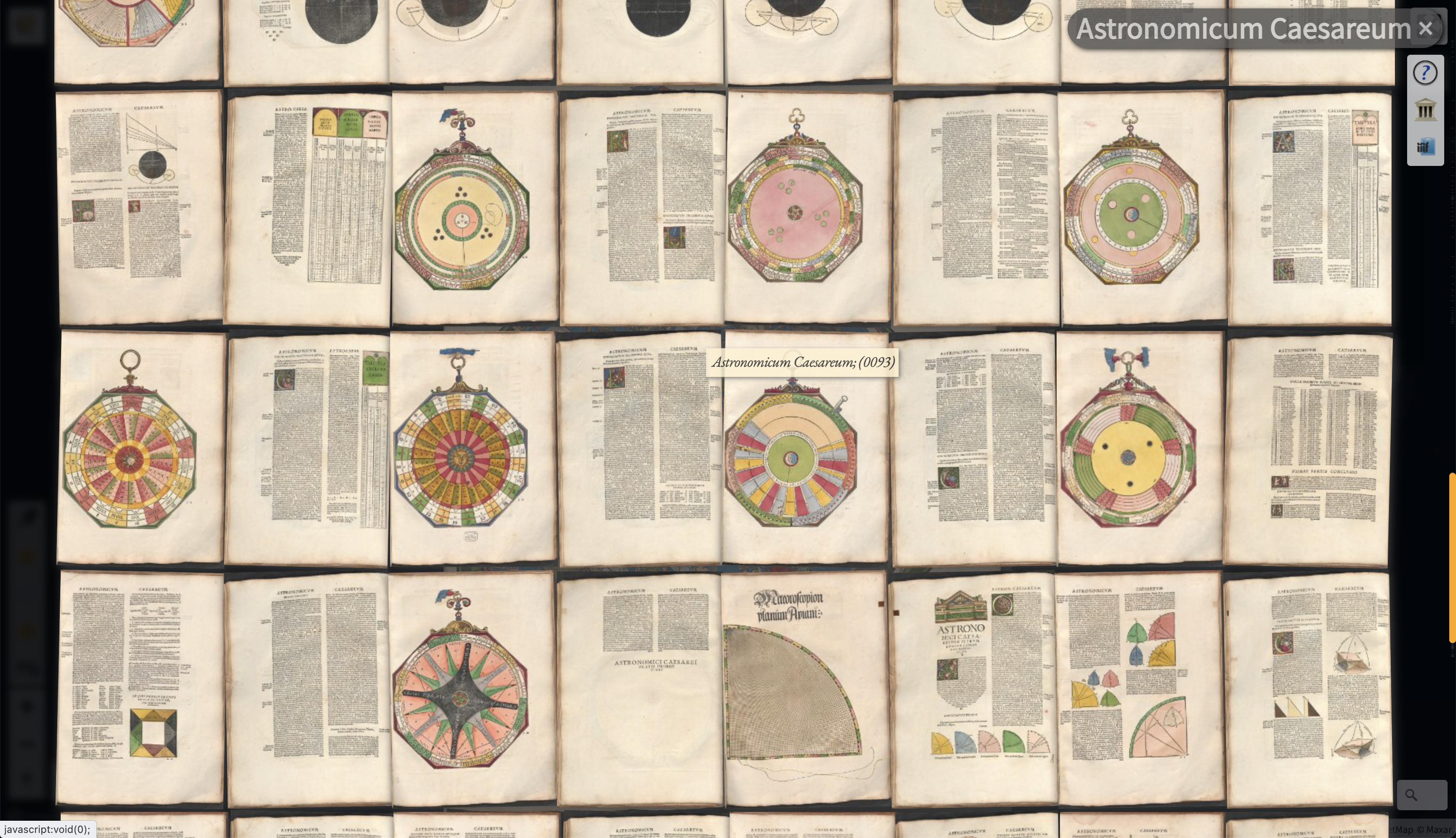
Update: Es gab einen Cyberangriff auf die Harvard-Bibliotheken. Seit dem ist der API-Zugriff auf die #opebGLAM-Daten von Deutschland aus blockiert.
Die Kollegen dort arbeiten an einer moderateren Lösung des Problems, damit #iiifviewer wieder international auf die Digitalisate zugreifen können.
Mon, 03 Jun 2024 10:13:42 +0000
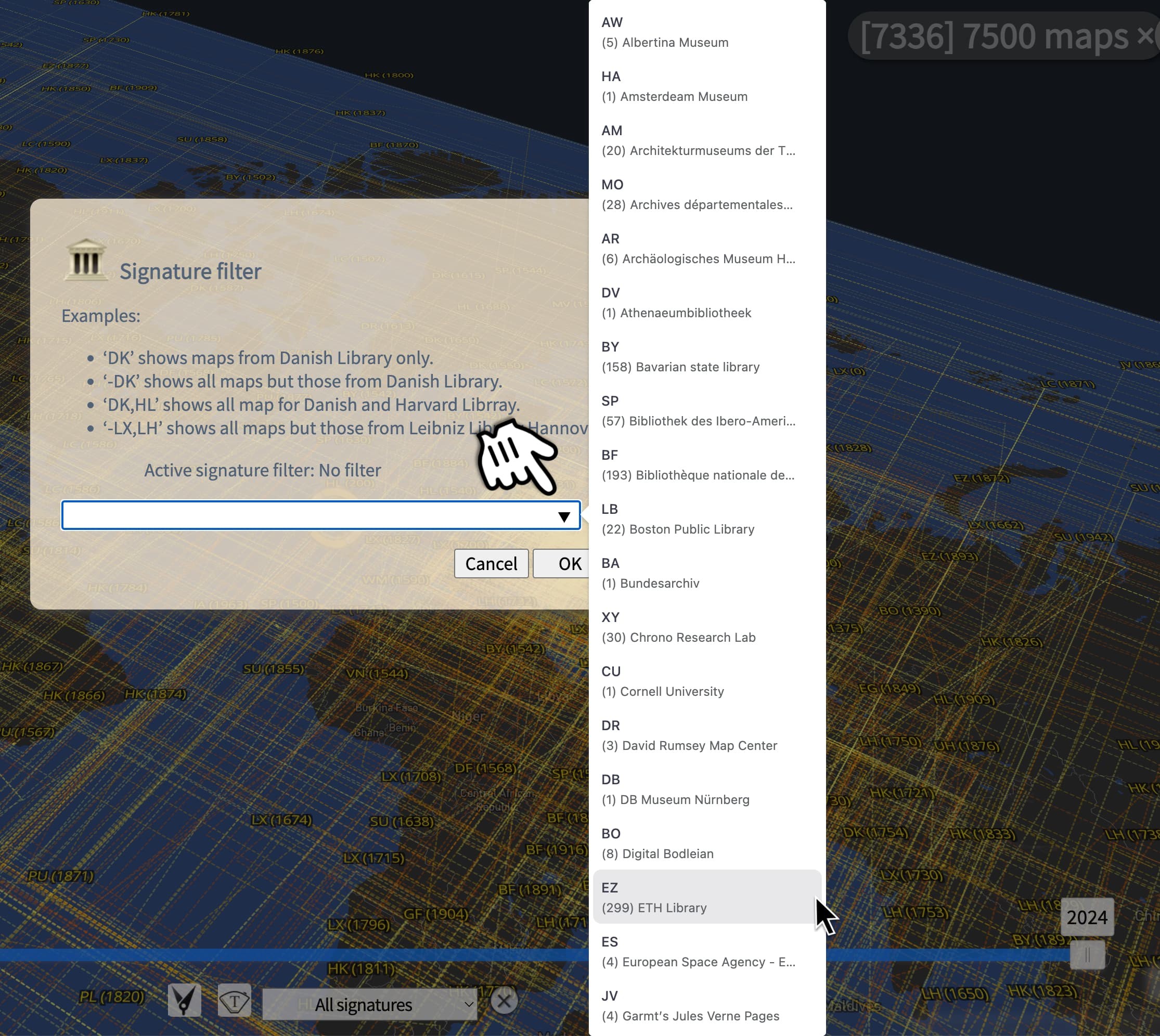
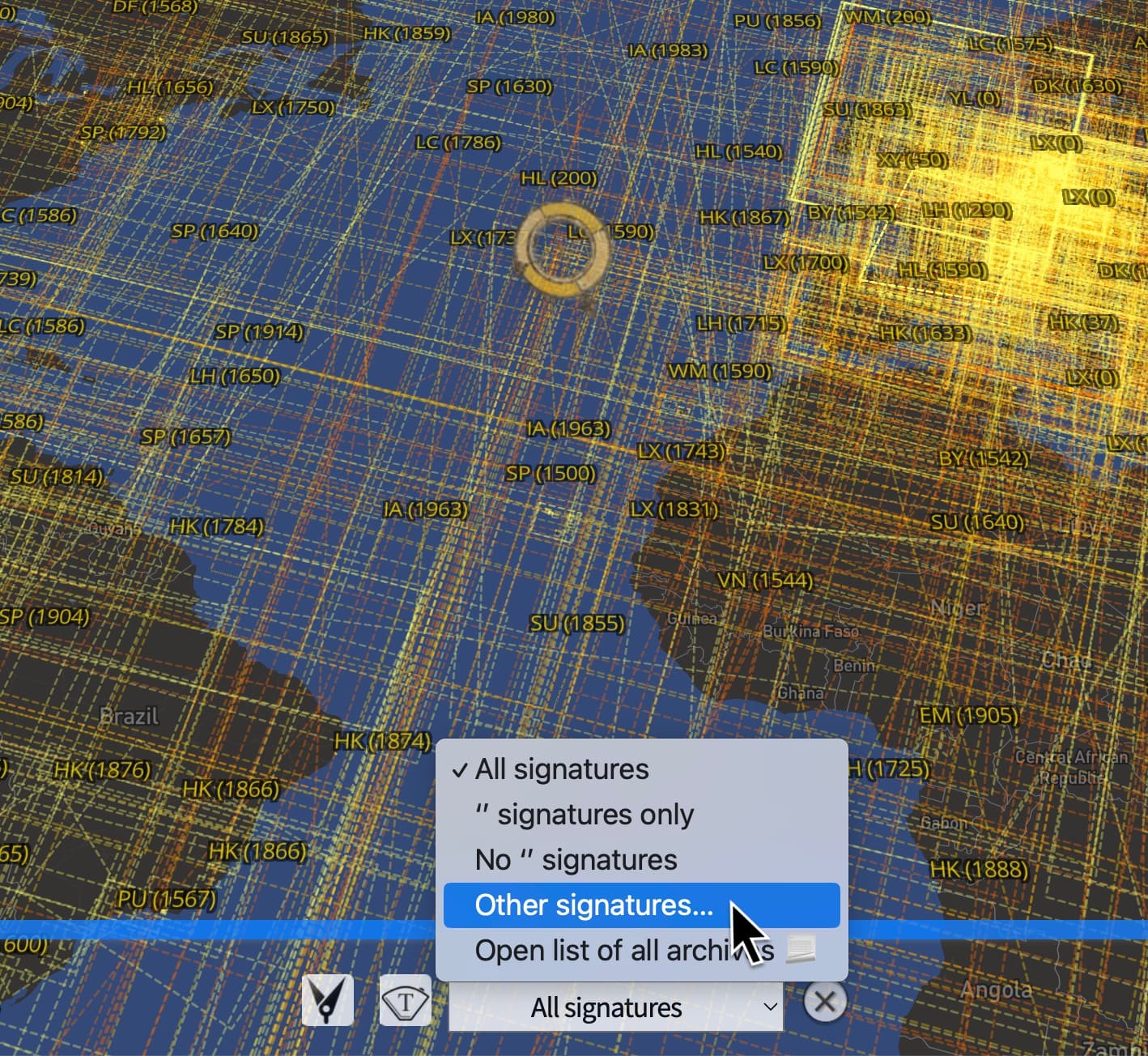
#ChronoNews Das ist neu, eine Combo-Liste mit allen registrierten Signaturen. 🤯
DIY: Öffne den Dialog "Other signatures…" / "Andere Signaturen…" hier https://mprove.de/chrono?q=0,0&z=2.28&r=-16&t=35&d=1&c=l*
Wed, 24 Jan 2024 17:14:57 +0000
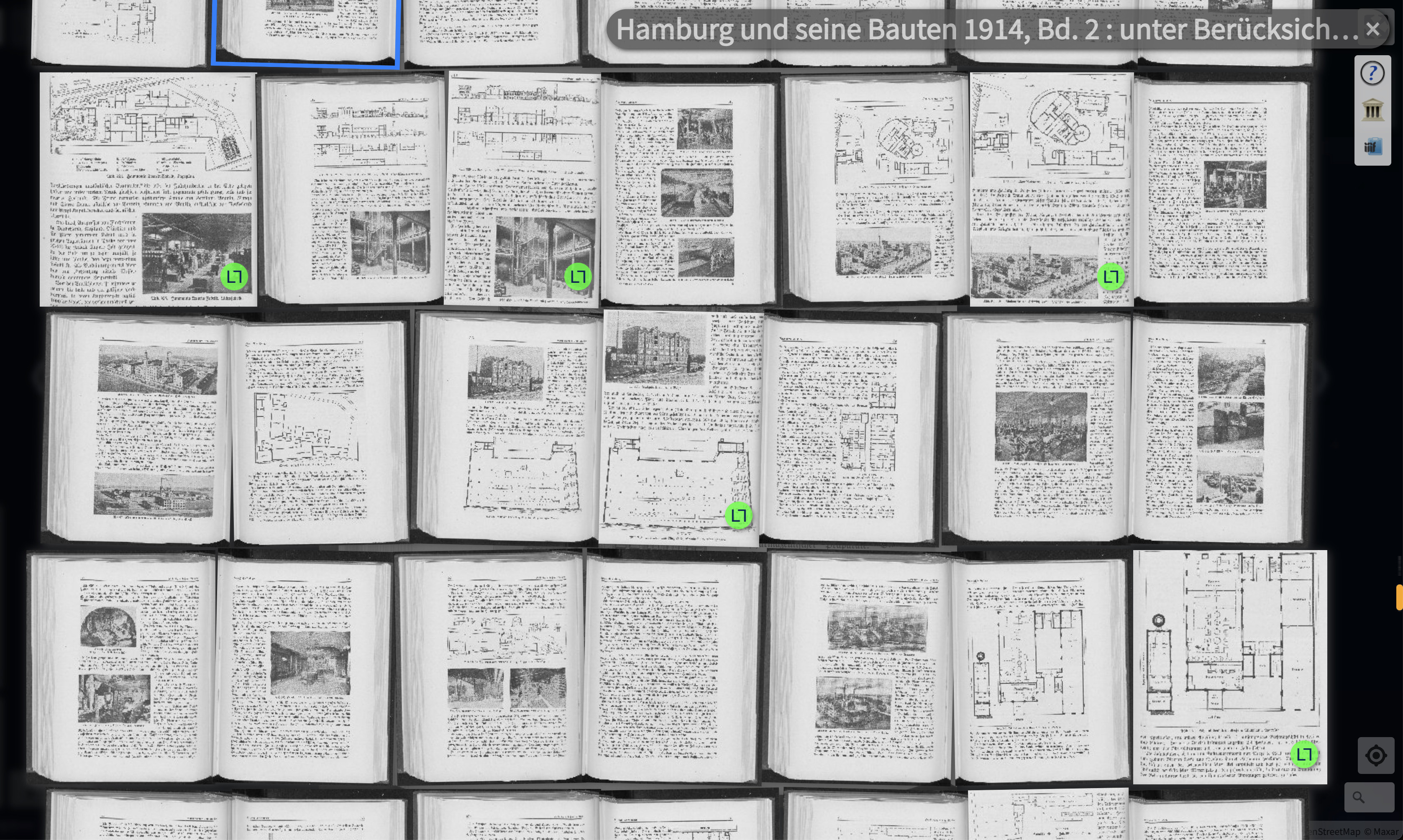
#experimental Mit den grünen Böbbels kann man erkennen welche Seiten eines Buches georeferenziert wurden.
Wed, 17 Jan 2024 11:25:14 +0000
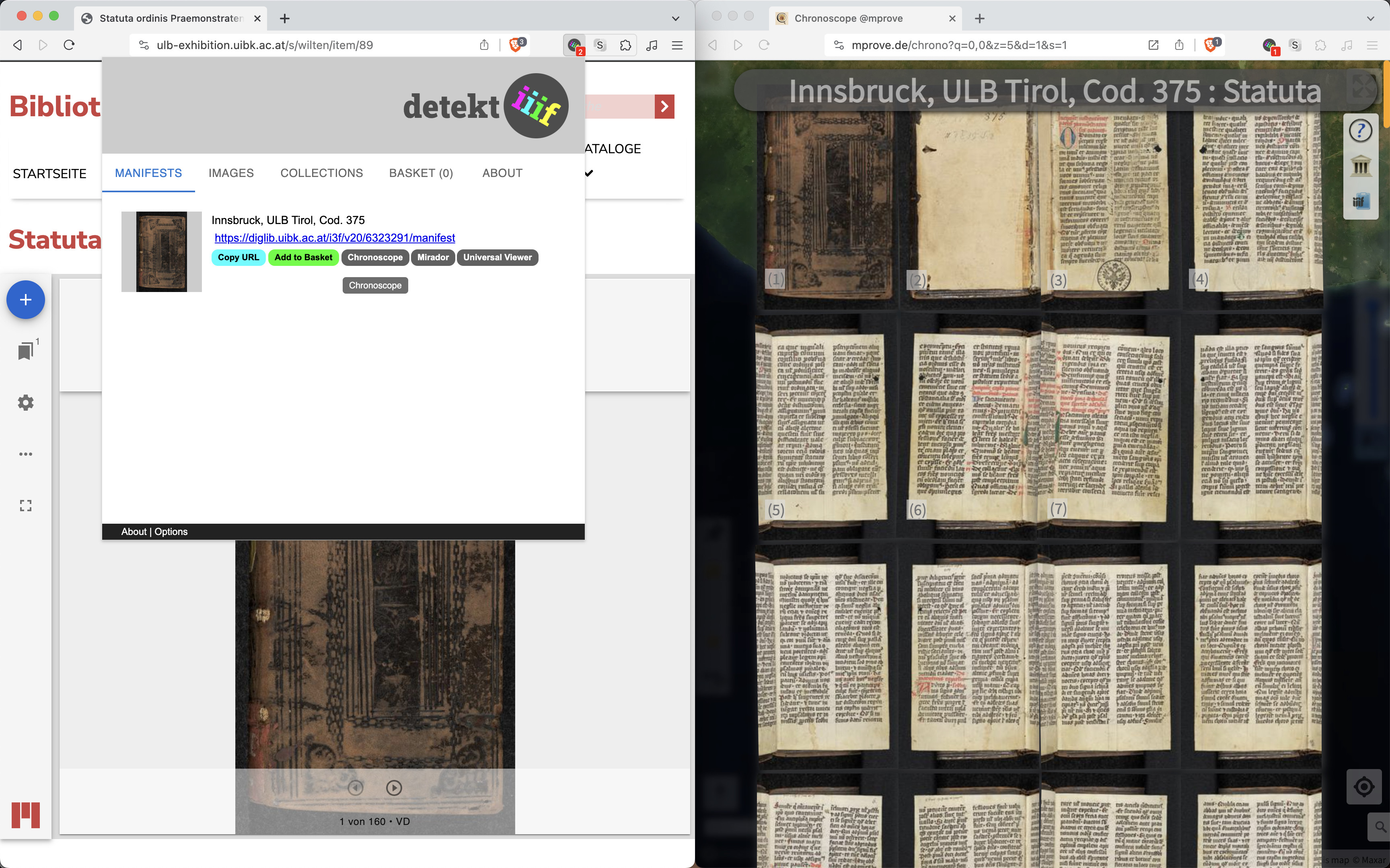
@ulbtirol Danke, dass Sie #IIIF anbieten!
Links: https://ulb-exhibition.uibk.ac.at/s/wilten/item/89
Rechts: https://mprove.de/chrono?q=0.83543,-0.45002&z=8.4&m=IFurnnbnatat-ubi5-1542&d=1&s=1&iiif-content=https://diglib.uibk.ac.at/i3f/v20/6323291/manifest&c=a
DIY https://mprove.de/chronoscope/guide/en/iiif.html
Sun, 24 Dec 2023 21:43:25 +0000
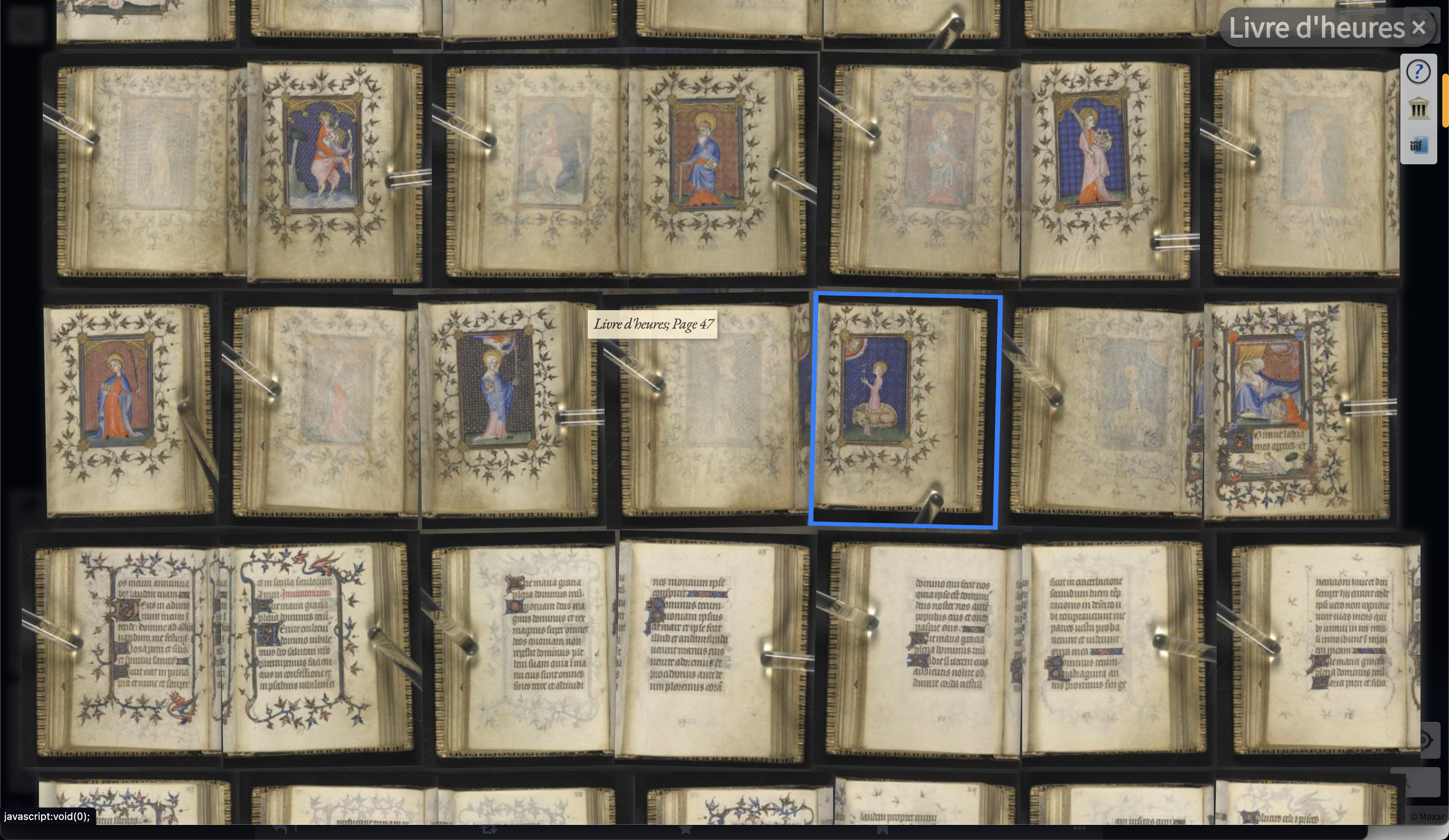
@overholt Thx for sharing.
Livre d'heures ChronoLink
https://mprove.de/chrono?q=-0.32698,0.02973&z=8.37&m=IF89213240-47&d=1&s=1&iiif-content=https://www.loc.gov/item/89213240/manifest.json&c=a
Thu, 07 Dec 2023 22:54:51 +0000
[ 🎞️ ]#ChronoNews Smart Drag’n’Drop for Stanford Libraries 
Documentation: https://mprove.de/chronoscope/guide/en/iiif.html
Tue, 28 Nov 2023 13:46:59 +0000
[ 🎞️ ]@rstockm Hab dann mal Smart Drag’n’Drop für #STABIKAT und das Chronoscope World angeschaltet. Guide: https://mprove.de/chronoscope/guide/en/iiif.html
Ansonsten alles sehr richtige Überlegungen und Umsetzungen. Krumme Scan-Seiten sind bei mir Teil des Design. Das hebt das Haptische hervor.
PDF halte ich für überschätzt. Das ist nur Symptombekämpfung seitens der Nutzer, da sie sonst die Schätze nicht wiederfinden.
#iiifviewer #iiifbooks #openglam
Thu, 16 Nov 2023 09:42:29 +0000
Bücher-Wurm-Loch
Rundreise @stabihh #iiifbooks mit dem Chronoscope
Video auf LinkedIn: https://www.linkedin.com/feed/update/urn:li:ugcPost:7130851581566017536/
Thu, 16 Nov 2023 06:38:52 +0000
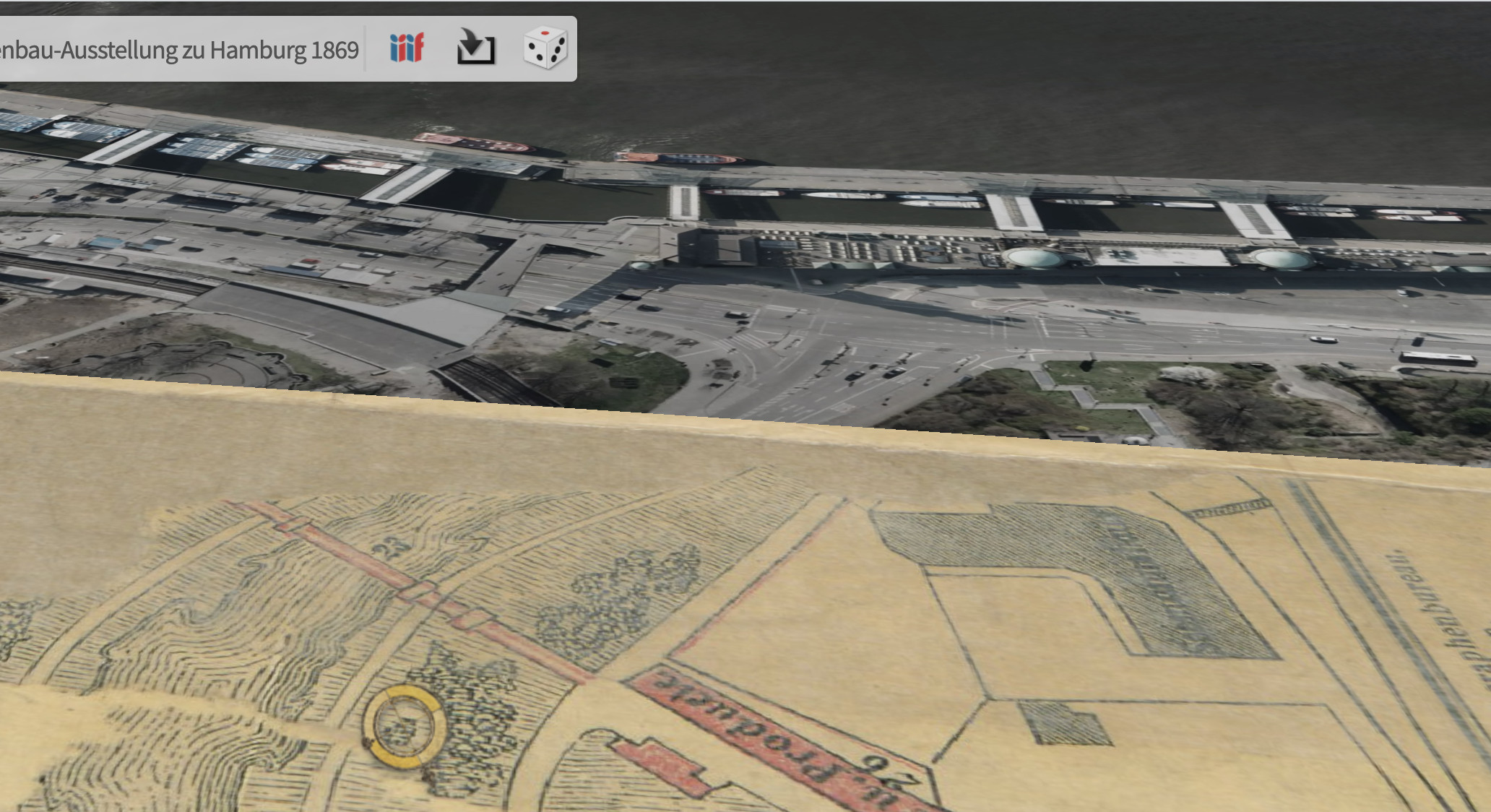
Der Adlerauge-Award geht an @Wehberg !! 
Unter der Brücke durch, leicht rechts sind die St. Pauli Landungsbrücken. Die Brücke gab es temporär zur Gartenbauausstellung 1869.
https://mprove.de/chrono?q=53.54733,9.97072&z=18&r=179&t=60&m=HHPPN625832833-65&s=1
#iiifbooks via @stabihh
Sun, 12 Nov 2023 19:37:50 +0000
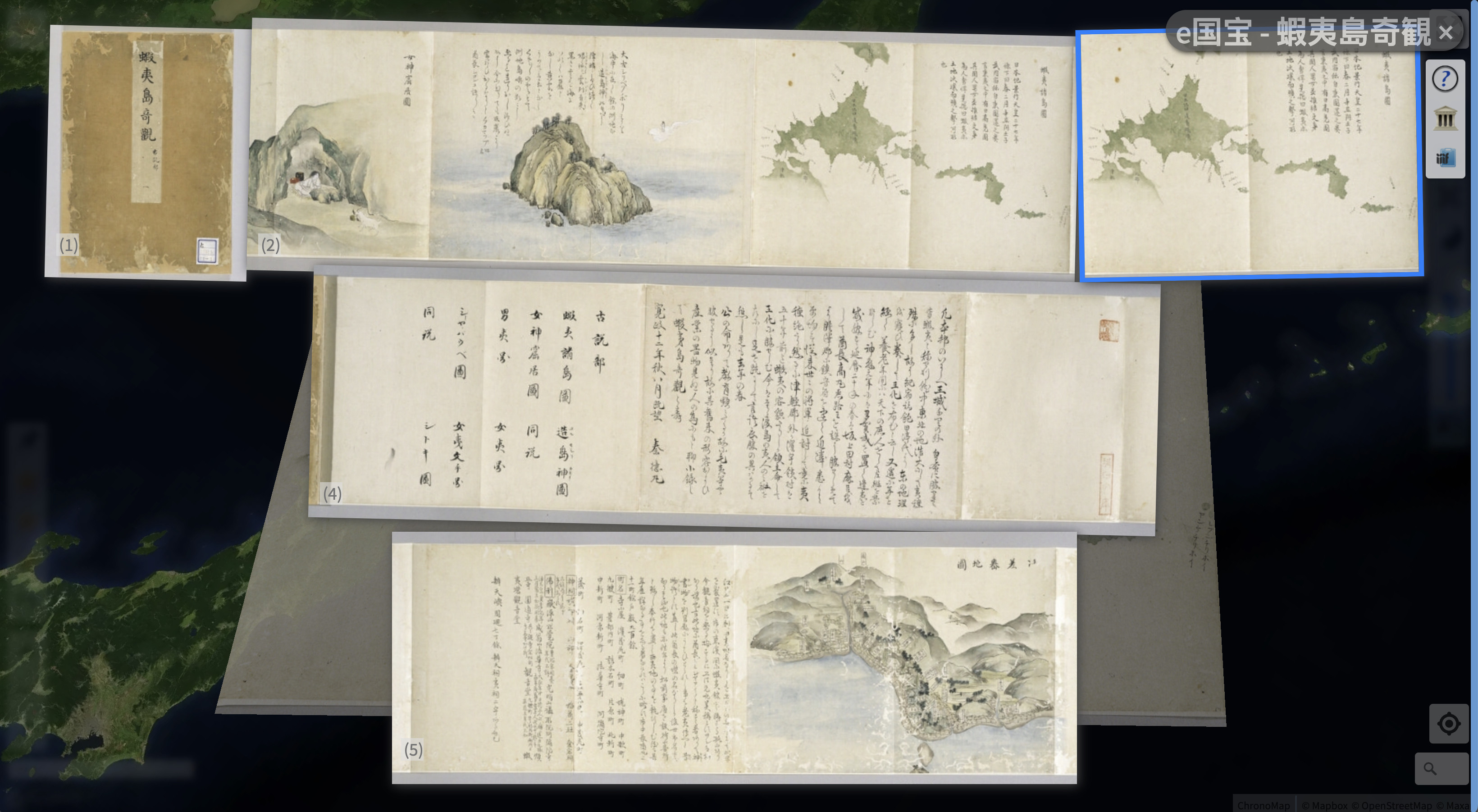
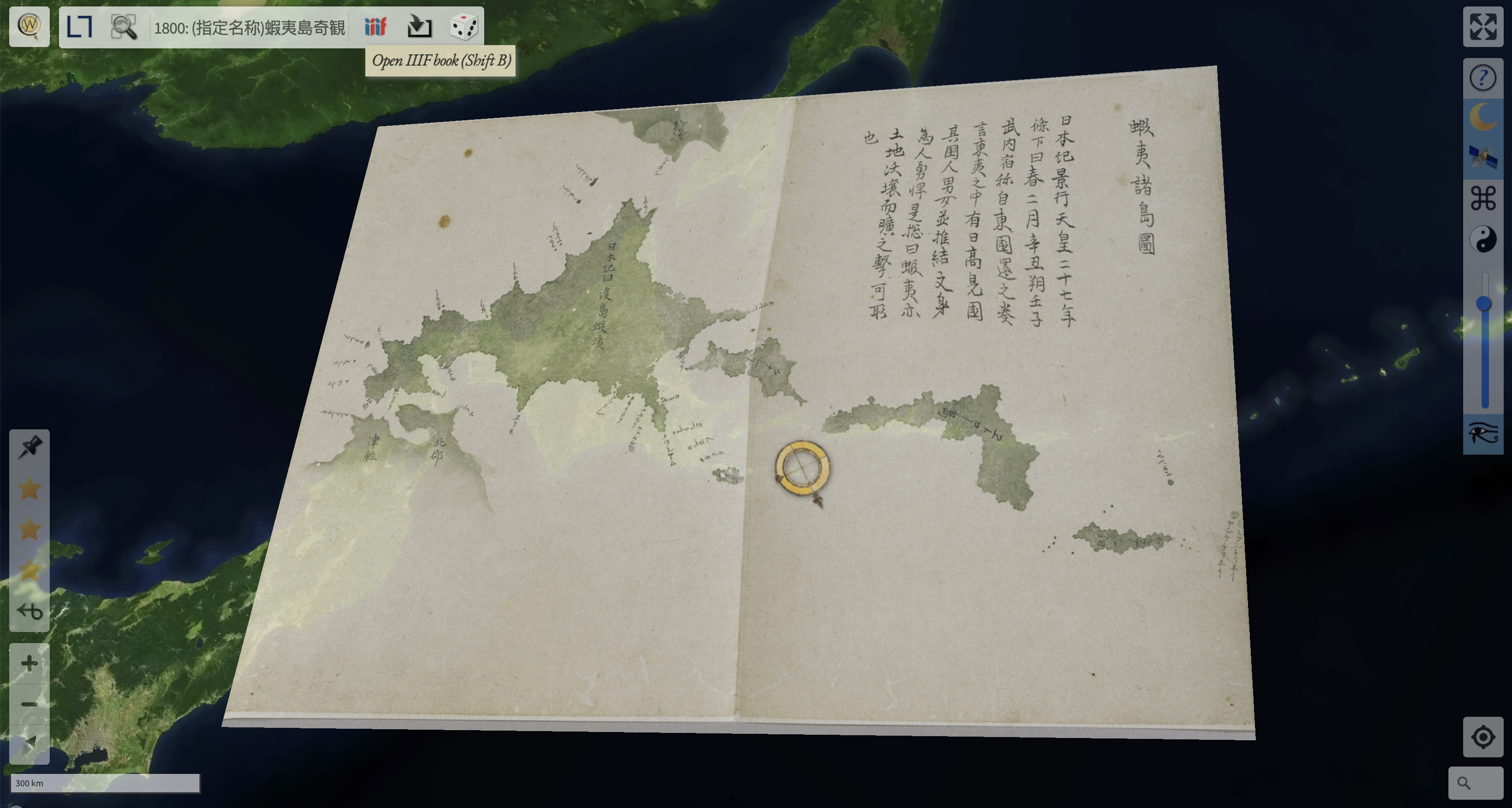
#ChronoNews Ein kleiner Coding-Triumpf. 🤓 Ein Ausschnitt des 2. Blattes zeigt eine japanische Insel, die georeferenziert wurde. In der Buchübersicht stehen das Originalblatt und die Karte nun nebeneinander!
https://mprove.de/chrono?s=1&iiif-content=https://emuseum.nich.go.jp/iiifapi/101332/manifest.json
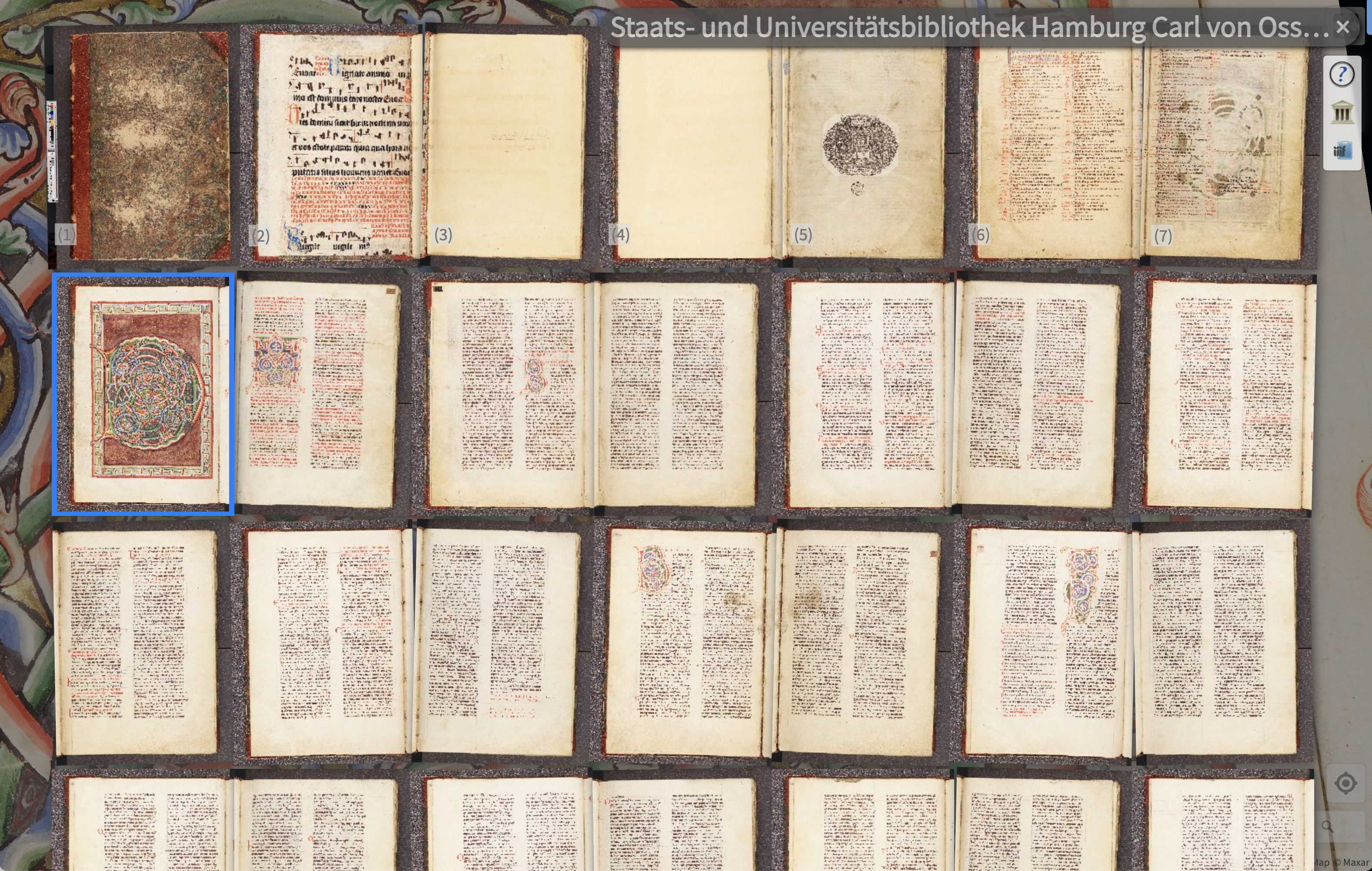
Fri, 03 Nov 2023 13:02:37 +0000
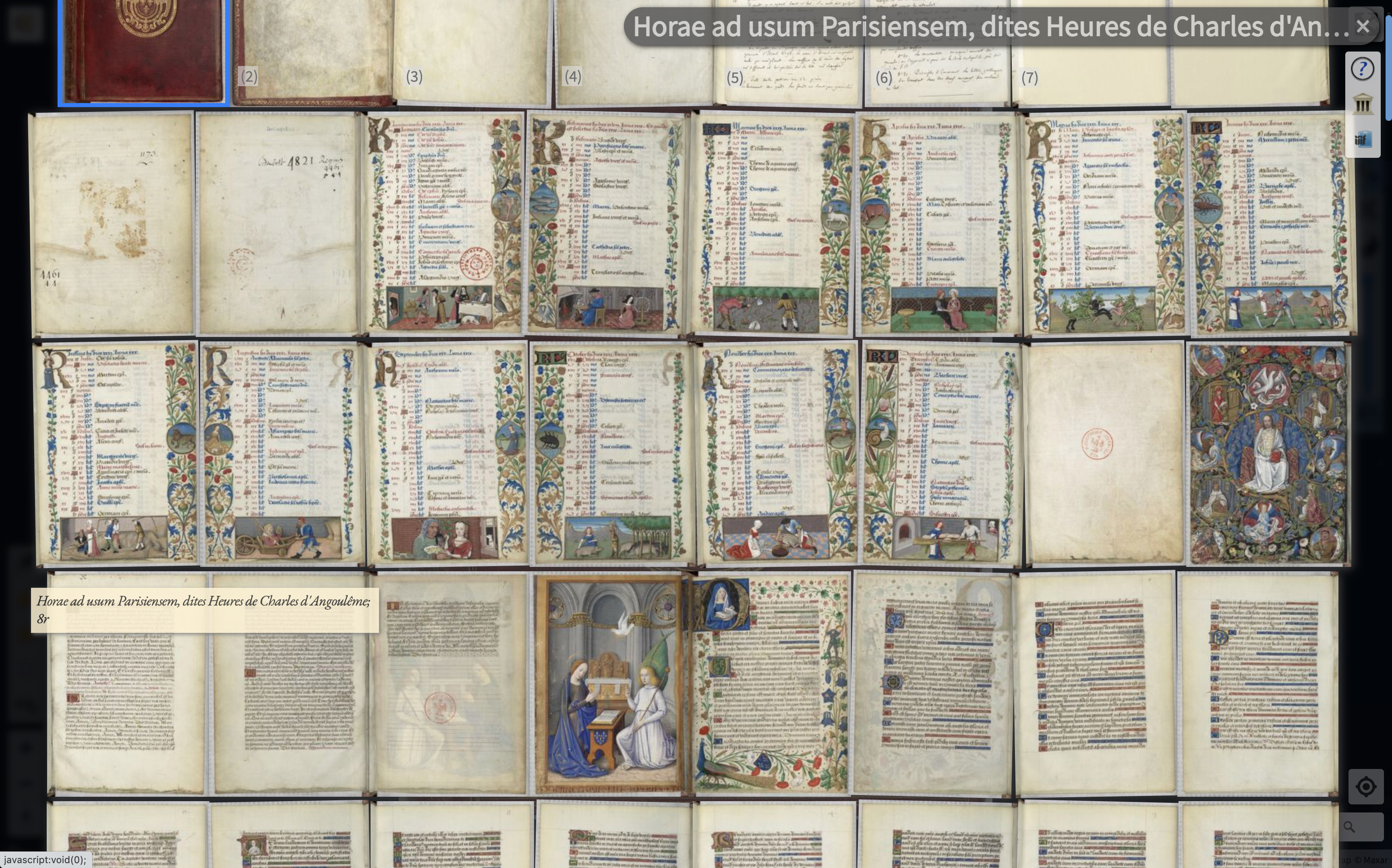
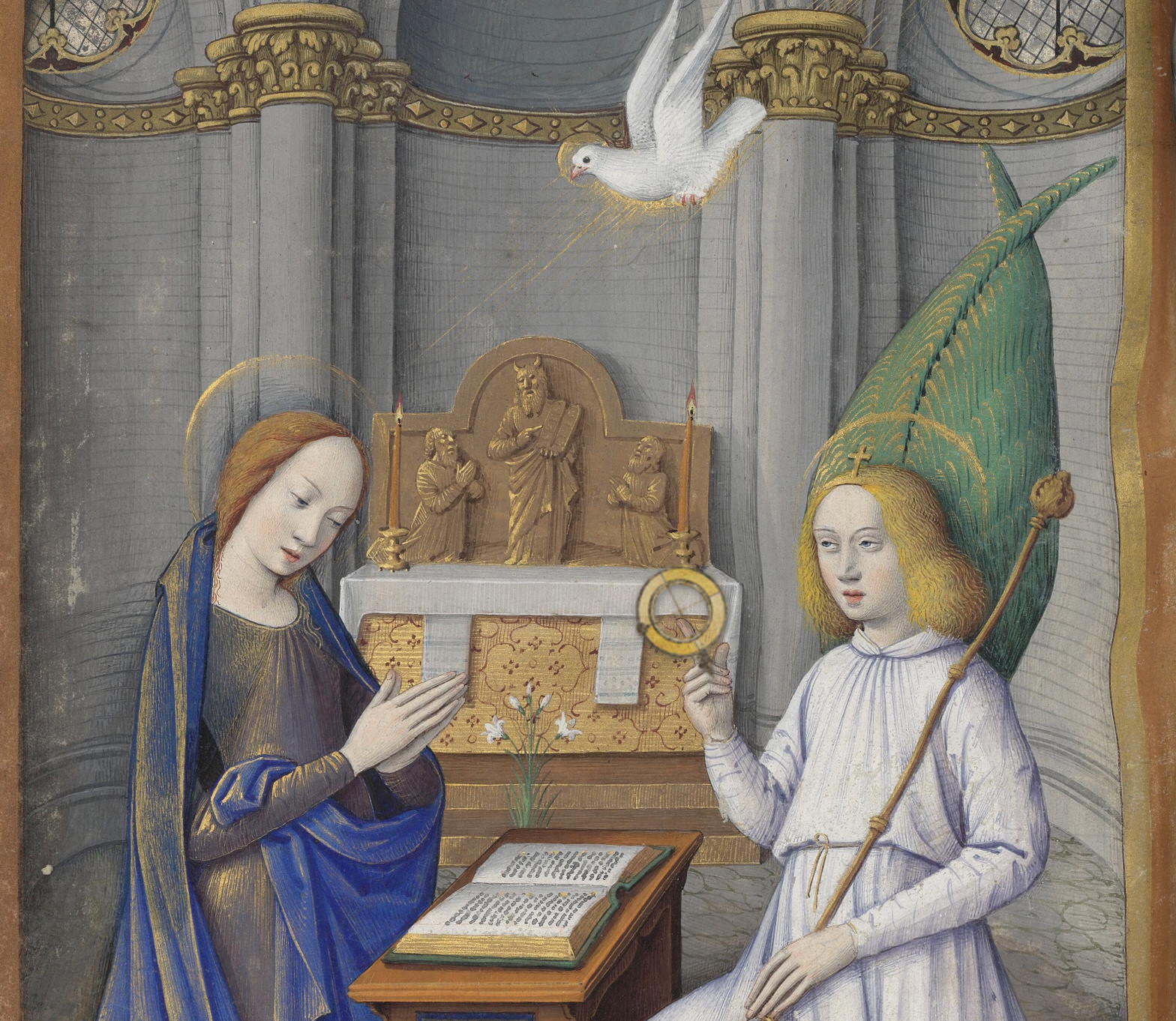
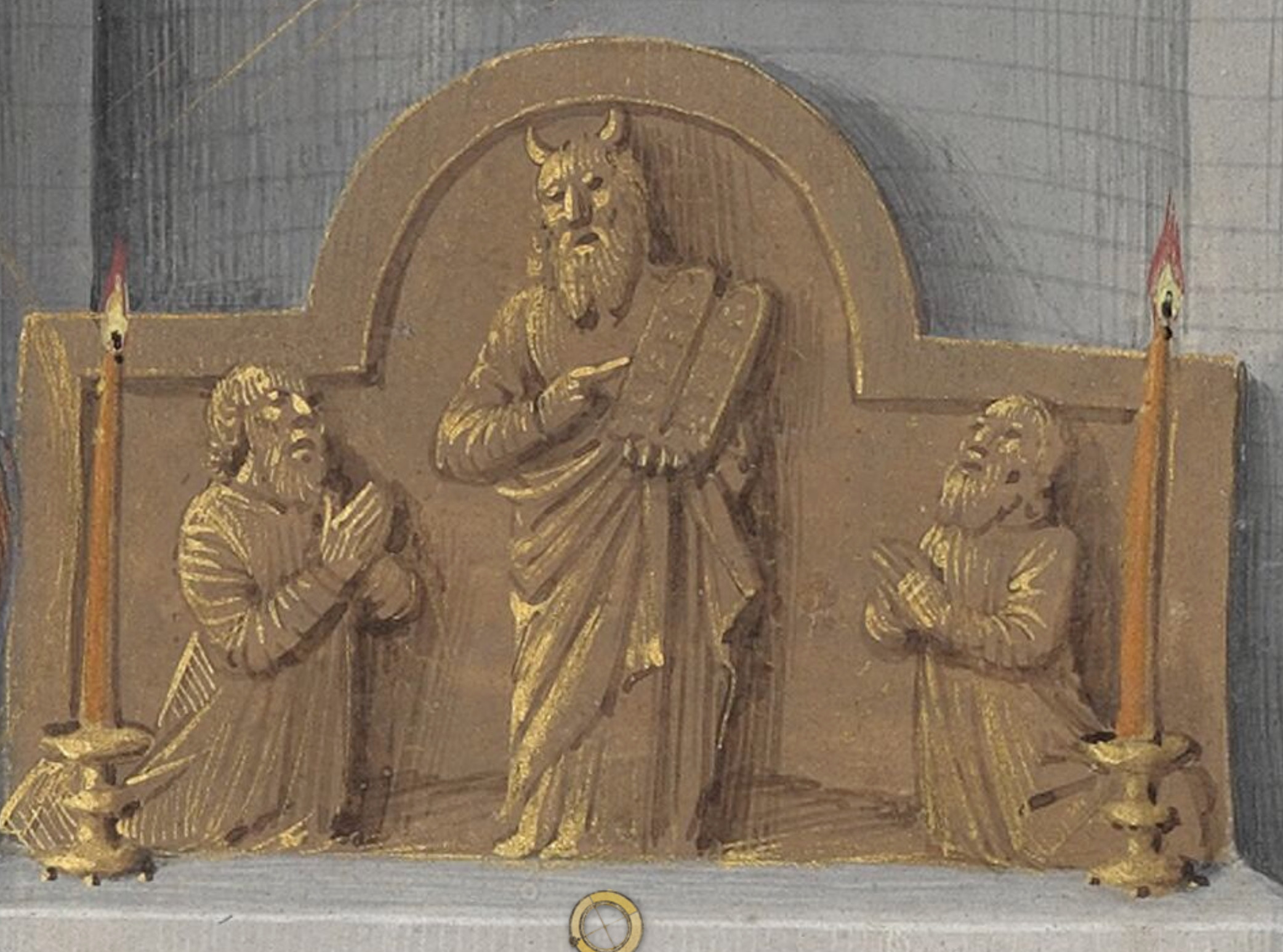
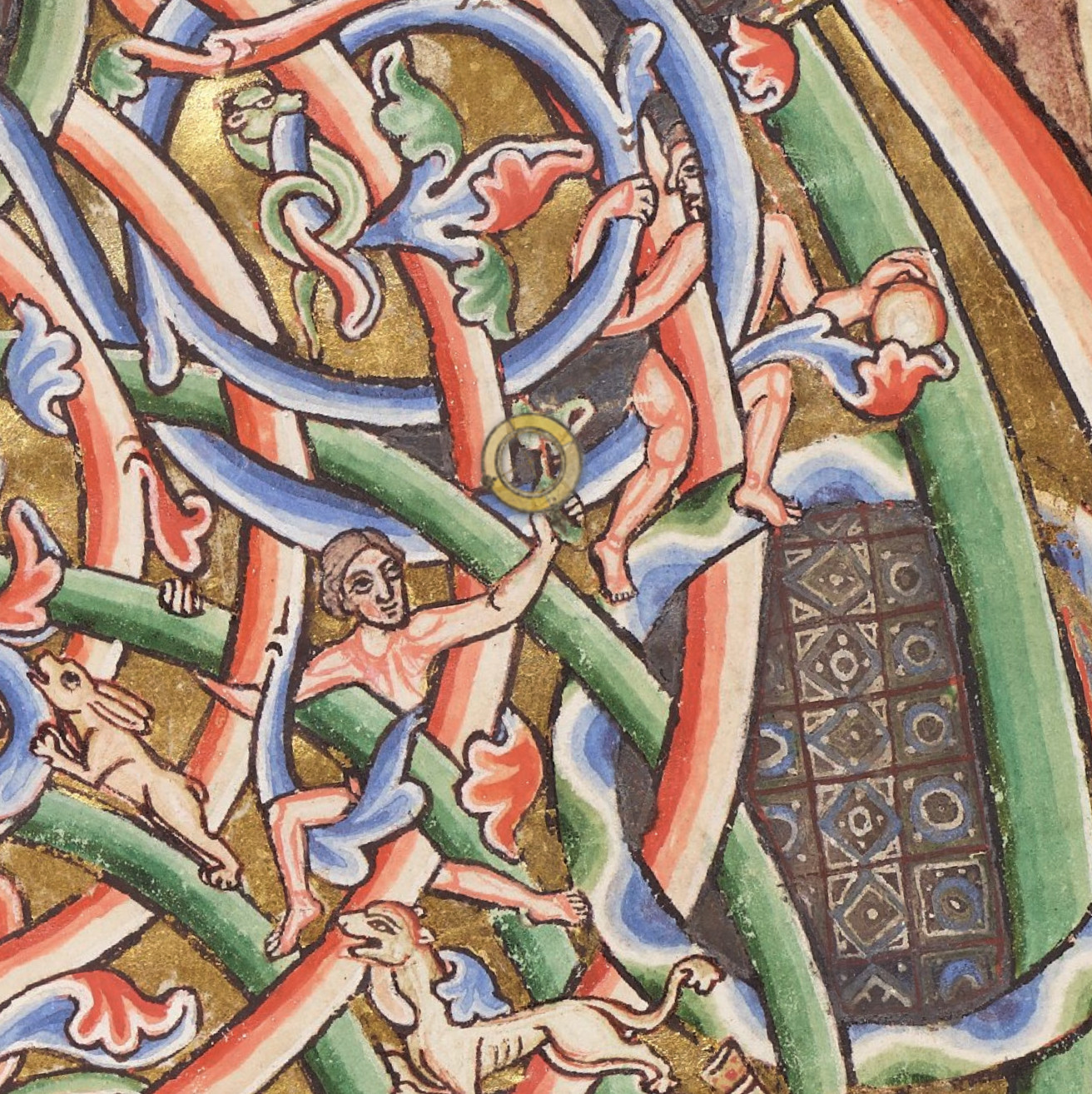
[ 🎞️ ]Internet Archive – Chronoscope World roundtrip :: ja, the highlighted page will open at @internetarchive 🤩
It seems counterintuitive that interoperability like this matters, as it decouples data and tools from each other.
#chronoNews #iiifviewer @IIIF
DIY Launch Chronoscope World here at https://mprove.de/chrono?q=32.30917,-64.78434&z=2&r=-5&d=1&s=1
via
#iiifbooks

About RSS Enterprise
Before (a)social media, the web used to be social. Each and every Web 2.0 site used to offer its info pebbles also as an RSS feed. RSS (really simple syndication) is a standardized XML format (extensible markup language) that an RSS reader app can import and display. Some of this information infrastructure has survived and can be revived by the web app RSS Enterprise on this page.
The primary use case is Mastodon. But as it turns out, RSS feeds provided by at least BlueSky, tumblr, WordPress, SpeakerDeck, Pinterest, and Wordpress can also be displayed here.
For Mastodon in specific, there are a few special features:
- You can click Mastodon tags to load the tag’s content. Try #SciFiEtiquette or #trendytoots
Discover more insights at the tag #RSSEnterprise itself. - You can click a Mastodon user to display her feed.
Try @mprove or @chronohh - You can drag any RSS feed URL from any web page to the cover above and drop it into the river. This does also work for Mastodon users and hash tags, as well as for blogspot, pinterest, substack, and tumblr.
The menu command Edit > Paste of an RSS address is also possible, but less exciting.
Of course, you can always fiddle around with the parameters in the browser’s address bar:
RSS Enterprise parameter info
- rss=
- The feed url or a dropable blog URL
Support for multiple Mastodon hash tags; e.g. get the combined tags #ComputerHistory #HistoryOfComputers #HistoryOfComputing #chm with this RSS Enterprise link - rss2=
- A second feed to be displayed; but no support for multiple tags
- roundrobin
- Optional parameter to flip-flop between two feeds instead of sorting them chronologically
stay curious – share the links – have fun! Matthias
Hi, I’d appreciate a little tip to keep my pages open and free of ads and pay-walls.
 Support Me on Ko-fi Tip via PayPal
Try any RSS feed:
Cover (c) Maike im Hafen