RSS Enterprise: norden.social/…
An RSS browser by mprove design 2026
#ChronoScroll
Public posts tagged #ChronoScroll
Tue, 07 Jul 2026 13:11:12 +0000
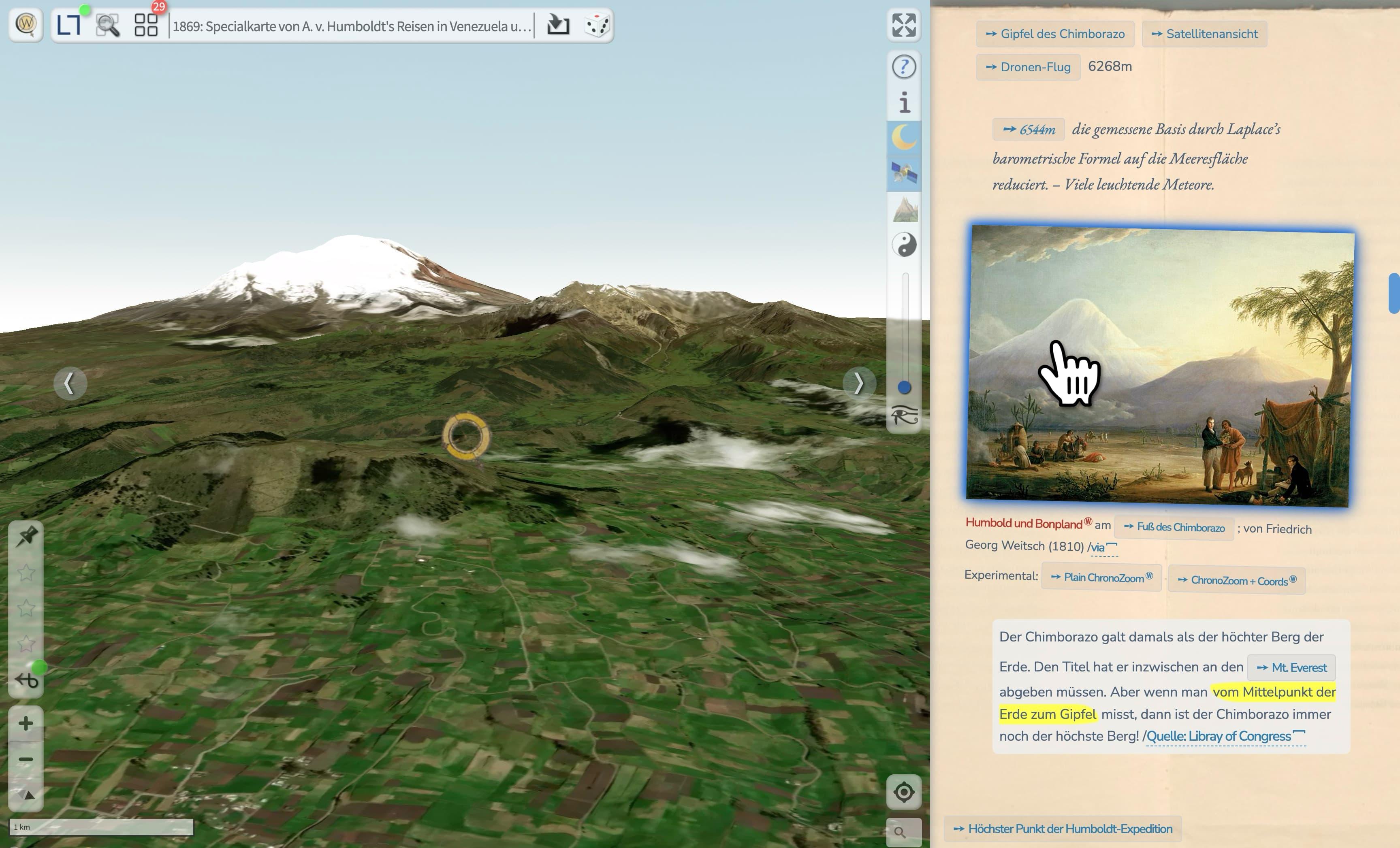
#ZeroClickUI für die Bilder in der #ChronoAlex #ChronoScroll >> https://mprove.de/chronolab/world/humboldt/index.html
Daher leuchtet das Bild dann auch schön blau.
Mon, 29 Jun 2026 19:12:53 +0000
Where in the World is_
#ChronoRecherche on Aristide #Maillol’s sculpture La Rivière.
https://mprove.de/chronolab/world/maillol/index.html
Mon, 14 Aug 2023 14:51:42 +0000
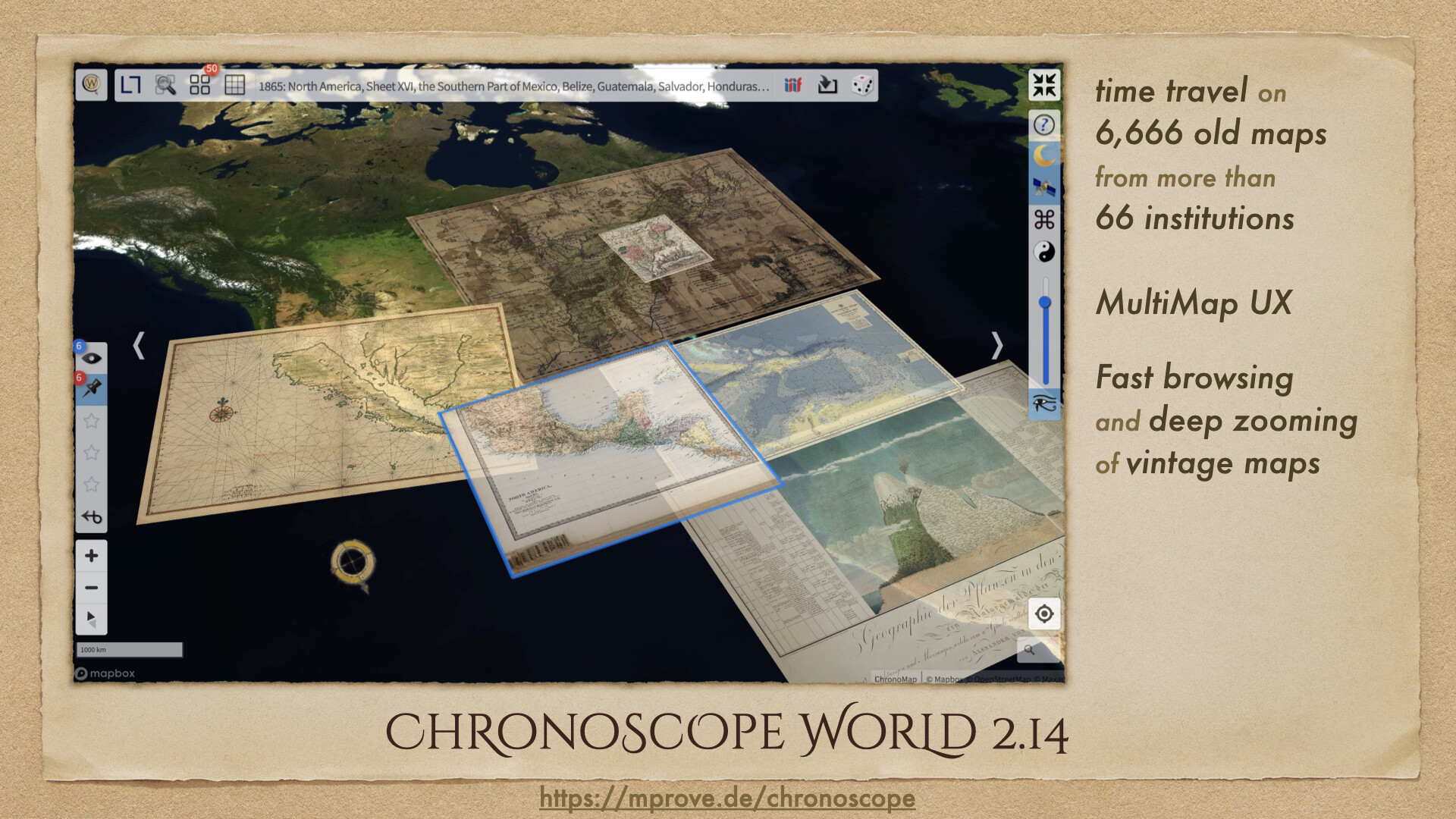
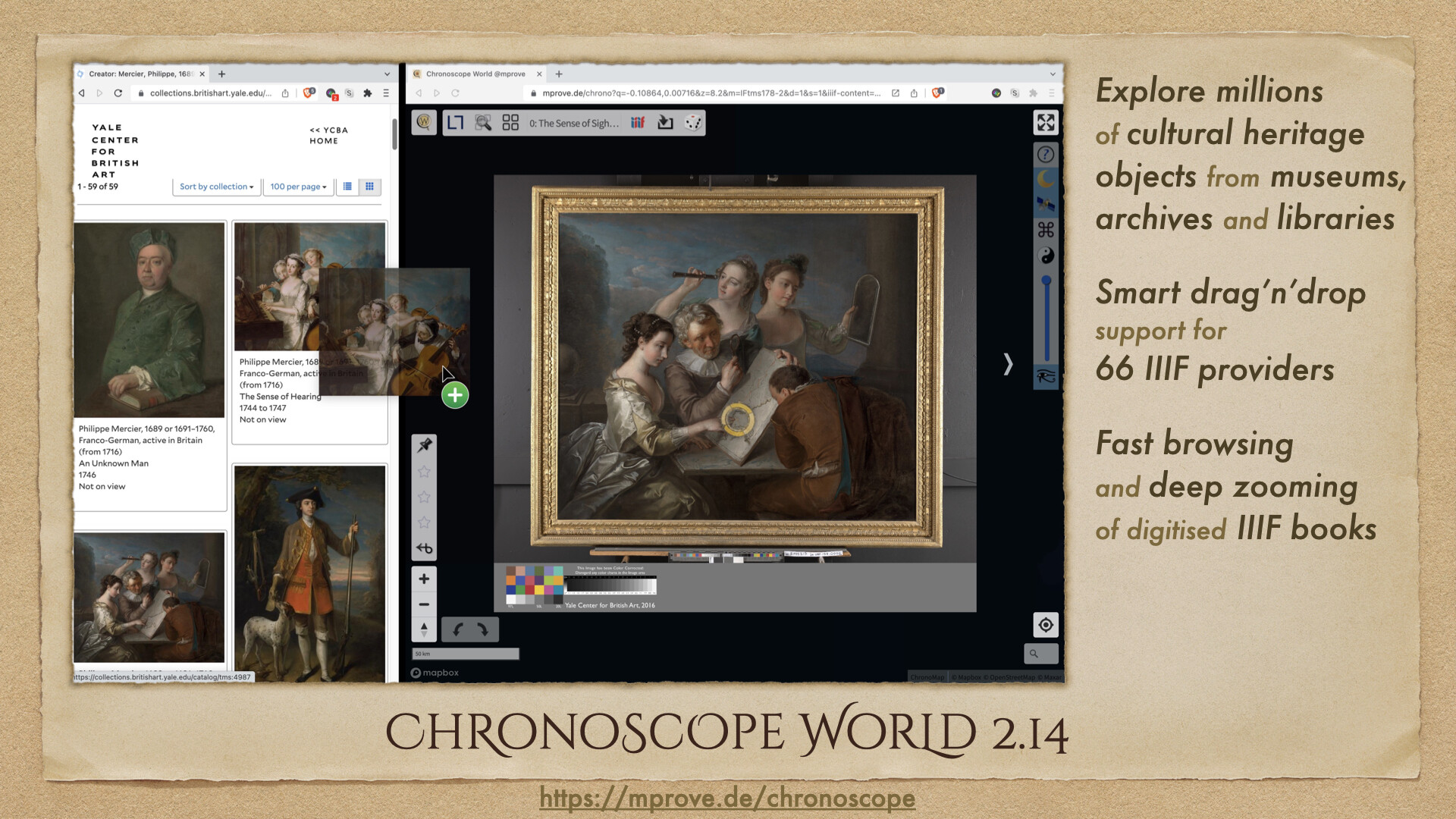
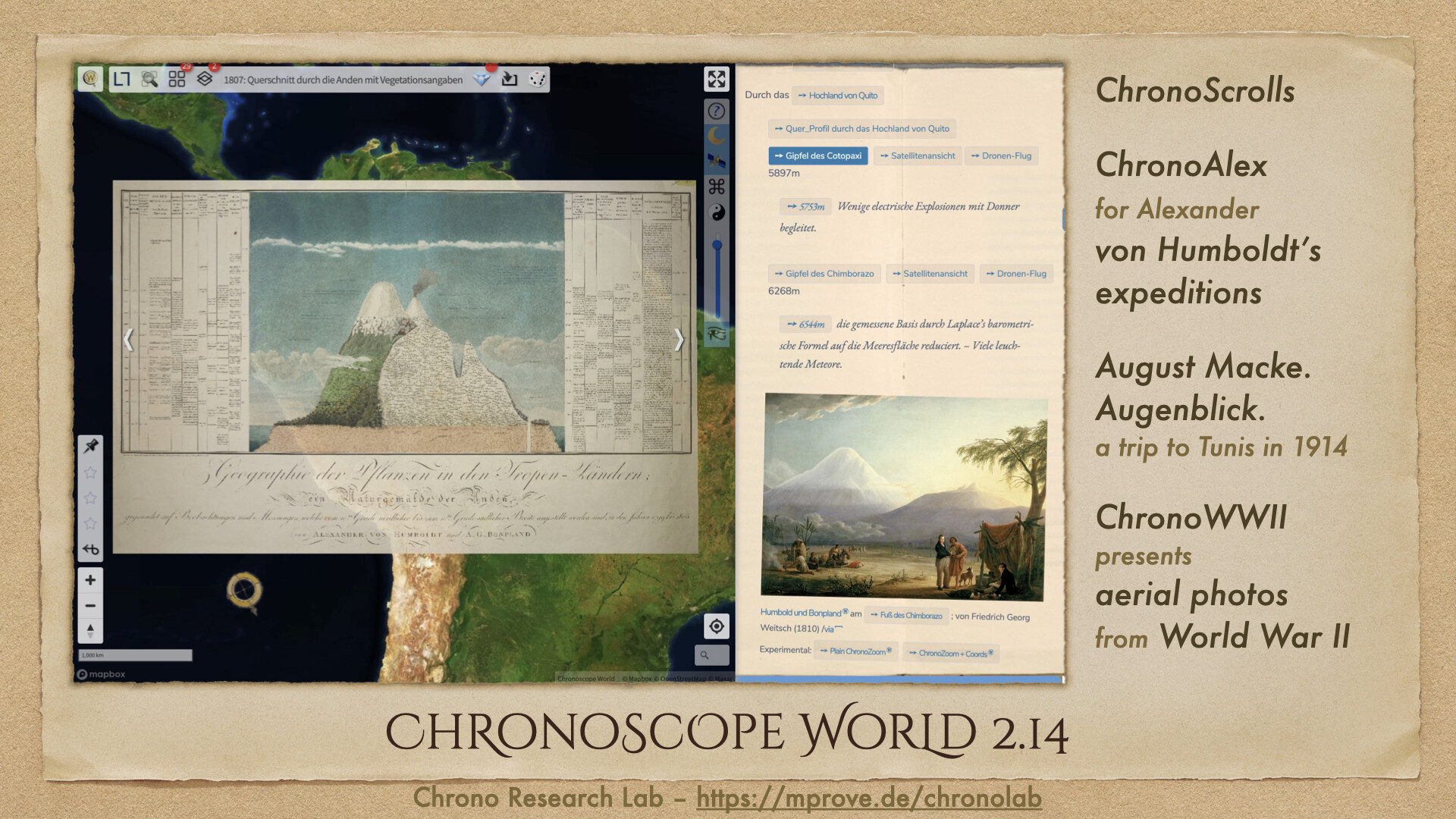
🎉 Presenting Chronoscope World 2.14. Time travel on #oldmaps and millions of cultural objects provided by #openGLAM:s
Home: https://mprove.de/chronoscope/world.html
Guide: https://mprove.de/chronoscope/guide/en/intro.html
Release notes: https://mprove.de/chronoscope/releasenotes.html
#chronoNews #chronoScroll #iiif @IIIF #culturalHeritage #digitalHumanities #crossGLAM
Sun, 06 Aug 2023 07:42:22 +0000
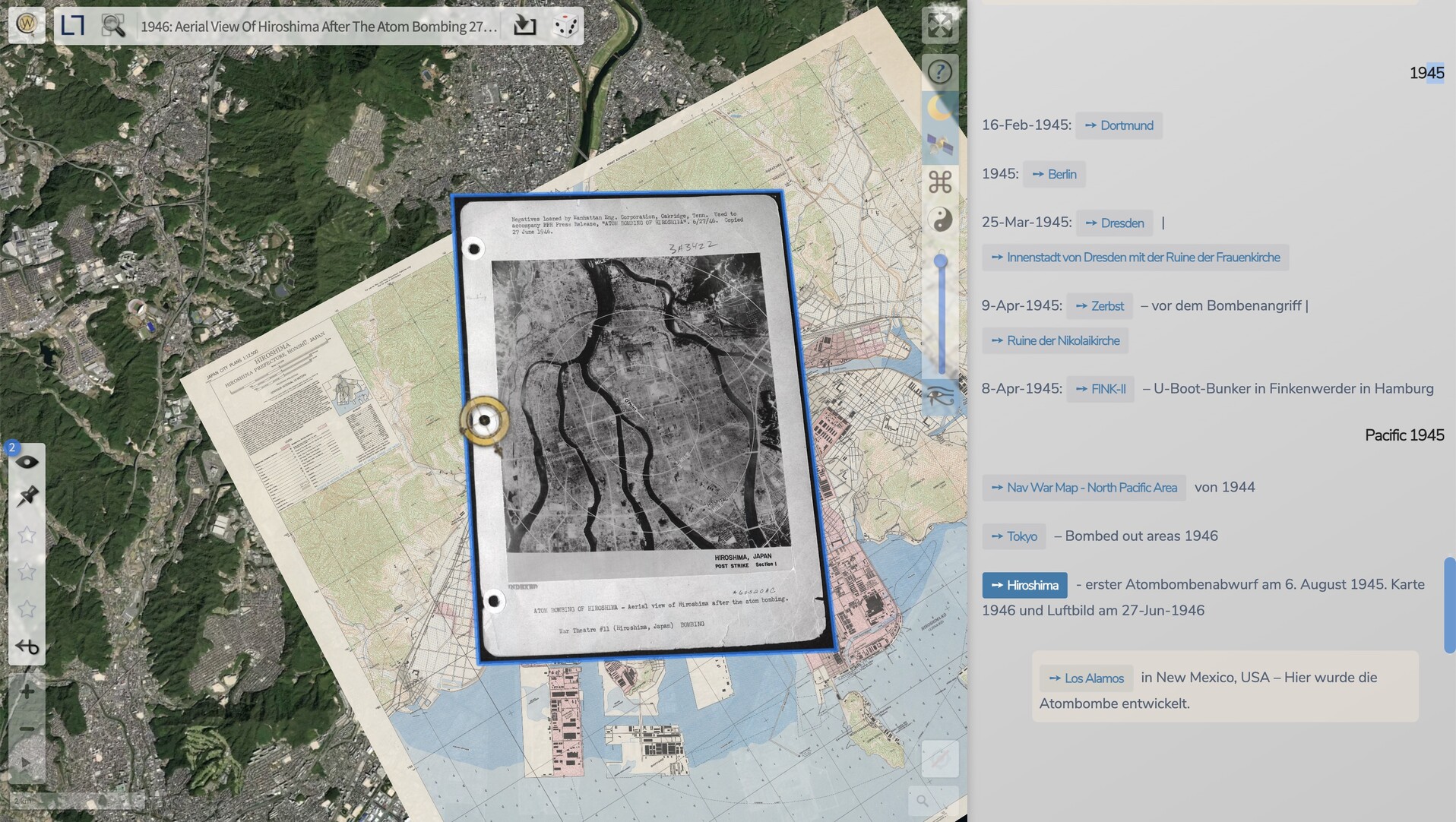
#OTD #Hiroshima 6-Aug-1945
A #ChronoScroll of #WWII bombing: https://mprove.de/chronolab/world/war/wwii.html
plus map of #Oppenheimer’s Los Alamos
Wed, 15 Mar 2023 18:26:31 +0000
@mugraph Jo, mach doch –– jaja, die langen Winterabende…
/cf. hier der Sandthor-Quai im Hamburger Hafen (eigentlich ist das ein Eisenbahn-#ChronoScroll.) :: https://mprove.de/chronolab/hh/eisenbahn/index.html#sandthorquai

About RSS Enterprise
Before (a)social media, the web used to be social. Each and every Web 2.0 site used to offer its info pebbles also as an RSS feed. RSS (really simple syndication) is a standardized XML format (extensible markup language) that an RSS reader app can import and display. Some of this information infrastructure has survived and can be revived by the web app RSS Enterprise on this page.
The primary use case is Mastodon. But as it turns out, RSS feeds provided by at least BlueSky, tumblr, WordPress, SpeakerDeck, Pinterest, and Wordpress can also be displayed here.
For Mastodon in specific, there are a few special features:
- You can click Mastodon tags to load the tag’s content. Try #SciFiEtiquette or #trendytoots
Discover more insights at the tag #RSSEnterprise itself. - You can click a Mastodon user to display her feed.
Try @mprove or @chronohh - You can drag any RSS feed URL from any web page to the cover above and drop it into the river. This does also work for Mastodon users and hash tags, as well as for blogspot, pinterest, substack, and tumblr.
The menu command Edit > Paste of an RSS address is also possible, but less exciting.
Of course, you can always fiddle around with the parameters in the browser’s address bar:
RSS Enterprise parameter info
- rss=
- The feed url or a dropable blog URL
Support for multiple Mastodon hash tags; e.g. get the combined tags #ComputerHistory #HistoryOfComputers #HistoryOfComputing #chm with this RSS Enterprise link - rss2=
- A second feed to be displayed; but no support for multiple tags
- roundrobin
- Optional parameter to flip-flop between two feeds instead of sorting them chronologically
stay curious – share the links – have fun! Matthias
Hi, I’d appreciate a little tip to keep my pages open and free of ads and pay-walls.
 Support Me on Ko-fi Tip via PayPal
Try any RSS feed:
Cover (c) Maike im Hafen